Neural networks in project management work when you entrust them with a clear routine: text, draft structure, summary, finding discrepancies, preparing questions for a meeting. Where a “first pass” is needed, AI saves time.
Problems begin when the neural network becomes a source of solutions without relying on the facts of the project. In projects, facts live in agreements, documents, figures, plan/fact and accepted work. If the AI replaces this with “plausible” language, the team gains confidence without reason.
Contents:
- What exactly “breaks” in projects and what does AI have to do with it?
- When neural networks help: working scenarios
- When do neural networks get in the way?
- How to implement AI in project management without chaos?
- How to assemble a bunch of tools with neural networks?
- A short checklist: is it worth using AI for this task?
What exactly “breaks” in projects and what does AI have to do with it?
In most project-based businesses, failure looks the same: tasks are completed, progress is made in the chat, but the deadline creeps away, the budget diverges, the customer asks for a “normal report,” the team argues about who agreed on additional work and at what price.
AI can become an accelerator here: collect a summary faster, prepare a message faster, see inconsistencies in the work list faster. AI can also become an amplifier of chaos: it will speed up the sending of false promises and perpetuate the “fog” in the head of the leader.
To distinguish one from the other, keep before your eyes the basic “axes” of management: scope of work, deadlines, budget, quality, risks, communications. This is the minimum that any project management system relies on.
When neural networks help: working scenarios
Below are typical scenarios that you can test on your project. Important: the neural network works as an assistant, the result is still recorded in your working documents and tools.
1) Communications with the customer and team. AI quickly turns “thoughts in your head” into neat text: a letter about rescheduling, a message about additional work, a protocol of agreements after a call. Next is your part: check the facts and add specifics (dates, amounts, who does it). The topic of communication in projects was dealt with separately in 101, it is useful to keep it as a discipline, not as inspiration.
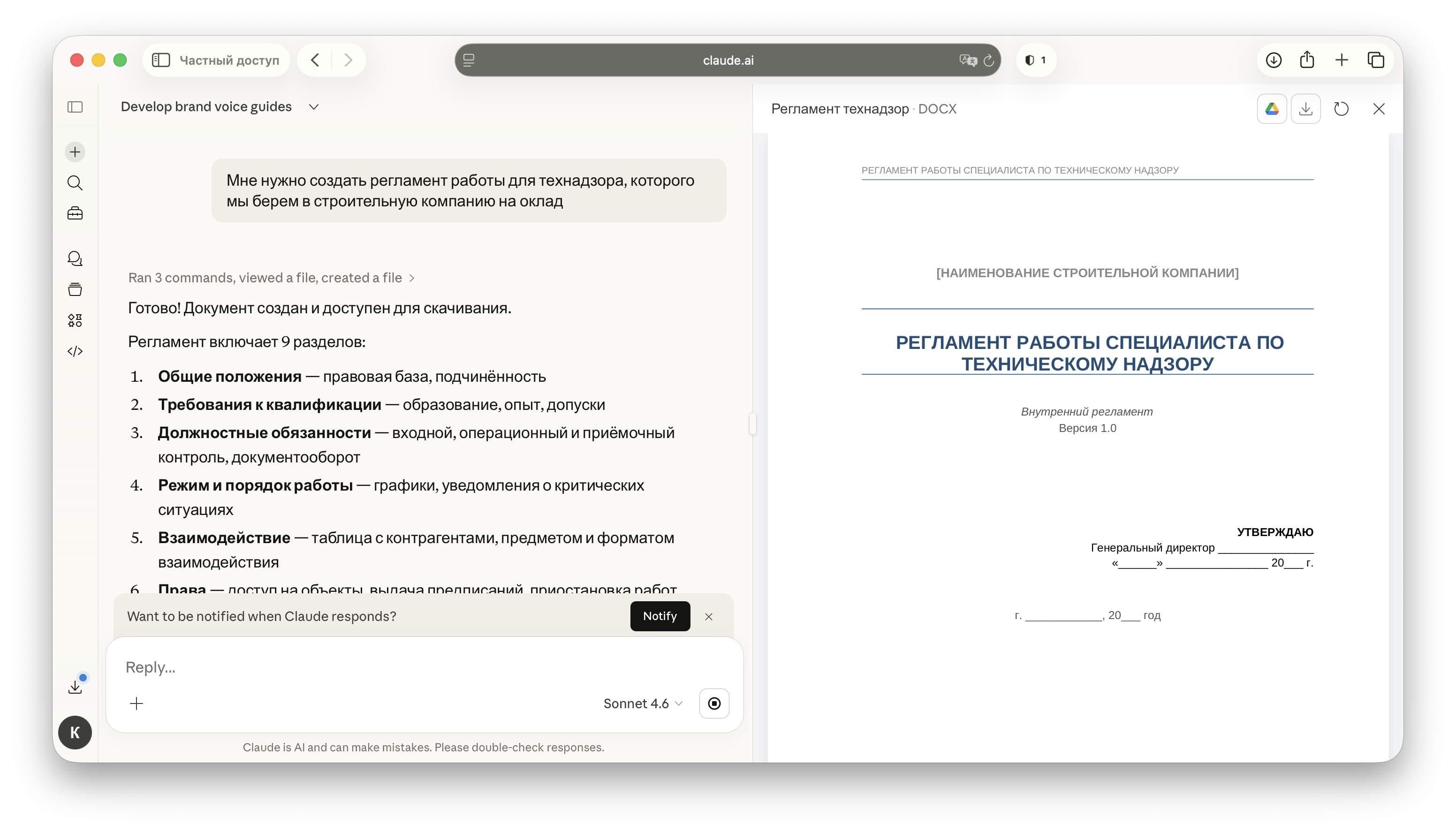
2) Meeting minutes and status reports. When there are a lot of meetings, AI helps to collect a short status according to the structure: what has been done, what is in progress, where is the blocker, what solutions are needed. This format fits well with the weekly project metrics: plan/actual on time and budget, changes, risks.

3) Registers “risks, problems, changes”. In projects, it is convenient to keep three lists in one place: risks (what could happen), problems (what has already happened), changes (what you decided to change). The neural network helps to formulate wording, collect options for measures, and prepare questions for item owners. Decisions are still made by people, responsibility is also human.
4) Planning the “first version” of the schedule. When you need to sketch out a framework of stages and dependencies, AI speeds up the draft: which jobs usually go first, which ones are delayed by others, where are the checkpoints. Then the adult part begins: binding to your resources, supplies, people. If you need an applied format for construction and repairs, 101 has material about the work schedule.
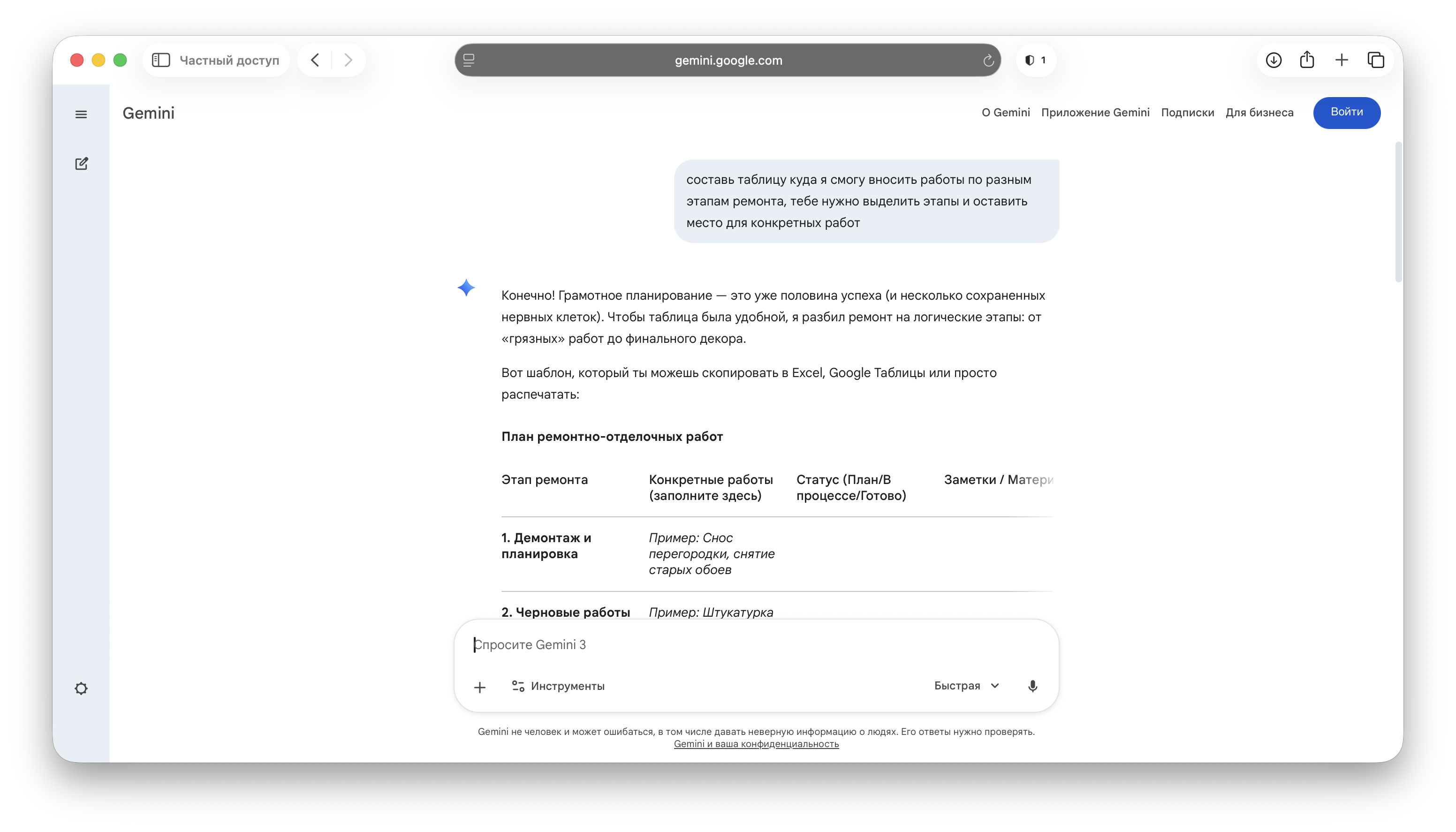
5) Checking the wording in the technical specifications and estimates. The neural network is good at finding ambiguities: “prepare the surface” without volume, “do electrical work” without a list, “painting walls” without the number of layers. It is convenient to use it as an “editor” before sending the document to the customer.
6) Analysis of tabular data and search for discrepancies. When you have an upload of payments, a list of expenses, a list of works, AI helps you ask the right questions: where are the items repeated, where the amounts are different, where there is no explanation. If you transfer the report upload to AI, it will help you find duplicate articles, outlier amounts and places without explanation. The value here is precisely that the neural network highlights places that are worth checking with your hands.
7) Preparation of templates. The AI quickly collects the preparations: a stage acceptance checklist, a report structure, a change request form, the text of a rule for the team. Next, you adapt the template to your process.
When do neural networks get in the way?
Trap 1. Promises without support for plan/fact. The neural network writes convincingly. If specifics are missing from its text (date, volume, who is responsible, what is accepted), the customer hears “everything is under control”, the team hears “we will manage everything”, then reality arrives.
Trap 2. Substitution of management decisions by the “hospital average.” The AI gives average advice. Projects are decided by details: which risk is critical, which task should move first, where the margin is, and where the cash gap is. These decisions require figures and context, and those live in your project, not in an abstract prompt.
Trap 3: Confidentiality and legal boundaries. Contracts, personal data, amounts, conditions are often sent to external services. Even if “nothing is wrong”, after a month it is difficult to explain where the access control was. The habit is simple: prepare impersonal content for AI or use internal company tools.
Trap 4. Operating system growth instead of saving. This happens when the team starts rewriting for appearance: endless message improvements, unnecessary presentations, and unnecessary reports. AI speeds up text production, but the project's manageability does not increase.
Trap 5. Terminology and version drift. Today AI calls the stage “rough finishing”, tomorrow “base preparation”, and the day after tomorrow “stage 3”. After a couple of weeks, nobody connects the task, payment, and acceptance record. A shared nomenclature and discipline in the tools help here.
How to implement AI in project management without chaos?
- Define the task in one sentence: “gather the status of the project for Friday”, “prepare a letter about additional work”, “check the plan/fact of expenses for the week”.
- Describe the input: where the facts come from (tasks, agreements, payments, schedule, list of works).
- Set the output format: status structure, letter template, discrepancy table, list of questions.
- Enter a verification rule: what you always check manually (dates, amounts, names, links to documents, wording of obligations).
- Record the result in the project system: protocol, comment on the task, entry in the change register, update of the schedule.
- After 2 weeks, evaluate the effect in terms of time and quality: whether there are fewer clarification calls, fewer conflicts over “who agreed”, whether the report is prepared faster.
This scheme is conveniently linked to the weekly management rhythm: plan/actual deadlines, plan/actual budget, changes, risks, effect. This set of metrics is convenient for an entrepreneur to keep in mind.
How to assemble a bunch of tools with neural networks?
A neural network does not replace a control system. She needs “where to put the result.” In practice, a combination works well: a separate tool for tasks and deadlines, a separate tool for money, reporting and documents. In materials 101 this is formulated directly: the task tracker holds tasks, 101 App holds finances and confirmability.
When project finances live in correspondence and spreadsheets, the manager loses control: it is difficult to understand the balance of the project, who spent it, under what item, and what was confirmed by document. IN 101 App this layer can be organized through financial accounting for projects, accountable funds, expense items, spending history and analytics.
If you work on a lot of projects and need closer monitoring of indicators, separately evaluate whether the PRO+ subscription is right for you.
Want to see how this fits into your process and how to connect finance with the project discipline? Sign up for a presentation of Applications 101: we will show you a script tailored to your project format.
A short checklist: is it worth using AI for this task?
If the answer is “yes” to at least three points, the neural network usually provides benefits:
- There are facts that can be given as input (work plan, payments, agreements, list of tasks).
- There is a clear output format (letter template, protocol, status, risk register).
- There is a place where the result is recorded (document, task, change register, financial transaction).
- There is a rule for manually checking critical fields (dates, amounts, obligations).
- The task is repeated every week or at each site.
If you want to expand your base on project management, take a look at articles 101 about project management basics for entrepreneurs, about work schedule and about project management tools.