Keep your construction rates in one up-to-date price list. For each item, describe the work covered and state the unit of measure and the unit price. To prepare an estimate for a project, add quantities based on measurements. Give the client the rates they need or an estimate with the total for their work.
What to include in a price list
Group the work by category. For each item, explain which tasks are included and which are priced separately. Record the unit of measure and the unit price. When rates change, record the date and update the working version of the price list so your team uses current figures.
Fill in this sample template with your own rates. The unit in the price list must match the unit you use to measure the quantity in the estimate.
| Work item | Unit | Your unit price, ₽ |
|---|---|---|
| Wall plastering | m² | Enter your price |
| Skirting board installation | Linear metre | Enter your price |
| Door installation | Each | Enter your price |
How to keep construction rates in 101
Import and check your price list
In the web version, download the template, fill it in and import the price list from Excel (in Russian). Check the categories, item names, units and prices. Once you have saved it, open the relevant categories in the mobile app if you have access to that price list.
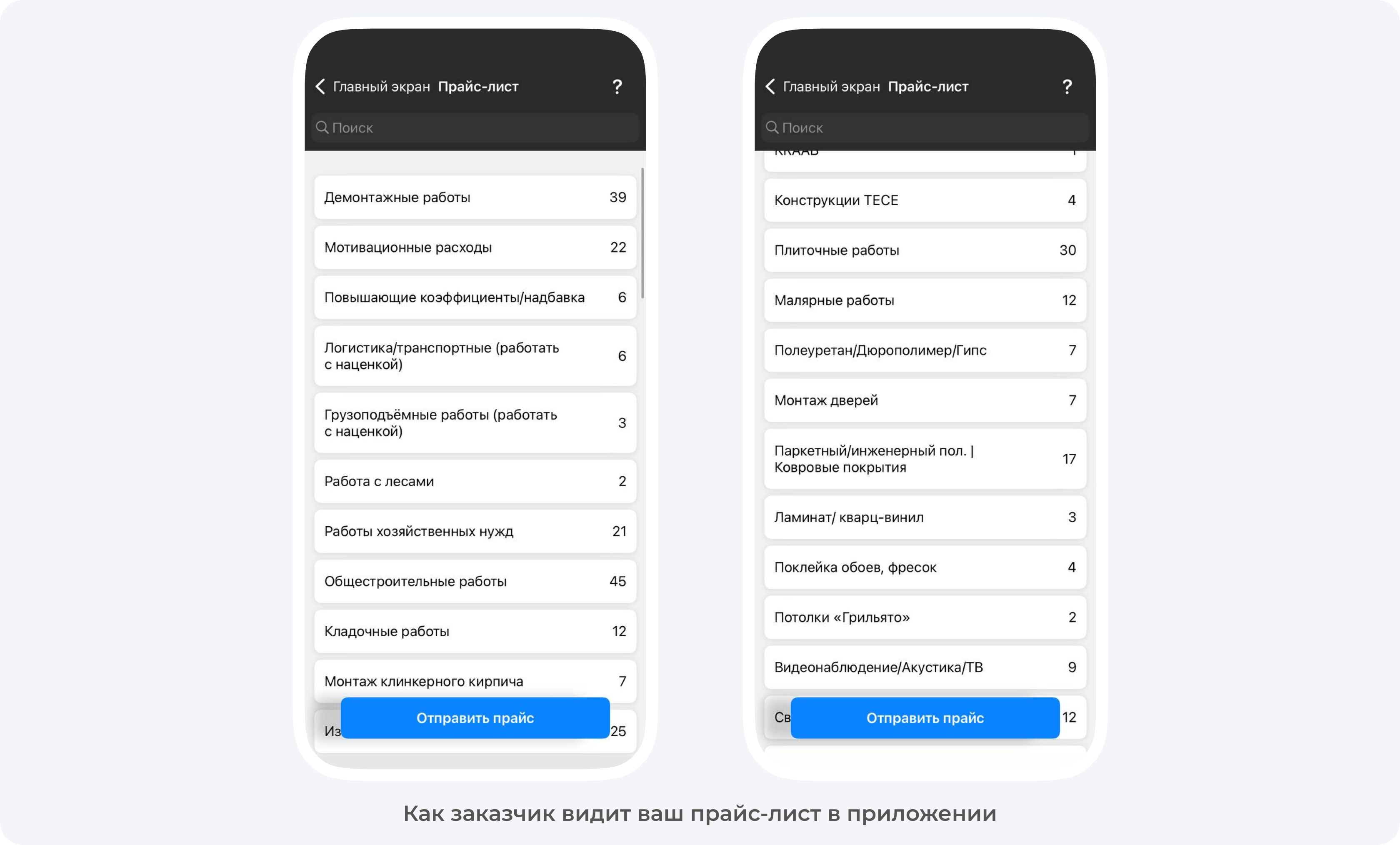
Prepare an estimate using rates and measurements
If you have permission to edit the project details, select the relevant price list there (in Russian) and check that its name appears on the project card. When you create an estimate (in Russian), select items from the linked price list if the expense category allows that source. Enter quantities based on measurements. Before saving, check the scope of work, units and the amounts you can see against what was agreed.
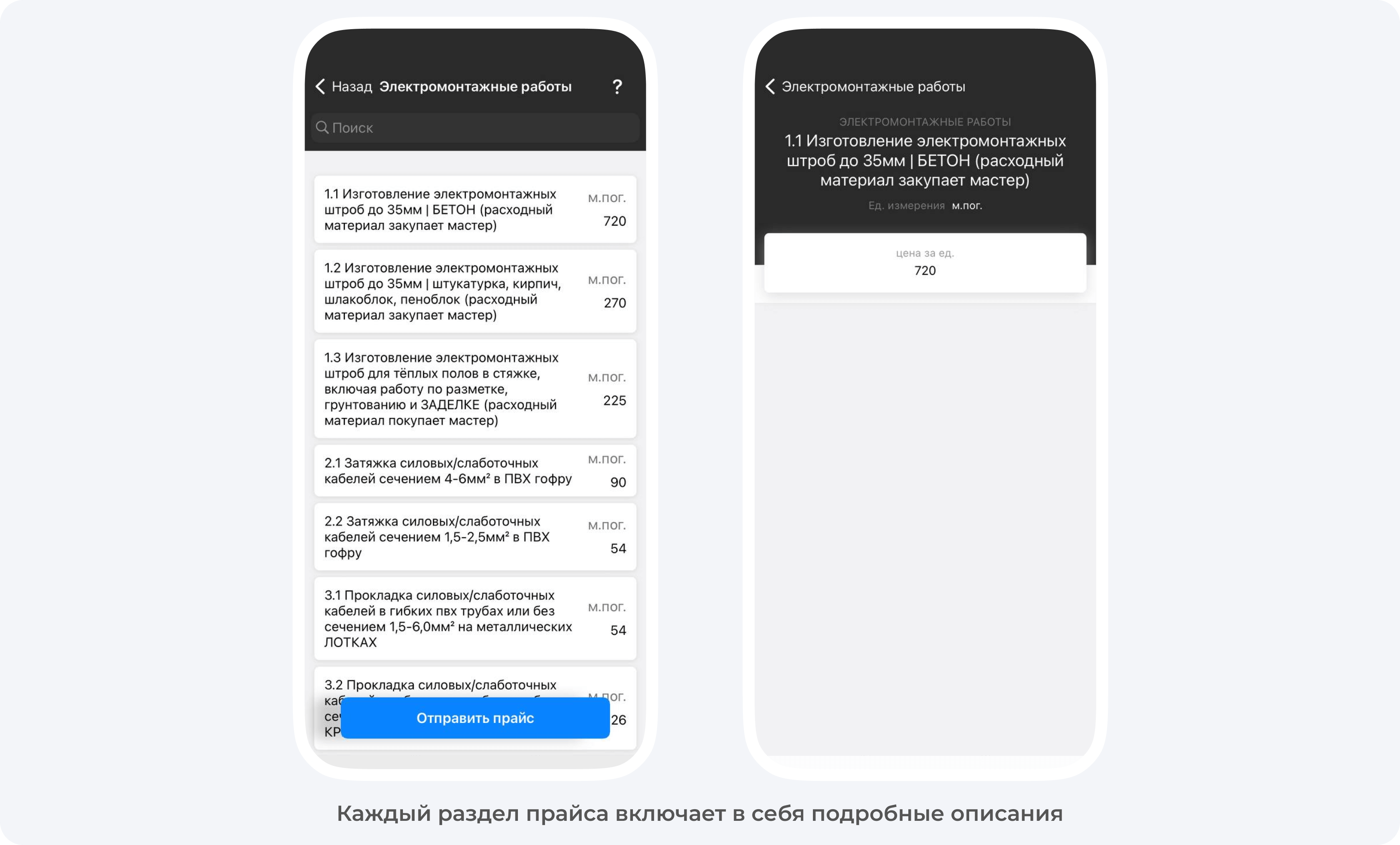
Share the relevant rates with the client
If price list sharing is available to you, open the full price list or the relevant category in the mobile app and export a PDF with client prices (in Russian). Before sending it, check which work items the document includes and the unit price for each item. If the client needs the total for their project, send an estimate with quantities. For the full steps, see how to send a price list in 101.