Picture this: you are presenting a proposal to a client when the call cuts out at the first question. Now you have to send another link and get everyone back on the call. When looking for a Zoom alternative, check three things up front: how long a meeting can run, how guests join, and where you can find what was agreed after the call.
We compared four services for team check-ins, client meetings, and interviews. Here is how their meetings work, what you can use for free, and what your company gets for the price of a business plan.
Contents:
101 Platform
Teams use 101 to manage projects, assign tasks, store documents, and discuss work in chats. You can also run a team check-in, share a document on screen with a client, or invite a candidate to an interview. The options depend on whether the participants have 101 accounts.
Free calls between 101 users
If your colleagues already use 101, you can call them on the free plan. You do not need a paid subscription for a standard call between users. The plan does not cap meeting length or the number of participants.
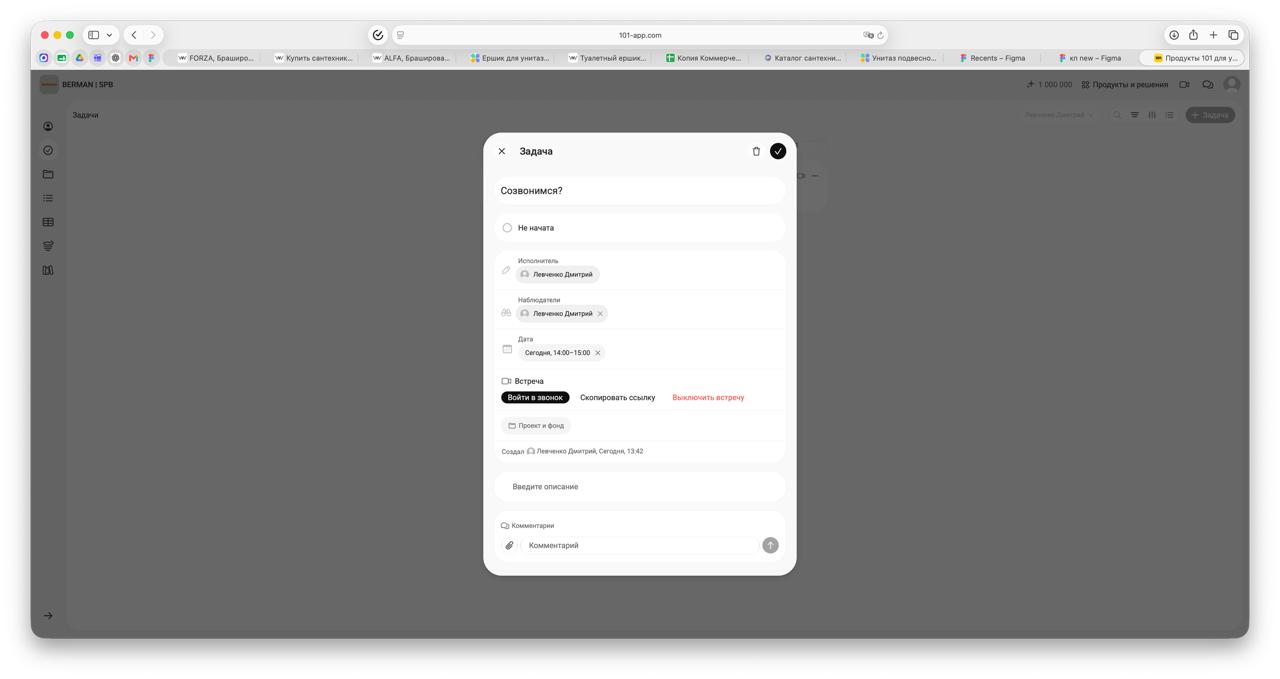
If you schedule a video meeting (in Russian) in advance, 101 saves the topic, time, and participants in the task card. Colleagues with 101 accounts receive an invitation and can open the meeting at the scheduled time.
A branded meeting room for clients and candidates
With 101 PRO+, the organizer can hold external meetings in a room branded for the company. The subscription costs RUB 3,800 per month when billed annually.
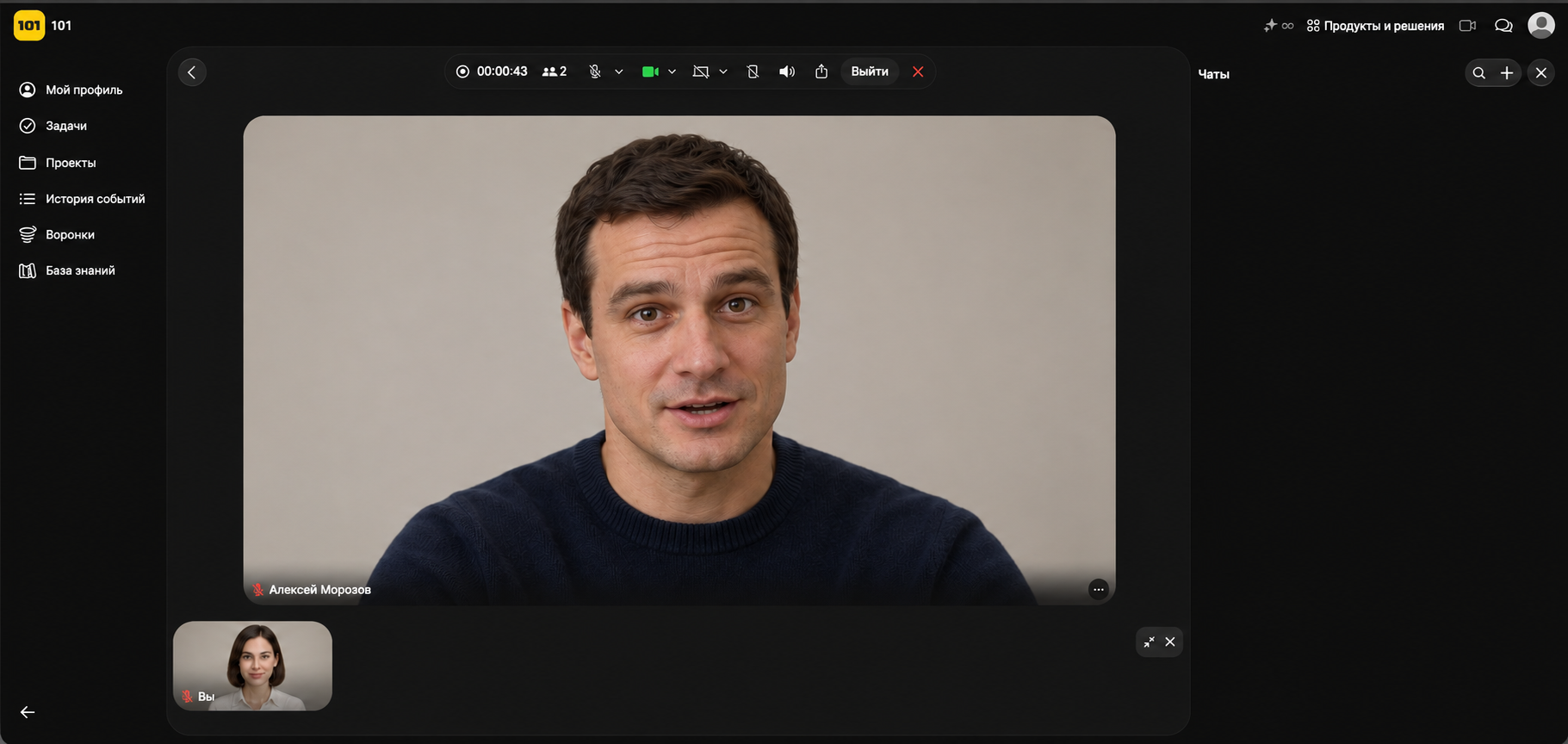
How does it work? The organizer sends a guest link (in Russian). The client or candidate opens it and joins the call right in the browser under the name “Guest.” There is no need to accept cookies, register, or install an app. The meeting window shows the company name, its logo if one has been uploaded in settings, and the participants’ names. The call interface hides the 101 brand, so guests see a meeting room branded for your company.
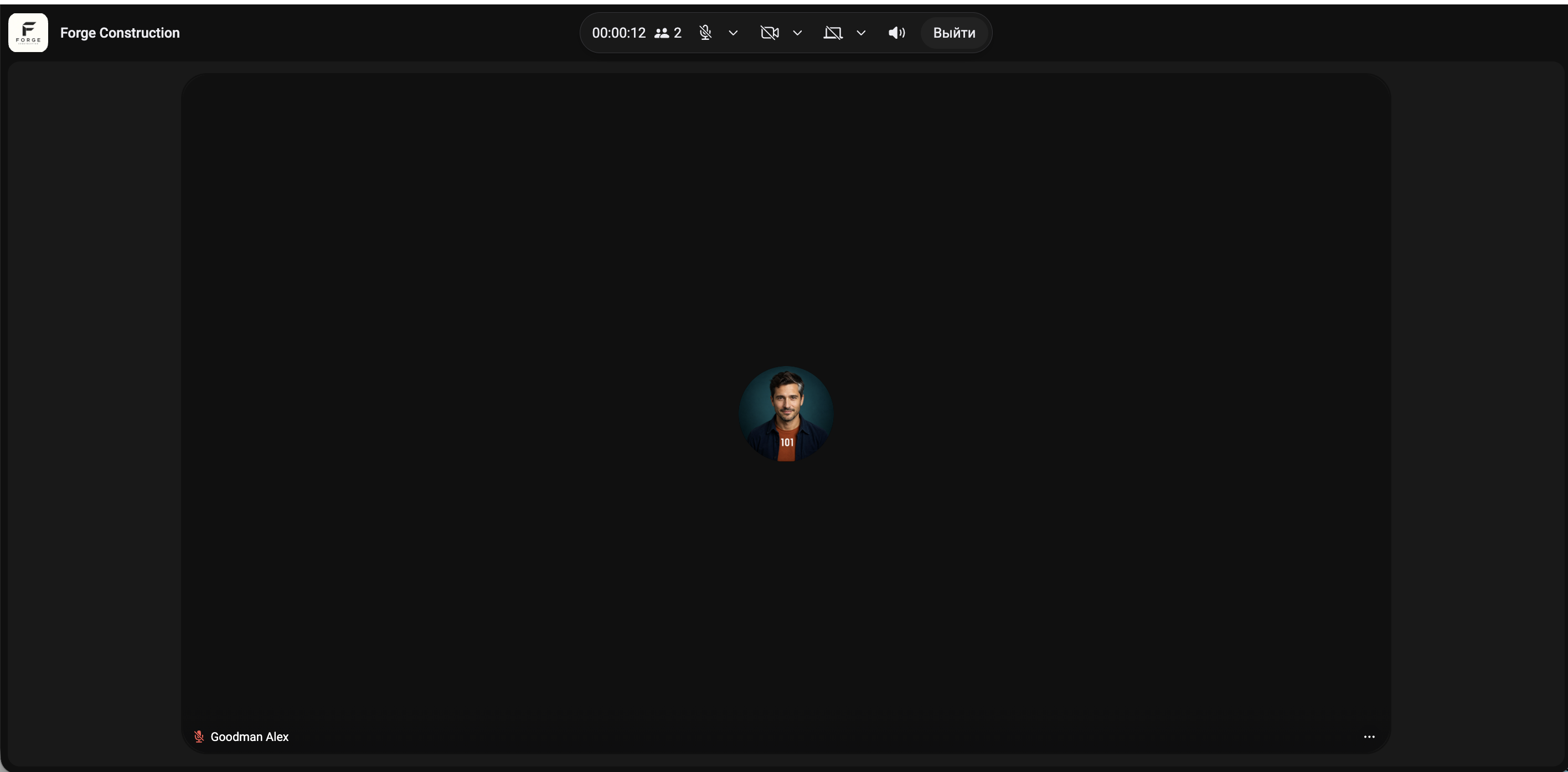
With PRO+, participants who have recording permission can record a video meeting (in Russian). After processing, the recording is saved in the meeting card under Tasks. You can then revisit a client demo or go back to a candidate’s answers after an interview.
Guest meetings have no separate time or participant limit. The type of link does not in itself reduce video quality. How sharp the video looks depends on the device, browser, and connection. In 101, you can set the camera and screen sharing quality (in Russian) to as high as 1440p if the option is available. When you blur or replace the background with 101’s built-in tools, camera resolution is capped at 720p.
The free 101 plan already includes tasks, a Gantt chart, chats, estimates, documents, and a knowledge base. For example, a manager can assign a task and set a deadline so the team knows what to do after the meeting.
With PRO+, you also get a branded meeting room, documents with your company logo, advanced analytics, a change history, data export, and an API for integrations. You can discuss the next stage with a client on a call, then assign the work and send a formatted document from the same platform.
Yandex Telemost
Telemost suits teams that schedule calls in Yandex Calendar. The organizer adds the call to a calendar event, and the guest opens the link in a browser without a Yandex ID. In the waiting room, the organizer can decide whom to admit. This is useful during interviews when the previous conversation is still in progress.
The Chats and Calls plan includes meetings for up to 100 participants, business chats, online whiteboards, and 10 GB of Yandex Disk storage per employee. For meetings of up to 1,000 people, Yandex offers a separate add-on for RUB 39,999 per month on top of a compatible plan. It is available on the Minimum, Basic, Advanced, and Corporate plans.
Kontur.Talk
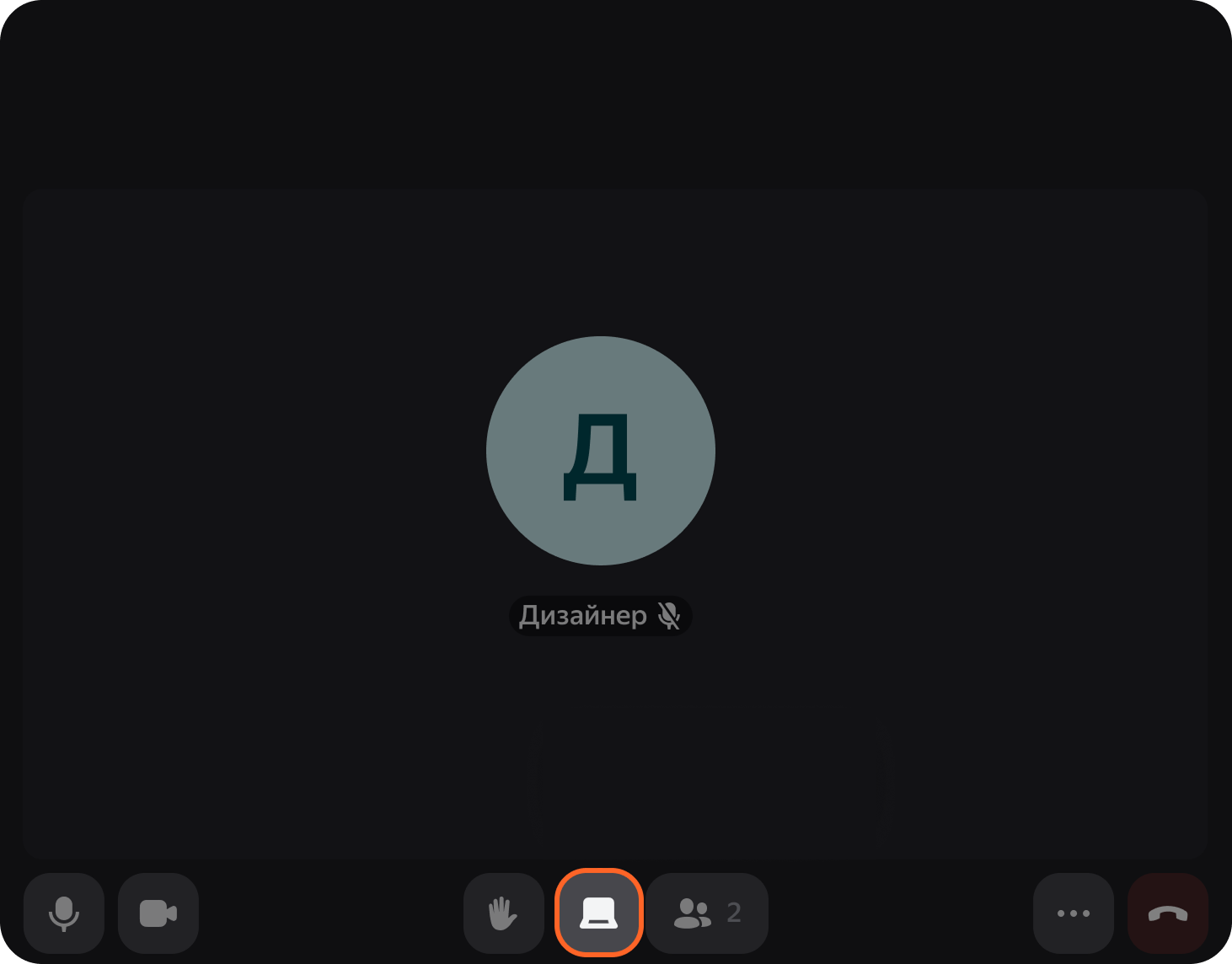
In Kontur.Talk, the organizer can allow external guests to join so invitees can connect without registering. If the team is discussing a new project, participants can open a shared whiteboard in the meeting and jot down their suggestions.
The Profi plan includes meetings of up to 100 participants with no time limit, 10 GB of cloud recording storage per license, speech recognition, meeting summaries, and branded links. Each license lets you run one call at a time. If sales is meeting with a client while a recruiter is interviewing a candidate, you need two rooms. On an annual purchase, two rooms cost RUB 21,980 and one costs RUB 10,990.
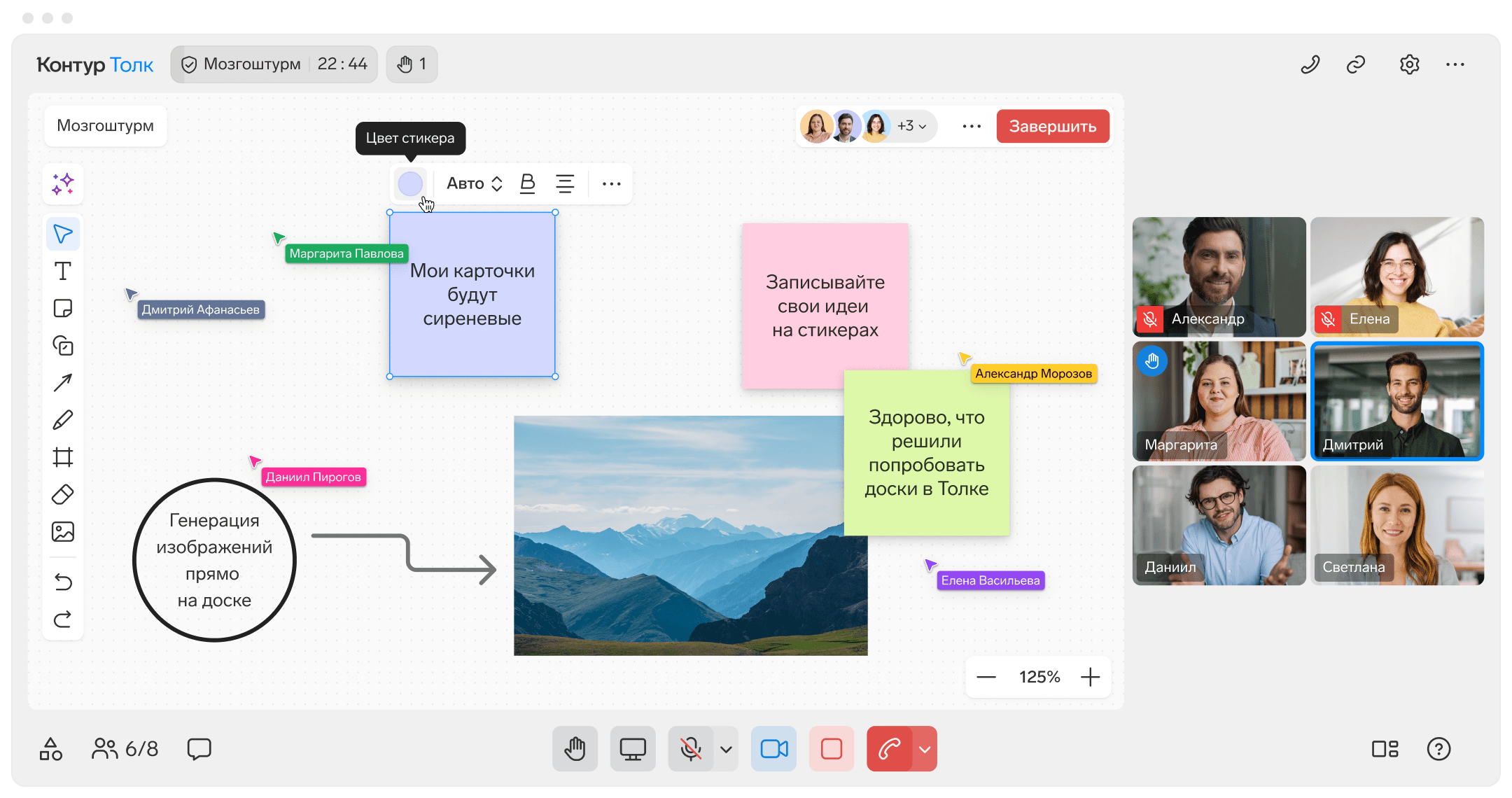
An administrator can change the organization’s name and workspace address. Kontur advertises a custom company domain for links in the server edition.
MTS Link Meetings
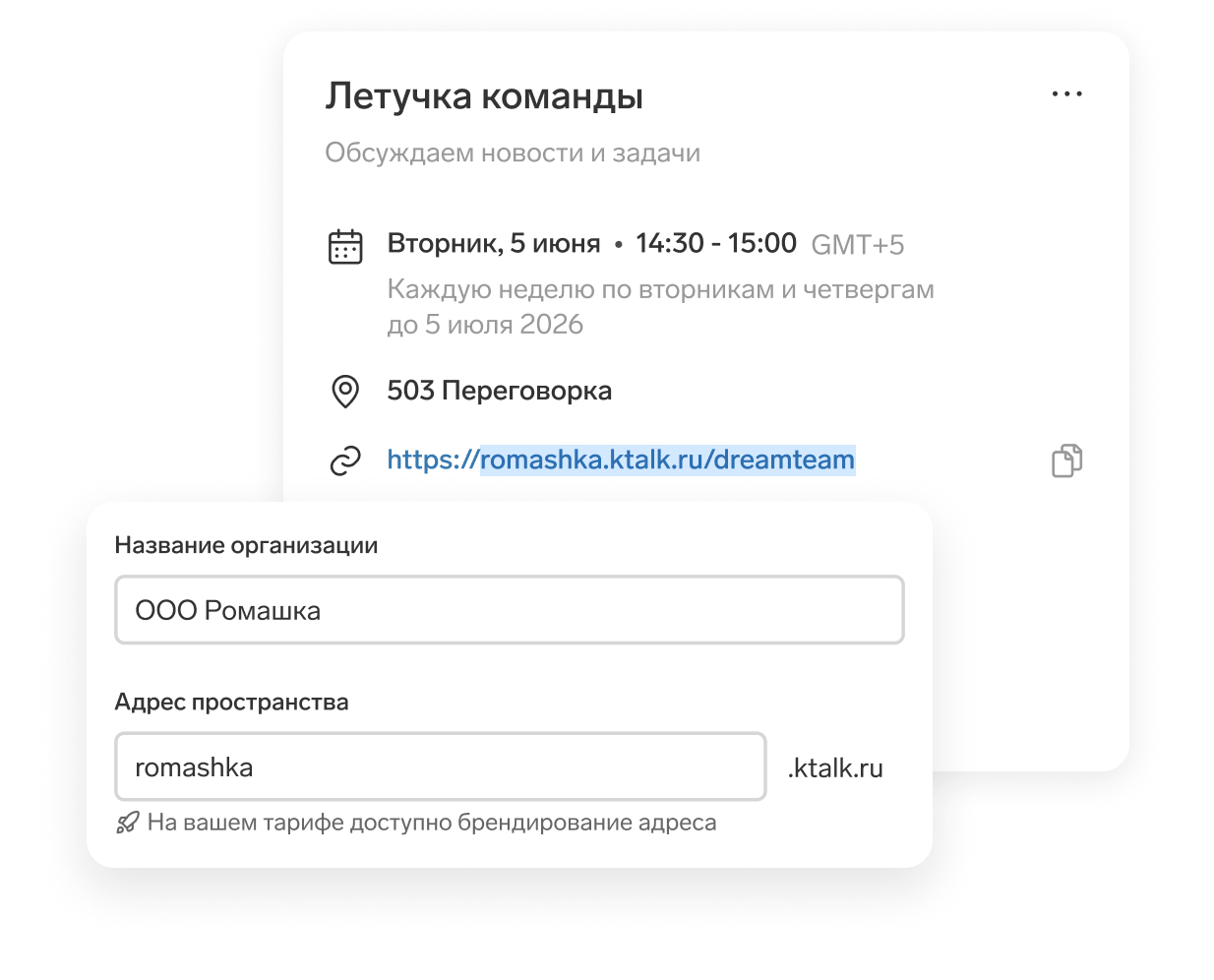
In MTS Link Meetings, the organizer can share their screen, open a whiteboard, or switch to notes. For group screening, you can turn on registration and collect candidates’ details in advance. When open access is enabled, invitees only need a link.
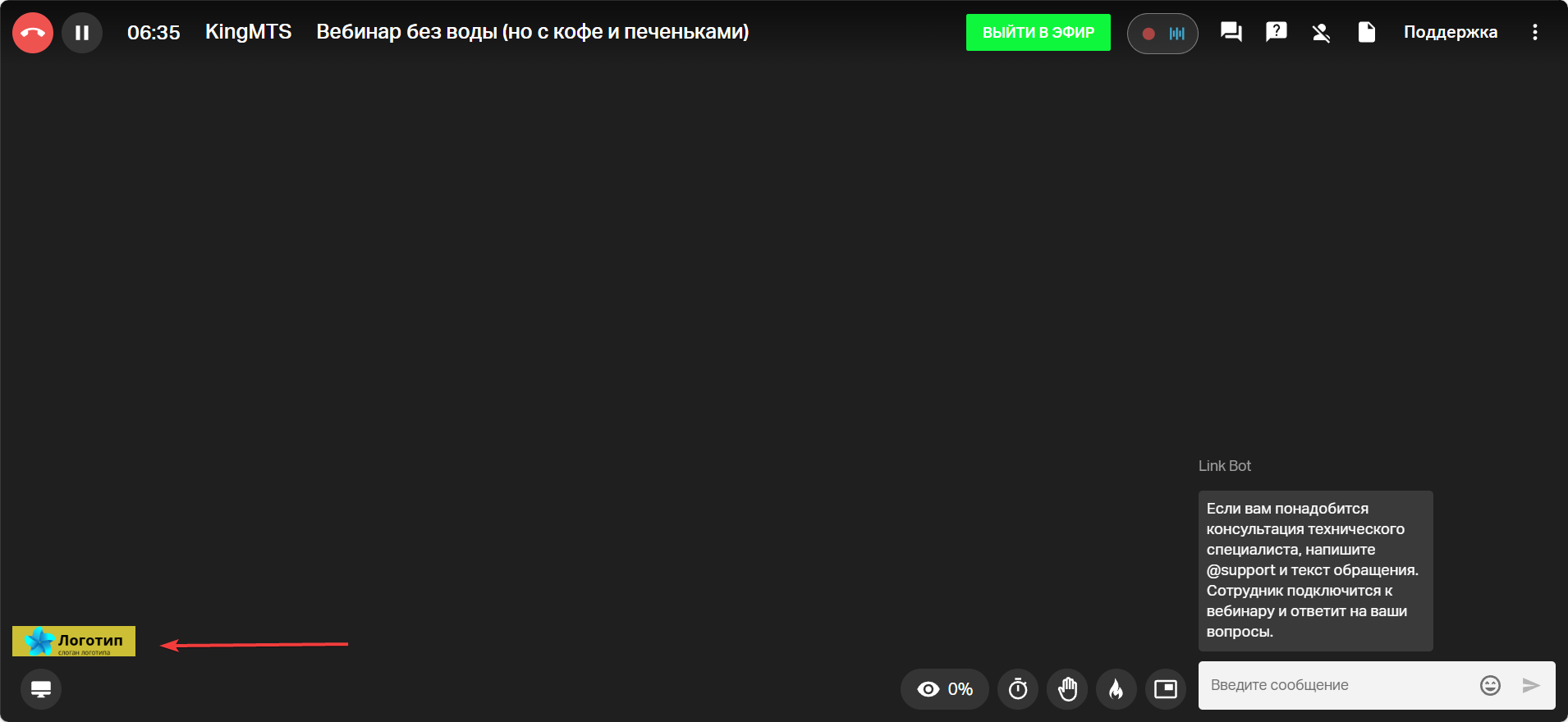
The Basic cloud plan includes meetings for up to 100 participants, an interactive whiteboard, screen sharing, branding, email campaigns, and MP4 video export. In the branding settings you can add a company logo to the event.
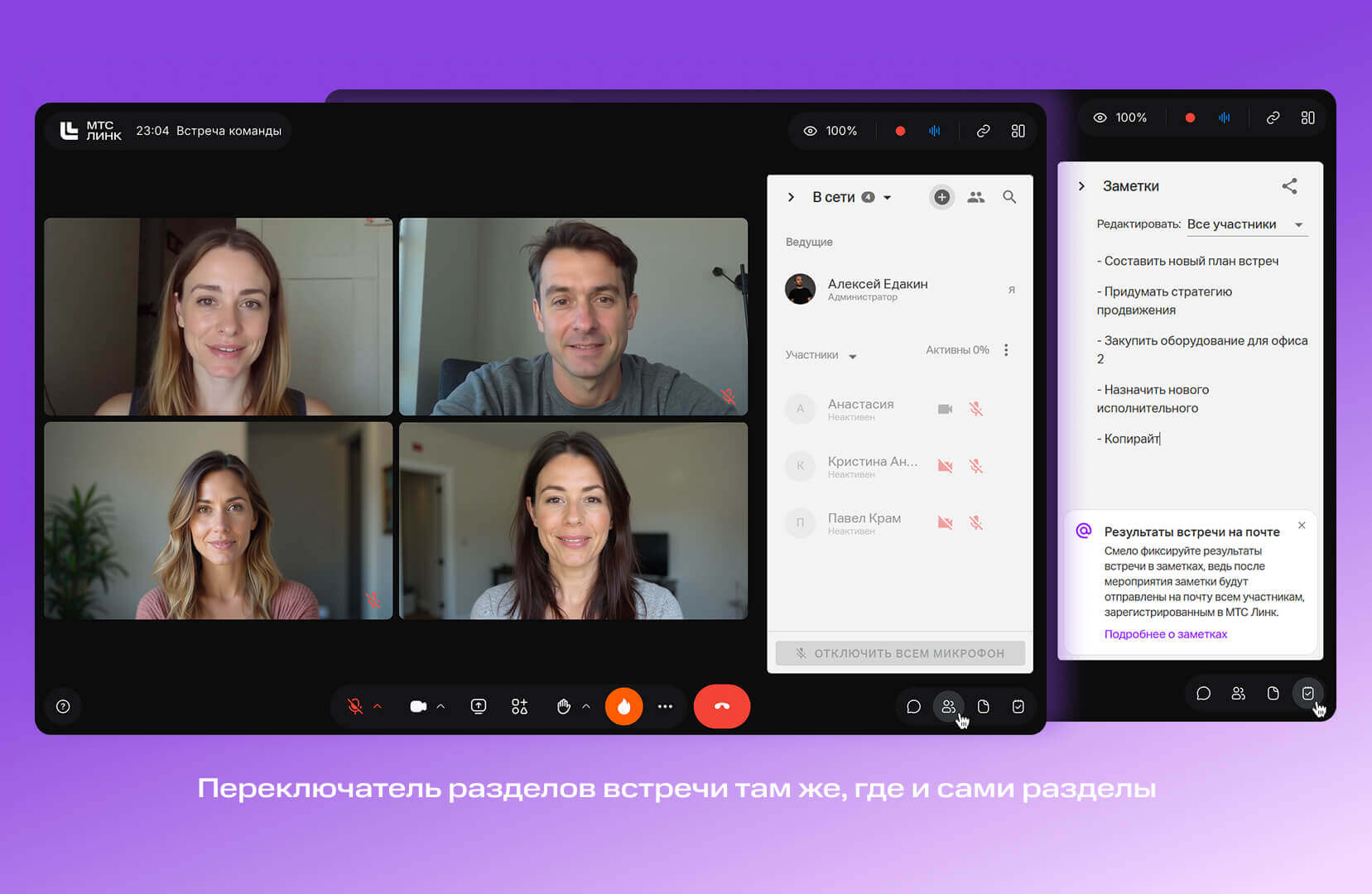
MTS Link describes how to replace its platform branding with your own in the documentation for its server edition. Transcription and summaries are available in that edition as a paid add-on. Contact sales for server pricing.
Free features
| Service | Participants | Duration | Who can join? |
|---|---|---|---|
| 101 Platform | No limit | No limit | Free calls between 101 users. |
| Yandex Telemost | Up to 40 people | No limit | Guests can join via a link without registering. |
| Kontur.Talk Start | Up to 50 people | Up to 40 minutes | The organizer can allow external guests to join via a link. |
| MTS Link Meetings Free | Up to 30 people | Up to 60 minutes | With open access enabled, guests can join via a link without an account. |
Paid plans and business features
Depending on the plan, you pay per employee, per room, or for the organizer’s subscription. The last column shows what each provider confirms about the meeting window guests see.
| Plan | Price | What’s included | Guest view |
|---|---|---|---|
| 101 PRO+ | RUB 3,800 per month when billed annually. | Guest links with no registration, video meeting recordings saved in task cards, projects and tasks, documents with your logo, advanced analytics, data export, and API access. | The meeting window shows the company name and its uploaded logo. The call interface hides the 101 brand. |
| Yandex Telemost | Chats and Calls costs from RUB 1,990 per month. For teams of 11 or more, the charge is RUB 199 per employee. The add-on for up to 1,000 participants costs an additional RUB 39,999 per month on a compatible plan. | Chats and Calls includes up to 100 meeting participants, chats, online whiteboards, and 10 GB of Yandex Disk storage per employee. A waiting room lets you control when external participants join. | Standard Telemost call window. |
| Kontur.Talk | Profi costs RUB 10,990 per room for 12 months when you buy 1–9 licenses. Softline lists a 10-license server package for RUB 150,000 for 12 months. | Profi includes up to 100 participants, recording, speech recognition, summaries, and branded links. The server edition runs on the company’s own infrastructure. | Profi lets you brand the link address. Kontur advertises a custom domain and workspace name for the server edition. |
| MTS Link Meetings | The Basic cloud plan has a promotional price of RUB 11,988 for 12 months. Server edition pricing is available on request. | Basic includes up to 100 participants, a whiteboard, screen sharing, email campaigns, branding, and video export. In the server edition, transcription and summaries cost extra. | On Basic, you can add your company logo. With the server edition, you can replace the MTS Link brand with your own. Pricing is available on request. |
Prices checked on November 13, 2026.
How do you compare costs for your team?
Say you have a team of 30 employees. They already use 101, and one organizer handles client meetings. Internal calls are free, and the organizer buys one PRO+ subscription for RUB 4,990 on monthly billing or RUB 45,600 for the year (RUB 3,800 per month).
For the same team, Yandex Telemost’s Chats and Calls plan would cost, under its billing rules, RUB 5,970 per month (30 × RUB 199). On monthly billing, that is RUB 980 more than a single PRO+ subscription. Yandex Tracker is available under separate terms.
Kontur.Talk Profi and the MTS Link Basic cloud plan cost less when billed annually. Profi lets you brand the meeting link, and Basic lets you add your company logo to the call window. Contact MTS Link for pricing on the server edition with your own branding.
Frequently asked questions
Where can you hold a free video meeting that lasts over an hour?
With free Yandex Telemost, there is no time limit, and you can invite up to 40 people. In 101, users can call each other free with no time limit under the plan. After the trial, the free Kontur.Talk Start plan limits meetings to 40 minutes. MTS Link Meetings Free limits them to 60 minutes.
Do guests need an account in Telemost, Kontur.Talk, or MTS Link?
In Telemost, guests can join via a link without a Yandex ID. In Kontur.Talk, external guests can join without registering if the organizer allows external access. In MTS Link, the organizer decides whether to allow open access or require registration. For an important meeting, test the invitation in a private browser window.
How do you estimate costs when your team runs several meetings at once?
Pick your busiest hour and count how many calls will be running at once. In Kontur.Talk, one license provides one virtual room for one call at a time. If sales is running a demo while a recruiter is interviewing a candidate, you need two rooms. The Yandex 360 Chats and Calls plan has a fixed fee for up to 10 employees. From 11 employees, you pay for each employee.
Do you need PRO+ to call your team?
No. Calls between 101 users are free. On the free plan, the organizer can start a call and invite colleagues who have 101 accounts.
Who needs a subscription for a guest meeting?
The person managing the meeting needs PRO+ to create a guest link (in Russian). The client, partner, or candidate can open the link in a browser without an account or payment.
A guest link lasts an hour. Will the call end after an hour too?
One hour is how long a guest invitation created in the web version is valid (in Russian). The clock starts when you create the link. If a guest opens it after the hour is up, send a new one. The link’s expiration does not limit the length of the call.
See how 101 can work for your team
Tell us how you run team check-ins, interviews, or client meetings. In a free online consultation, a 101 expert will walk through your workflow, show you the guest meeting room, and explain how to connect calls with tasks and documents. The session takes 30–60 minutes.