
This selection helps you compare nine options for tracking money in construction and is not a ranking based on independent testing. It includes programs for the Russian market: check availability, interface language, integrations and suitability for your country’s requirements with the developer. The tax and estimating features of Russian configurations do not imply compliance with other countries’ rules. The illustrations show manufacturers’ Russian-language pages, rather than step-by-step actions in the programs.
Contents:
101 app
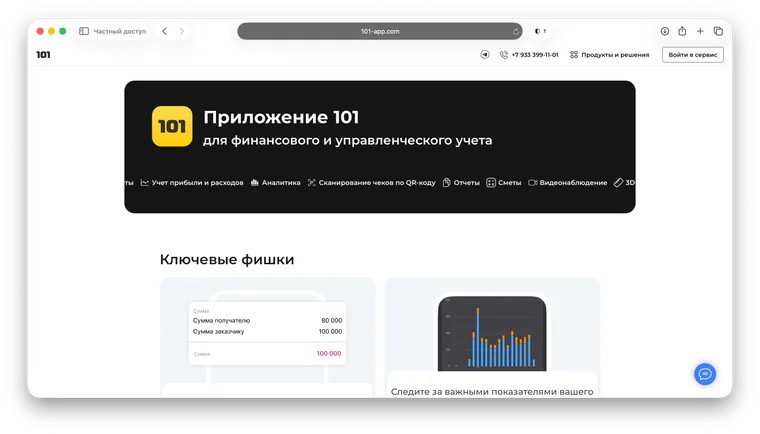
If you need to track money in construction by project, enter expenses from your phone and provide clear reports to clients, consider the 101 app. The system includes accountable funds and payments, project expenses, files, estimates and client reports. For more background, see the article on tracking accountable funds (in Russian) and the selection of the top 5 management accounting apps (in Russian).
Gectaro
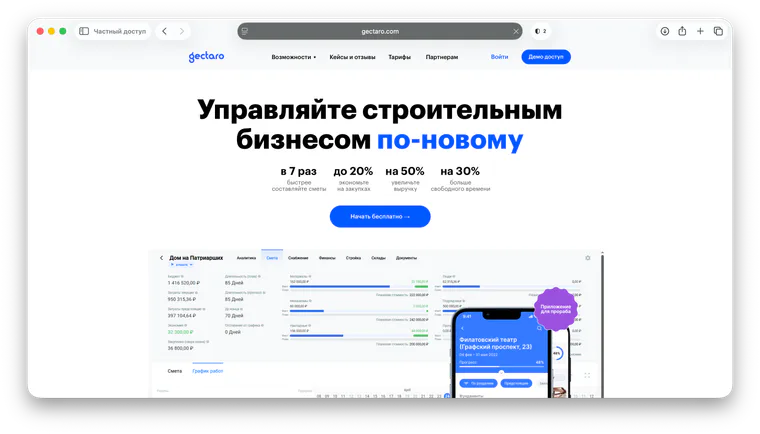
You can consider Gectaro if you want to keep estimates, work stages and project finances in one system. Its approach is project-based: each construction job becomes a project with its own financial picture, making it easier to see planned and actual figures, revenue, costs and profitability. This format suits situations where tracking money in construction is linked to scheduling and procurement. This is an editorial assessment of a use case, rather than statistics on companies’ choices.
Smetter
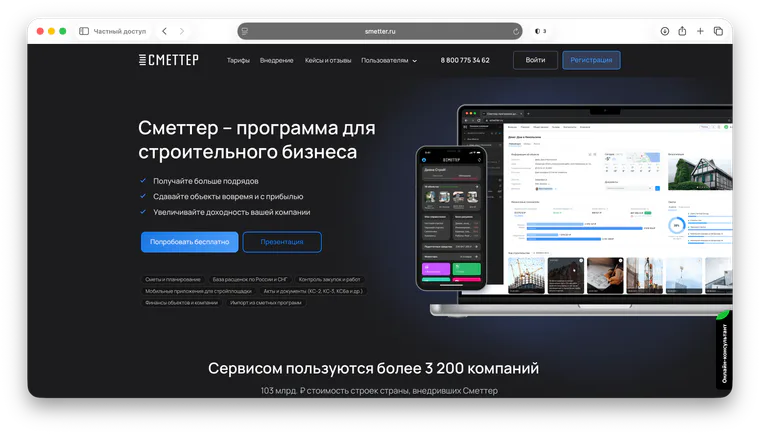
You can consider Smetter if your team needs estimates and the financial accounting around them: summaries by construction project, estimate and client, company profit, cash flow statements and profit and loss reports. When work involves many small purchases and changes during renovation, estimates can become the central basis for tracking money in construction, with payments and analytics added around them. Rate databases for Russia and the CIS do not replace your country’s requirements; the available features depend on the selected plan.
PlanFact
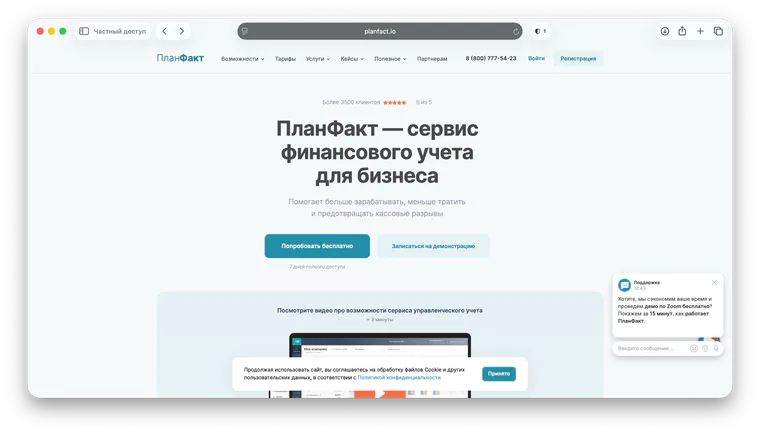
PlanFact is an option for project-based businesses that need management accounting: cash flow and profit and loss reports, budgets, allocating payments to categories and an overall financial picture of the company. You can consider it for managing cash shortfalls and payment discipline if you handle estimates and production in other tools. This is a possible way to choose a tool, not a claim that the service lacks other capabilities.
Adesk
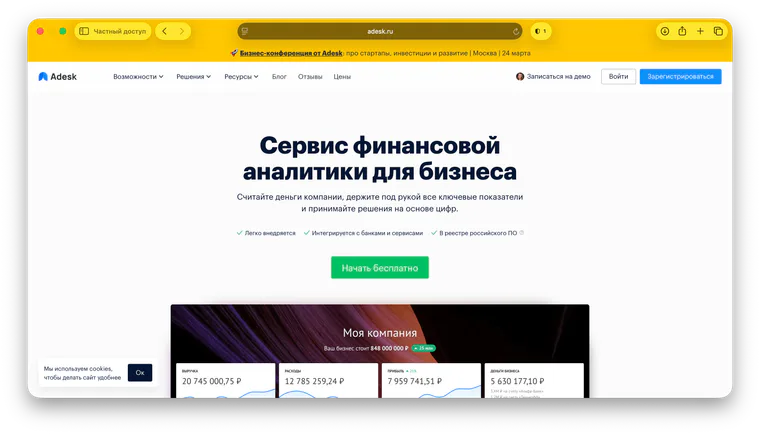
Adesk is a cloud financial and management accounting service. It supports working with cash flow, profit and loss, the balance sheet, planning and regular reports. You can consider it if you need an overall system for tracking money while handling construction estimates, photos and work completion documents in other tools. With several accounts and regular cashless payments, check the integrations you need separately; a setup that takes little time is not guaranteed in advance.
1C:Managing Our Firm
You can consider 1C:UNF when you need order tracking, payroll and a connection to bookkeeping, with financial tracking forming part of the company’s overall accounting system. The Russian configuration also includes tax features with specified restrictions and integration with 1C:Accounting 8; these cannot automatically be applied to another country. Assess implementation, training, administration and support against your own processes: there is no universal level of complexity or implementation timeframe.
1C (customized configurations and ERP for construction)
If your company has many divisions and complex procurement and holding-company management arrangements, you can consider customized 1C configurations and ERP systems for construction. Depending on the particular solution and its configuration, this approach can support accounting for budgets, limits, planned and actual figures, contractual terms and settlements. Allow for your team’s time, implementation and the work of external consultants. For a small or medium-sized contractor, this level may be excessive; this is an editorial assessment, not a mandatory rule.
Excel (spreadsheets)
Excel lets you quickly prepare a budget, maintain a simple payment register and compare planned and actual purchasing figures. Its advantage is flexibility; when maintaining spreadsheets manually, it is important to check formulas, manage file versions and agree on collaboration rules. Co-authoring is also available in Excel, so collaboration does not necessarily mean exchanging files. If you continue using spreadsheets, agree on their structure and data-entry rules. The 101 blog has a separate article on tracking expenses in Excel.
Grand-Smeta (cost estimating)
Grand-Smeta is designed to determine estimated construction costs and account for completed work. In its original Russian context, estimating standards and formats matter; this does not imply compliance with other countries’ estimating rules. An estimate helps with finances through planning: it sets budget boundaries, while actual payments, accountable funds, closing documents and comparisons of planned and actual figures require an appropriate accounting tool. Importing from estimating programs is supported, for example, in Smetter; check the supported format and conditions before transferring data.