Free AI tools help you draft letters, find information, work through documents, transcribe recordings and create illustrations for presentations. What matters next is discipline: use a consistent prompt, provide input data in a consistent structure and run brief checks on the result.
The terms of free access were checked against official sources on 21 October 2026. Cloud services may limit individual features, and availability depends on your country, account and chosen application. For local models, check the licence and computer requirements separately. For more on service availability, see the 101 article on tools and VPN access (in Russian). Start with one chat tool for text, one tool for source-based research, one model for images and one for speech. Add the others as a task requires.
Contents:
ChatGPT
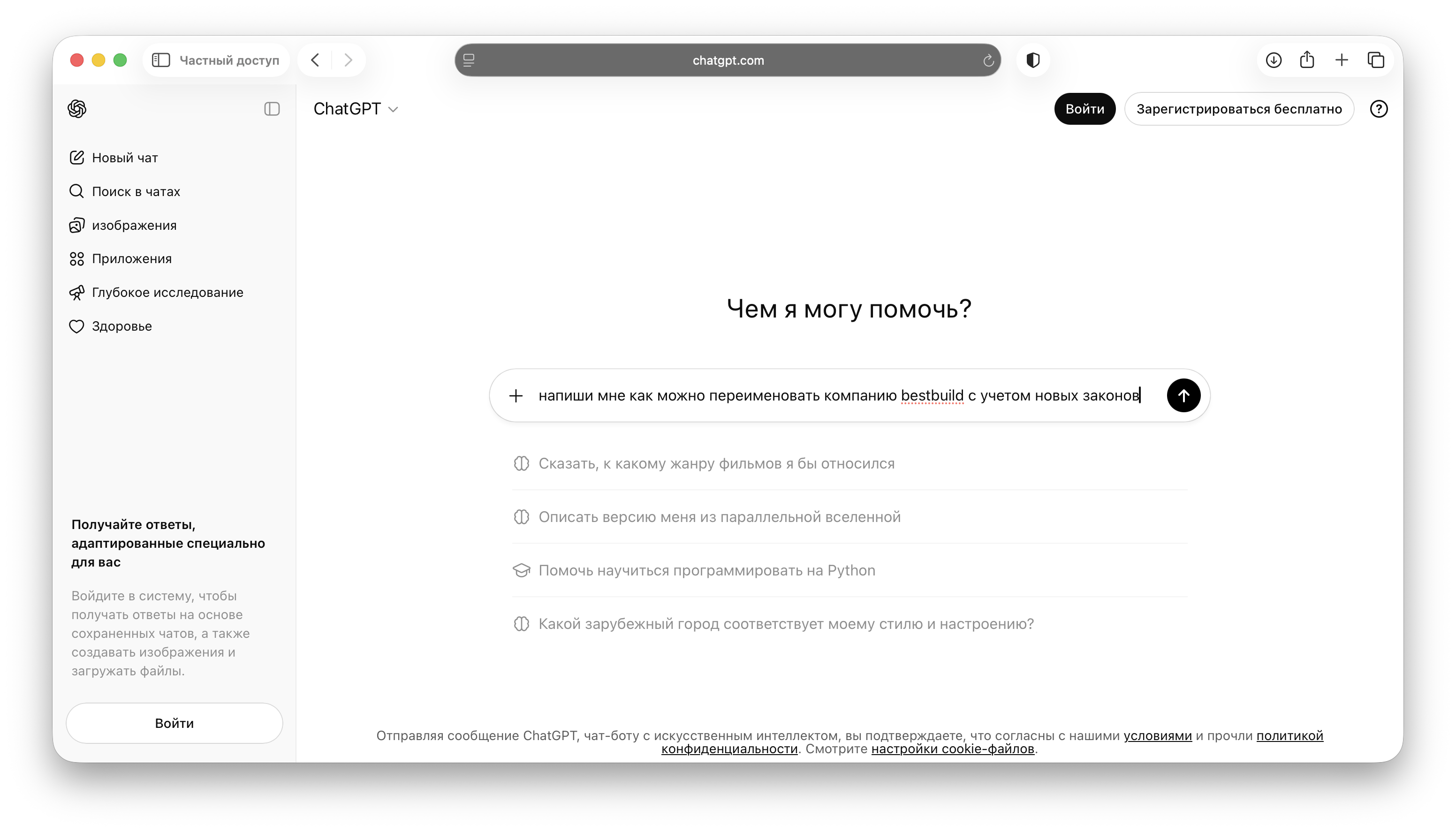
ChatGPT is useful as an all-purpose first-draft tool for text, ideas, document outlines, questions for a call and procedure templates. ChatGPT offers free access to chat, web search, file handling and image creation. Uploads, data analysis, image generation and other tools have separate limits; the service tells you when you reach them. Current terms are listed in OpenAI's Free Tier FAQ. The terms were checked on 21 October 2026 using the official links in this section.
If your work involves sales, start with conversation scenarios: ask the AI to create a sales script tailored to your property type, typical job value, city and call objective. 101 has a separate article on how to write prompts for sales scripts: sales scripts for construction.
An example of a work prompt: “Create a brief for a surveyor visiting an apartment: what to clarify on site, which photos to take and which risks to note. Inputs: [building type], [floor area], [deadline], [special requests].”
Claude
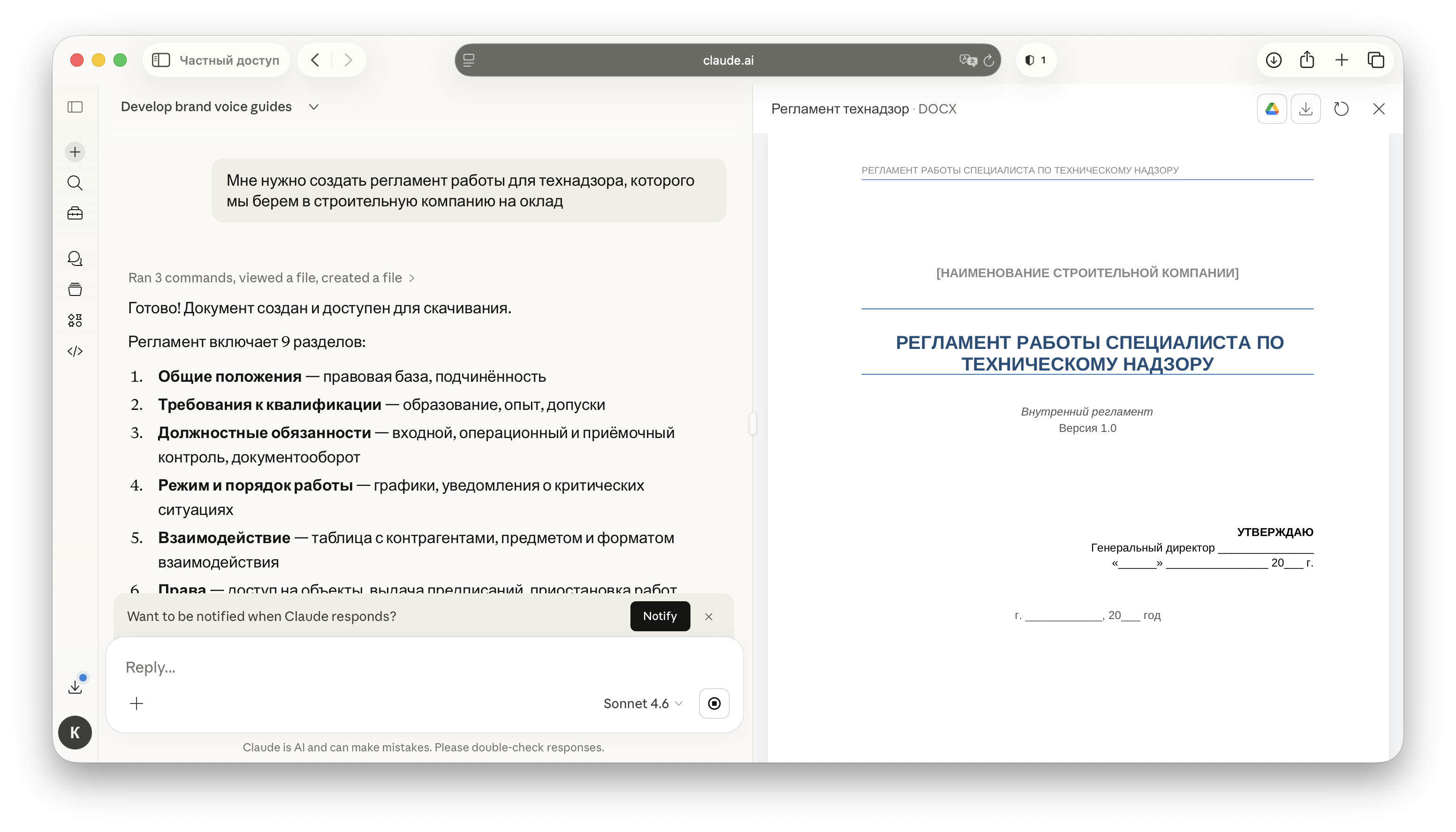
Claude is often chosen for careful work with text: rewriting a letter without unnecessary detail, creating a clear structure, analysing a long document or finding contradictions in requirements. Claude has a Free plan. Usage is limited: the number of available messages depends on demand, and the service tells you in the chat when you reach the limit. The way limits reset is explained in Claude's help centre. The terms were checked on 21 October 2026 using the official links in this section.
A construction and renovation use case: upload a contract or project brief and ask: “List the potentially contentious points: deadlines, liability, acceptance procedures, concealed work, materials and changes during the project. For each point, suggest wording that reduces the risk of disputes.”
If you prepare standard documents, specify a consistent format: “Write in short blocks: ‘Main point’, ‘Risks’, ‘What to clarify’.” This makes the responses more consistent.
Google Gemini
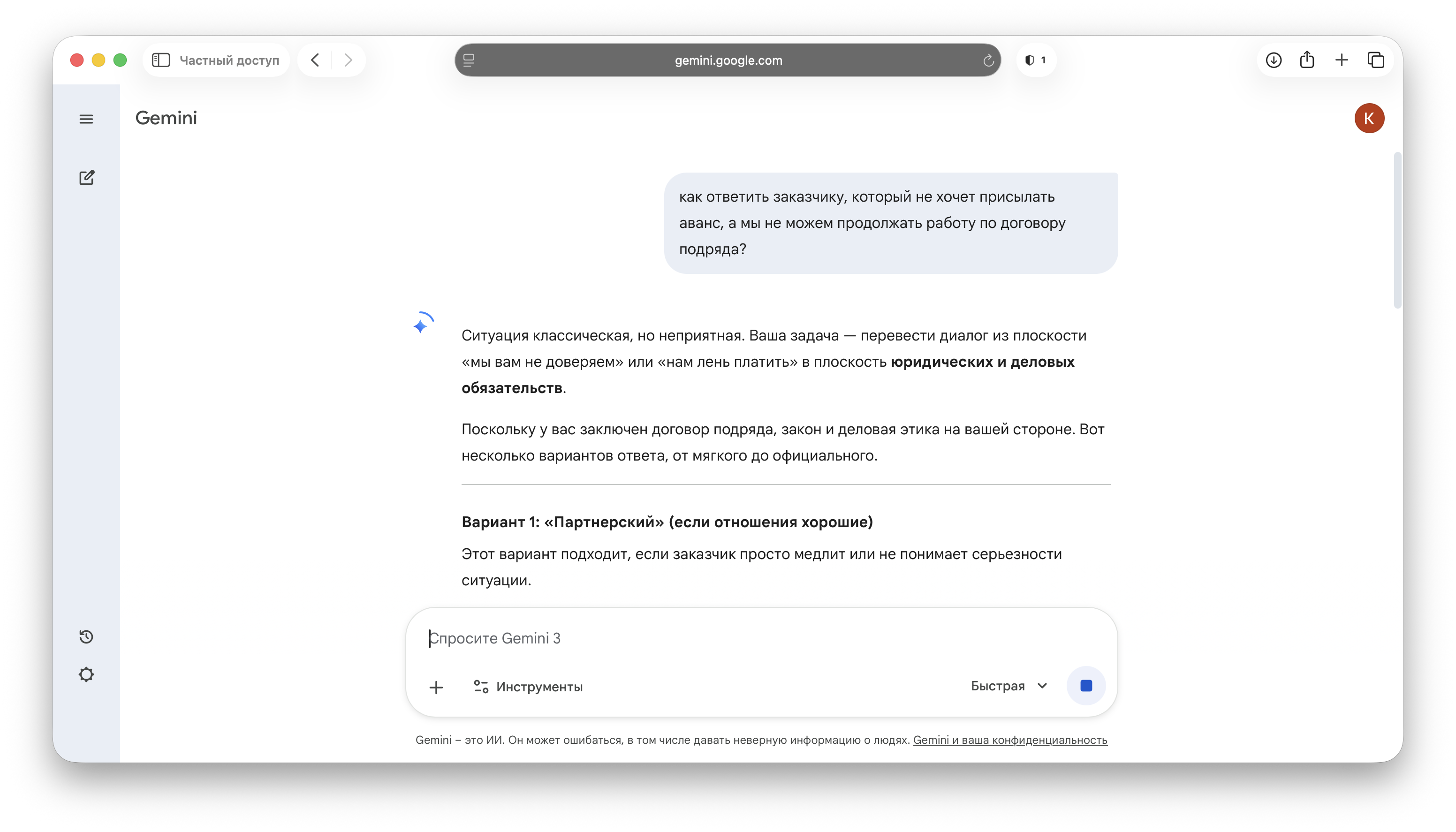
Gemini is useful as a second “brain” alongside your main chat tool: rephrasing, suggesting alternatives and quickly checking an idea. You can use Gemini without a Google AI subscription, including for image generation. Access to individual modes and usage allowances differ between plans and may change during periods of high demand; a comparison is available in the official Gemini help centre. The terms were checked on 21 October 2026 using the official links in this section.
A practical use case is preparing content for advertising and social media. Provide the inputs: location, type of work, average job value, project stages, warranty and approach to estimating. Ask: “Generate 10 post ideas and 10 short-video ideas. For each, provide a headline, key points, a call to action and what to show in the video.”
Microsoft Copilot
Copilot is useful when you need a direct answer quickly and want to follow up with more detail. Microsoft Copilot offers free access to chat; paid subscriptions extend the use of individual features. A comparison is available on Microsoft's official plans page. The terms were checked on 21 October 2026 using the official links in this section.
For a more detailed exploration of a question, Copilot has a Think Deeper mode. According to Microsoft's help centre, subscribers receive priority during periods of high demand; mode availability also depends on whether you are signed in.
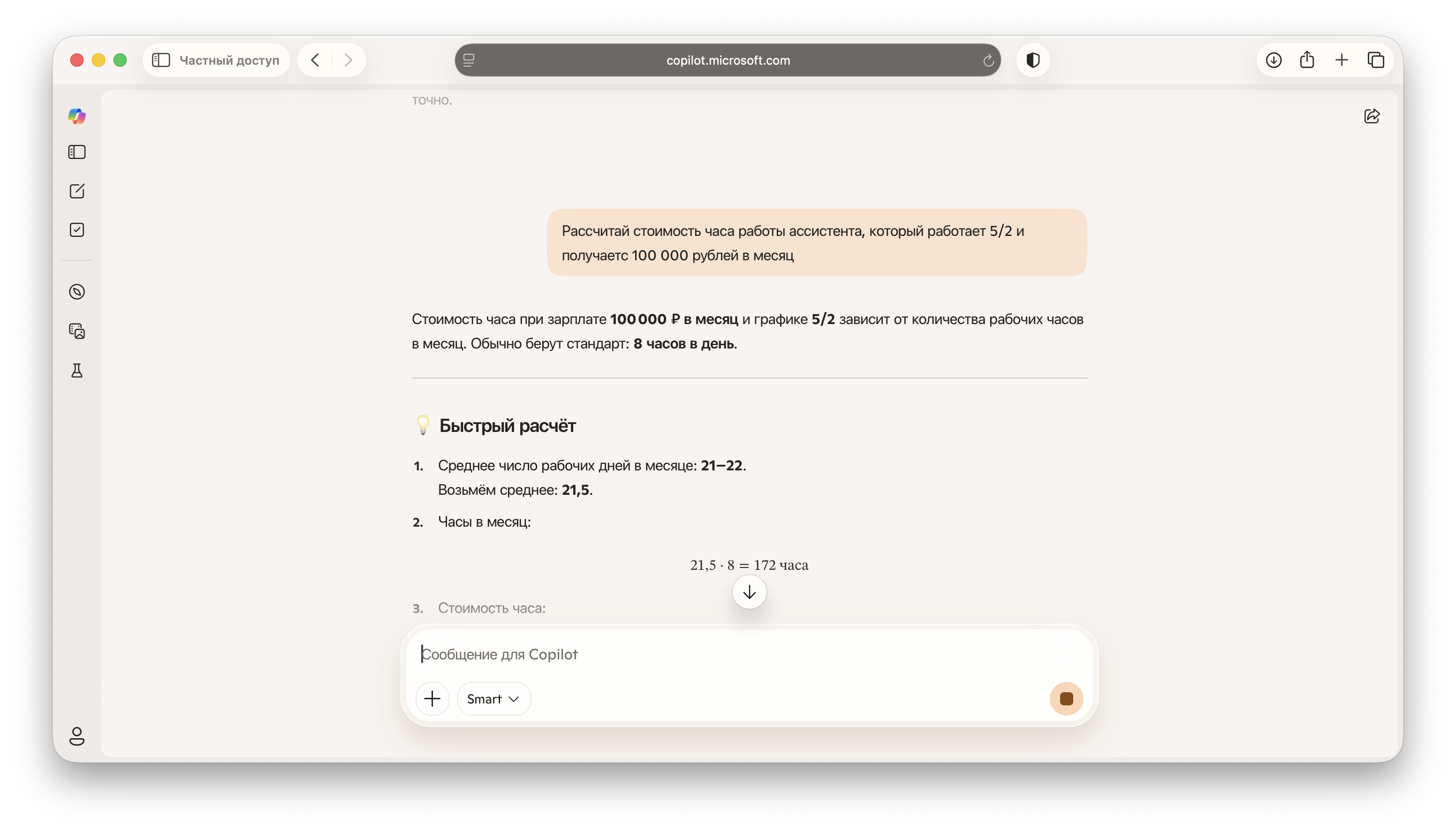
Perplexity
Perplexity is useful when you need sources and a quick overview: it aims to respond like a search engine with a concise summary. Perplexity has a free Standard plan: basic searches are practically unlimited, while Pro searches and file uploads have limits. The terms are set out in Perplexity's official plan comparison. The terms were checked on 21 October 2026 using the official links in this section.
A use case for a manager is researching the market before making a decision. Try a prompt such as: “List trends in interior finishing in Russia in 2026: materials, building services and client requirements. Give 15 points. For each, explain what is changing in the work process, what should be added to the estimate and what should be discussed with the client.” You can then turn these points into a checklist for a manager.
If the answer is too long, refine the prompt: “Practical changes only. No history of the market. No forecasts for the next 10 years.”
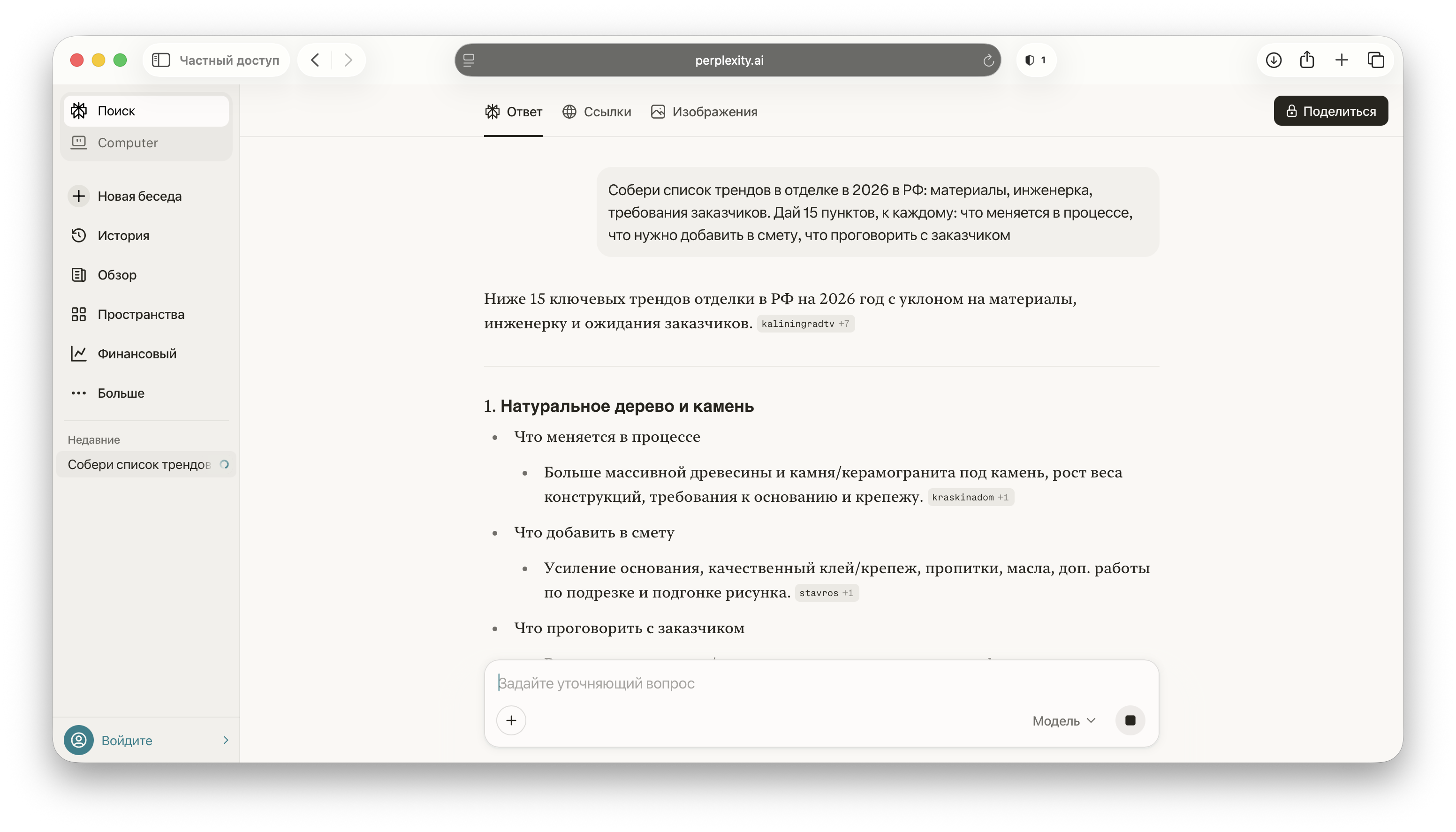
YandexGPT (chat with Alice)
Chat with Alice AI is suitable for drafting and editing text in Russian. You can chat with it for free. During periods of high demand, some features may be unavailable without the Alice Plus add-on; the terms are listed in Yandex's help centre (in Russian). The terms were checked on 21 October 2026 using the official links in this section.
A practical use case is writing client-facing text in Russian. Prompt: “Rewrite a message to a client about a deadline change. The key points are a delay caused by a delivery, the new date, what we are doing now and the compensation options. Style: calm, businesslike, without excuses. Length: up to 800 characters.”
To keep the AI from inventing extra details, always specify the facts: dates, causes, what has already been done, what has been paid for and what has been signed.
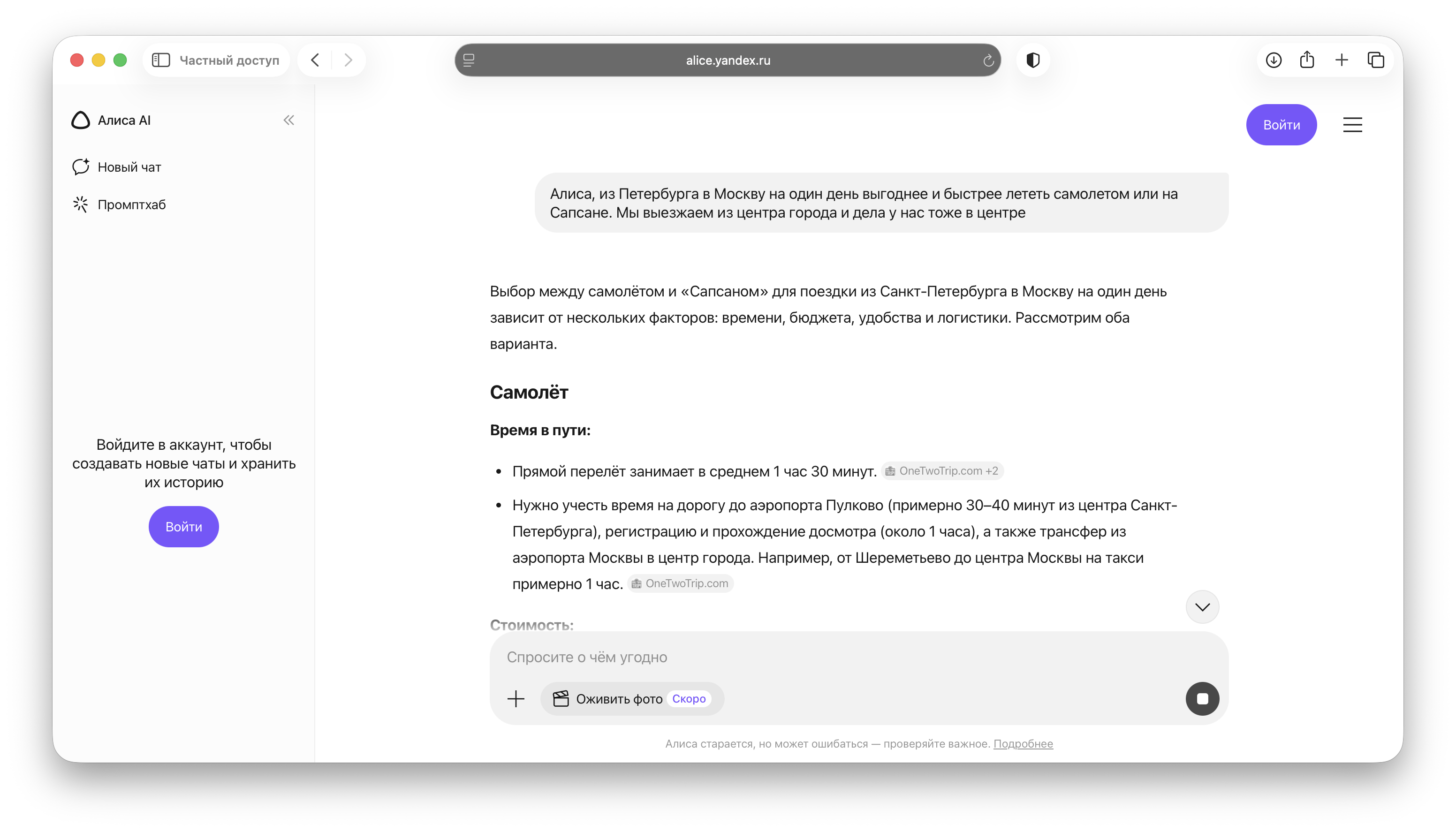
GigaChat
GigaChat is a chat service from Sber for text, code and images. The consumer chat service is available free of charge (help in Russian). GigaChat API access has separate terms: its free mode is intended for personal, non-commercial use, while the rules for business use are explained in Sber's documentation (in Russian). The terms were checked on 21 October 2026 using the official links in this section.
A work use case is preparing instructions for tradespeople. Prompt: “Create instructions for inspecting and accepting a substrate before laying tiles: what to check, which tolerances to specify, which photos to take and what to record in the acceptance report. Format: short points without unnecessary theory.” You can then incorporate these instructions into an internal procedure.
If you work with voice and photos, check which features are available in your GigaChat interface: the product has different channels and clients, and their functionality may differ.
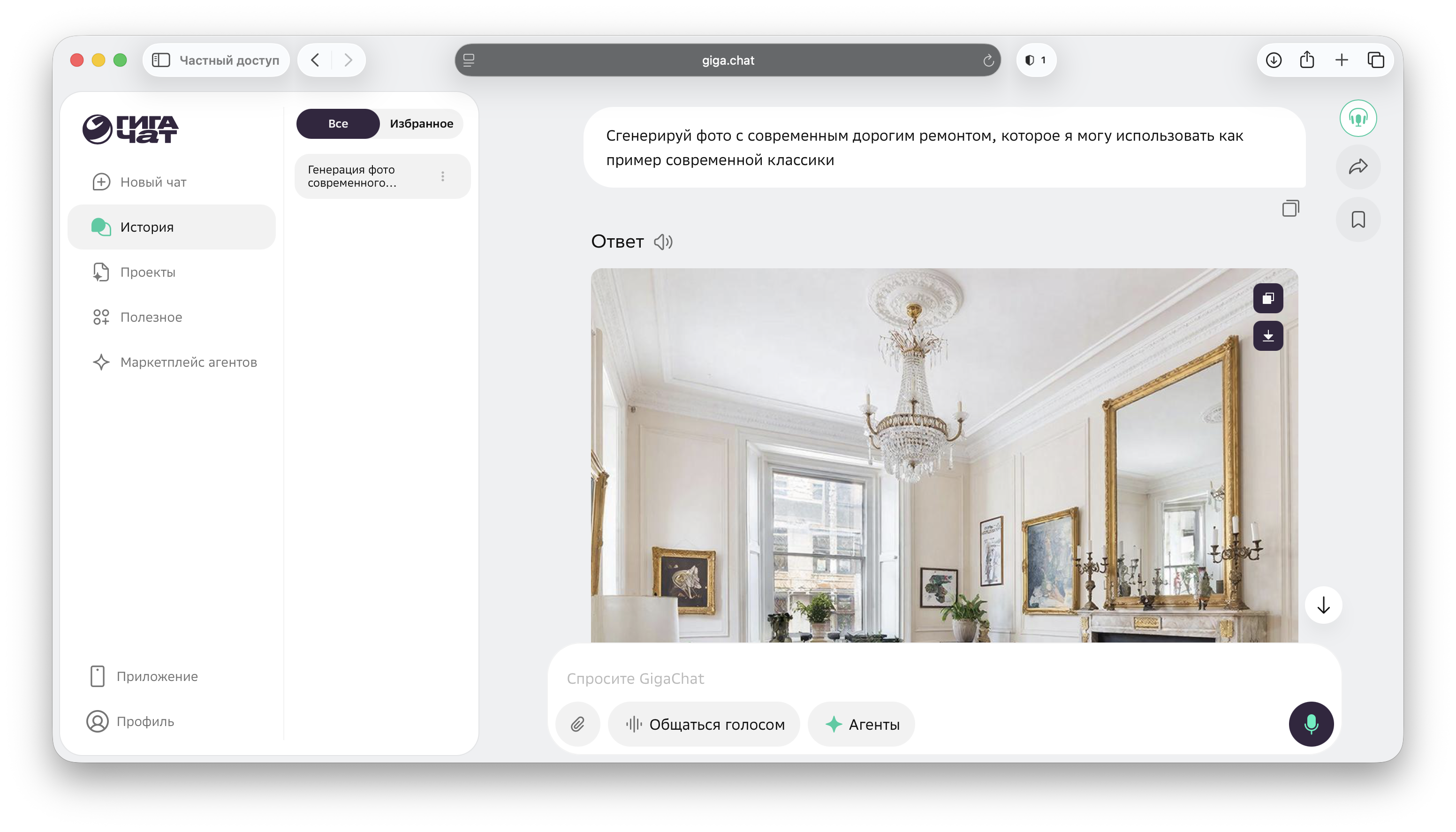
Kandinsky
Kandinsky is a family of Sber models for creating images and video. Image generation is available in GigaChat; the official video guide (in Russian) describes free access after registration, with a limit on the number of requests. Check the features and terms for your chosen interface. The terms were checked on 21 October 2026 using the official links in this section.
If you need content for advertisements and presentations, ask Kandinsky to create a “clean background + object + neutral scene”. In construction, this is useful when you do not have usable photos of a property but need to design a slide or cover without stock images.
An example prompt: “Interior without people, daylight, neutral colours, emphasis on finishing details, realistic perspective, no text.” Then specify the material: “porcelain tiles”, “microcement”, “wooden slats”.

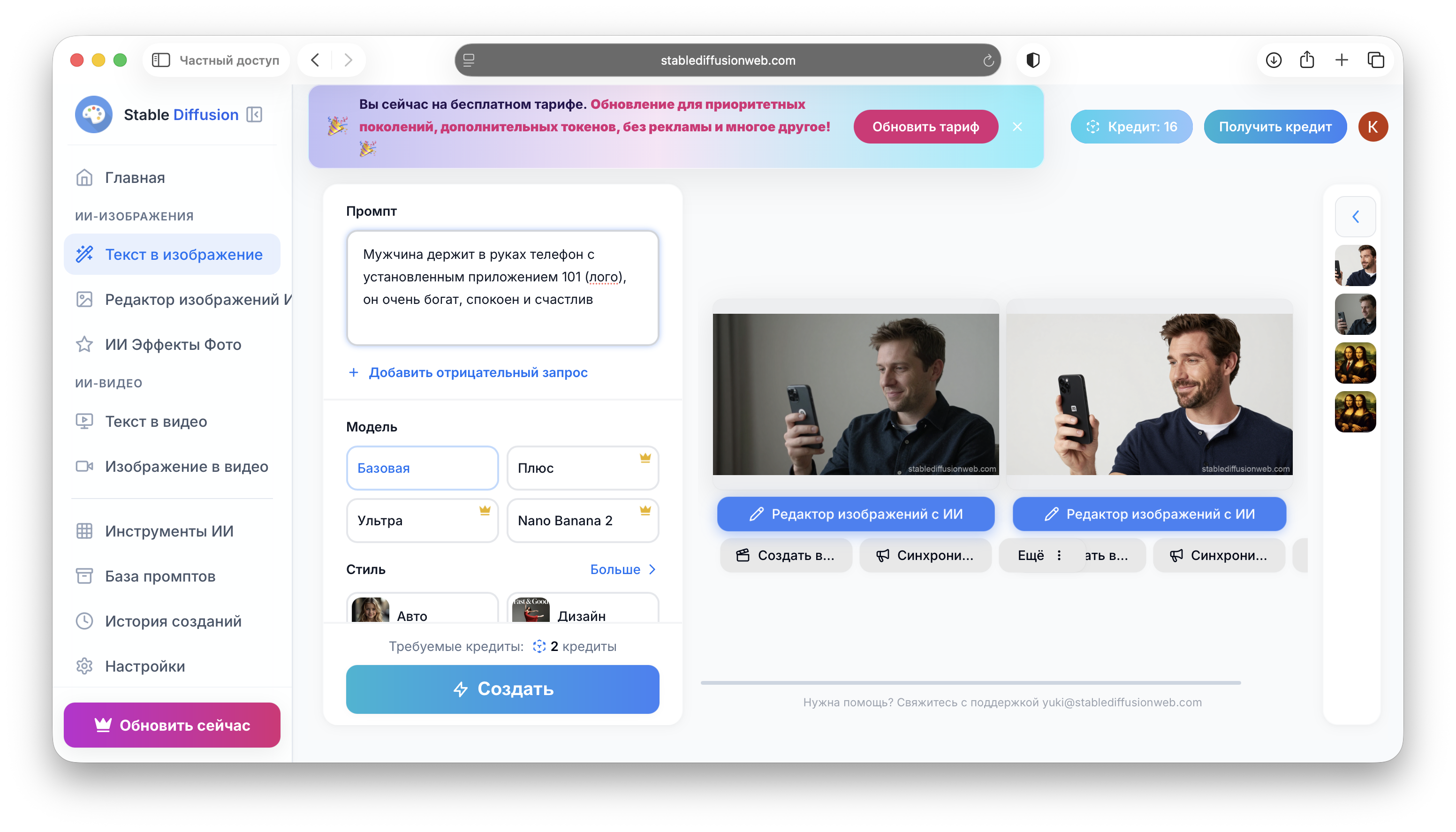
Stable Diffusion
You can run Stable Diffusion on your own computer. The terms depend on the version: Stable Diffusion 3.5 is covered by the Stability AI Community License. Commercial use requires registration; the free licence is intended for annual revenue below $1 million. If revenue exceeds this threshold, including revenue combined with affiliated organisations, a different Stability AI licence is required. You still bear the costs of hardware and running the model. The terms were checked on 21 October 2026 using the official links in this section.
A business use case is creating quick visuals for commercial proposals. Choose one style, fix the parameters and create a series of images with a consistent mood. For consistency, introduce your own “prompt template”: style, camera, lighting, materials and exclusions.
With a fully local setup and no external integrations, you can process source images on your own computer. Check the settings of your chosen application and its file access.
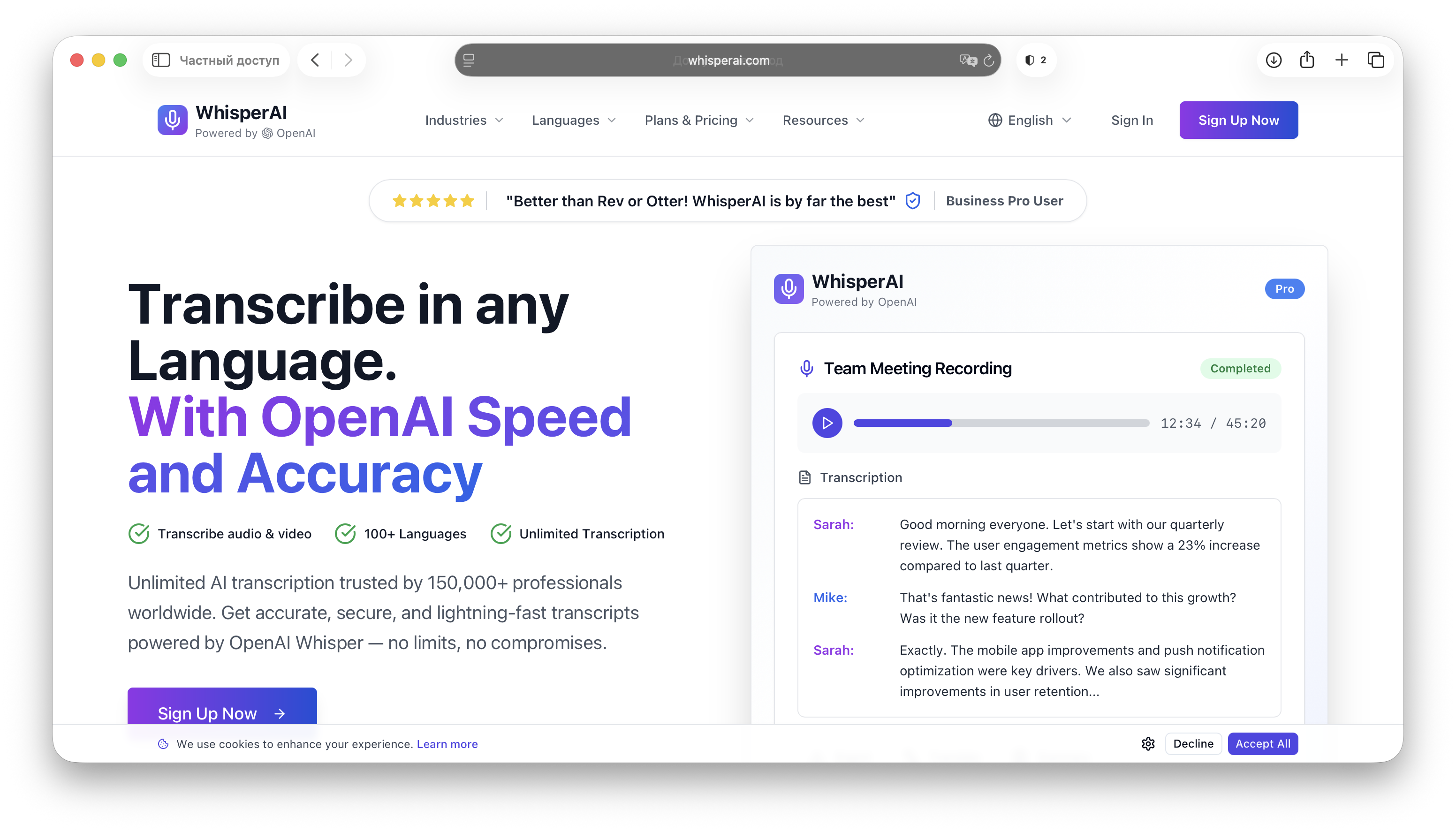
Whisper
Whisper is a speech recognition model from OpenAI. Its code and weights are published under the MIT licence in the official Whisper repository. You can install the model on your computer and use it to transcribe call recordings and voice messages. A free licence does not remove hardware costs; the cloud API is billed separately. The terms were checked on 21 October 2026 using the official links in this section.
After transcription, first remove personal and confidential information. To prepare meeting minutes, use a service permitted by your team's rules, then check the decisions, deadlines and people responsible against the original recording.
When processing is entirely local, the audio stays on your computer. If you then send the transcript to a cloud chat service to prepare minutes, that service's terms govern how it is processed. You will need to install the application and perform some basic configuration.
Frequently asked questions
Is it really free? Cloud chat tools offer free access under the terms of the chosen plan: files, images and other features may be limited. With local Whisper and some Stable Diffusion versions, the licence may be free, while you still pay for hardware and running the models. Check each tool's terms using the link in its section.
Which two tools should you try first? One chat tool for text (ChatGPT or Claude) and one service for source-based research (Perplexity). This covers letters, project briefs, procedures, client replies and quick topic overviews. Perplexity's free Standard plan limits Pro searches and file uploads.
Do you need a VPN?
It depends on the service and country. First check ChatGPT's list of supported countries and Claude's regional rules. Changing your network connection does not replace compliance with these terms. For Alice AI and GigaChat, refer to their official help pages. You can run Whisper and Stable Diffusion locally after installation. Service availability is discussed in the 101 article on tools and VPN access (in Russian).
Can you use AI-generated images commercially? It depends on the service, access method and model version. Check whether commercial use is permitted, the terms of your chosen plan and the rights to your source materials. Local Stable Diffusion 3.5 is subject to the Community License, which has registration and revenue requirements. Free generation alone does not give universal permission to use an image in advertising.
How can you avoid “hallucinations” in estimates and figures?
Do not ask an AI to calculate without source data. Provide the input data in a table and ask it to recalculate, check the logic, identify gaps and prepare clarifying questions. For estimates and price lists, see how this process works in the 101 app (in Russian).