
When a team manages construction sites through messaging, management quickly turns into a search: where were the additional works agreed, who promised to deliver the materials, and when did the client approve the stage? The result is more calls, decisions scattered across private chats, and a manager spending time asking for information again.
The simple answer seems to be: “Give us a messenger for the team.” The 101 App has chats, along with features that replace some of the back-and-forth with a more reliable record in the project. A useful setup therefore looks like this: work chats handle day-to-day coordination, while the 101 App holds decisions, financial records, deadlines and confirmations.
Below, we explain how to set this up so that the team sends fewer unnecessary messages, new people get up to speed faster, and clients worry less about “That is not what we agreed.”
Contents:
- Why does a team need a messenger if it already has a management system?
- What should you discuss in chat, and what should you record in the 101 App?
- Which chats are available in the 101 ecosystem?
- How can you organize communication in 101 chats?
- Messaging rules that save time
- Common mistakes and quick fixes
Why does a team need a messenger if it already has a management system?
A messenger works well when speed matters. The site manager reports that the tiles have arrived. Procurement checks the unloading address. The foreman asks whether the crew can start earlier tomorrow. Questions like these can be resolved in chat in a minute, and that is perfectly reasonable.
Problems begin when money, deadlines and “promises” enter the same stream. Context is easily lost in a conversation. Agreements are even harder to defend when voice messages, forwarded messages and “I will check later” become part of the discussion.
A management system keeps the project history: who did what, the figures in reports, which stages have been accepted, and where the photos and documents are. The 101 App is organized around projects and events, so the team can stop working in “Try to remember where that was written” mode.
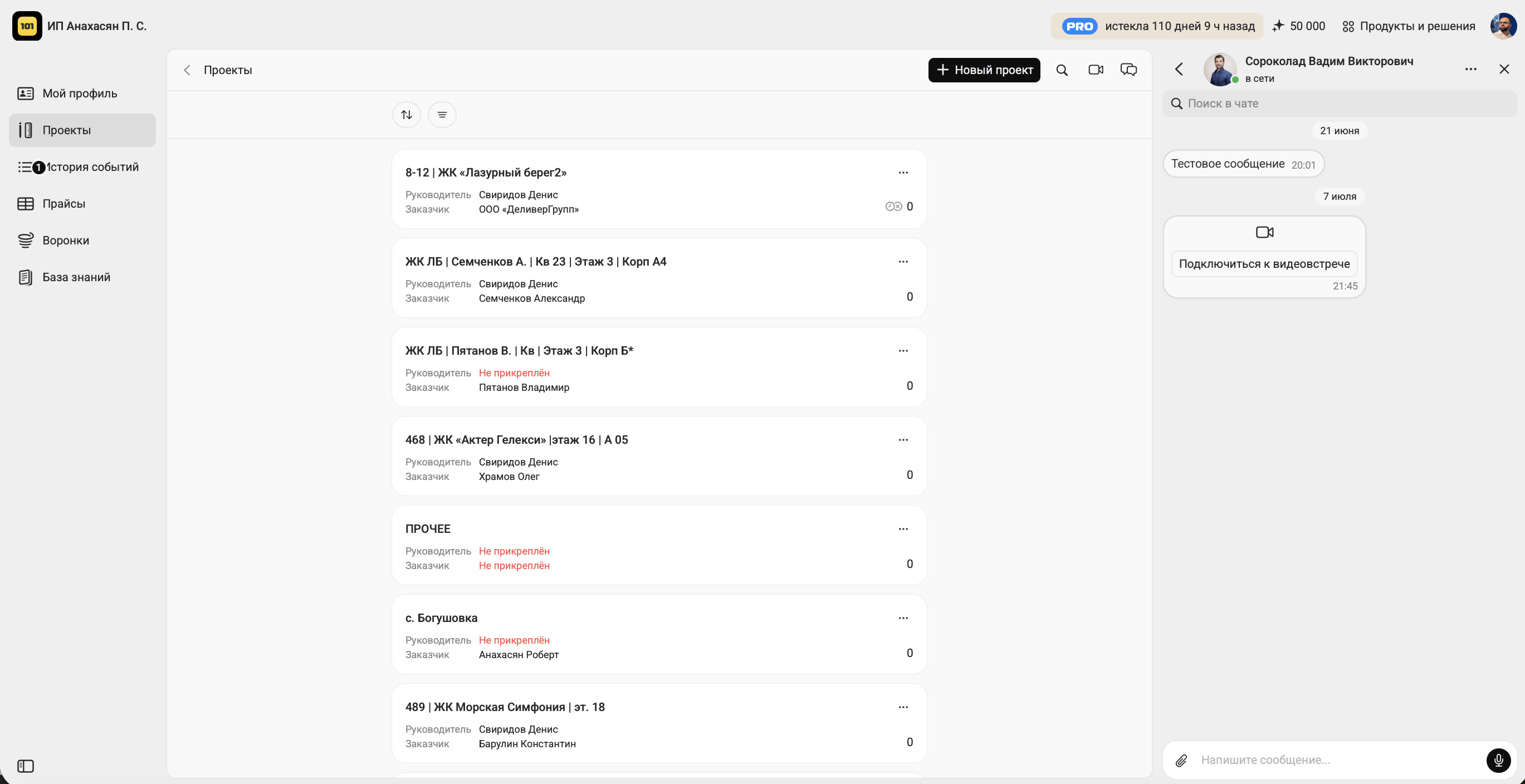
What should you discuss in chat, and what should you record in the 101 App?
The principle is simple: discuss things in chat and record them in the 101 App. That way, even if you change messenger or phone, the team retains the project history and the client has a clear picture.
To turn this principle into a working rule, agree on the boundaries once. The following basic arrangement is easy to adapt to the way you work.
| Situation | Where should you discuss it? | Where should you record the outcome? |
|---|---|---|
| Deliveries, site access and everyday practical questions | Work chat | No record is needed if it does not affect money or deadlines |
| Purchasing and accounting for funds issued to staff | Procurement chat | Expenses and reports in the 101 App project |
| Additional works and project changes | A brief discussion in chat | An estimate/event/document in the 101 App + confirmation |
| Photos of work stages | You can send them to chat for speed | Photos and a stage report in the project, so they remain in its history |
| The client’s acceptance of the work | Chat for clarification | Acceptance of events in the 101 App |
If communication with a client depends entirely on messaging, the risks increase: service blocks, outages, loss of account access and a change of phone. We discussed this in detail in “WhatsApp Web, Max and the 101 App: how to cope with messenger blocks” (in Russian).
Finances are a separate layer. When advance payments and staged payments remain verbal agreements, the risk of conflict increases. Combining estimates, events and transparent reporting helps. For more on this, see “How can you persuade a client to pay in advance?” (in Russian).
Which chats are available in the 101 ecosystem?
The 101 ecosystem has chats for different purposes: support, community discussion and teamwork. Here are the three formats and what they are for.
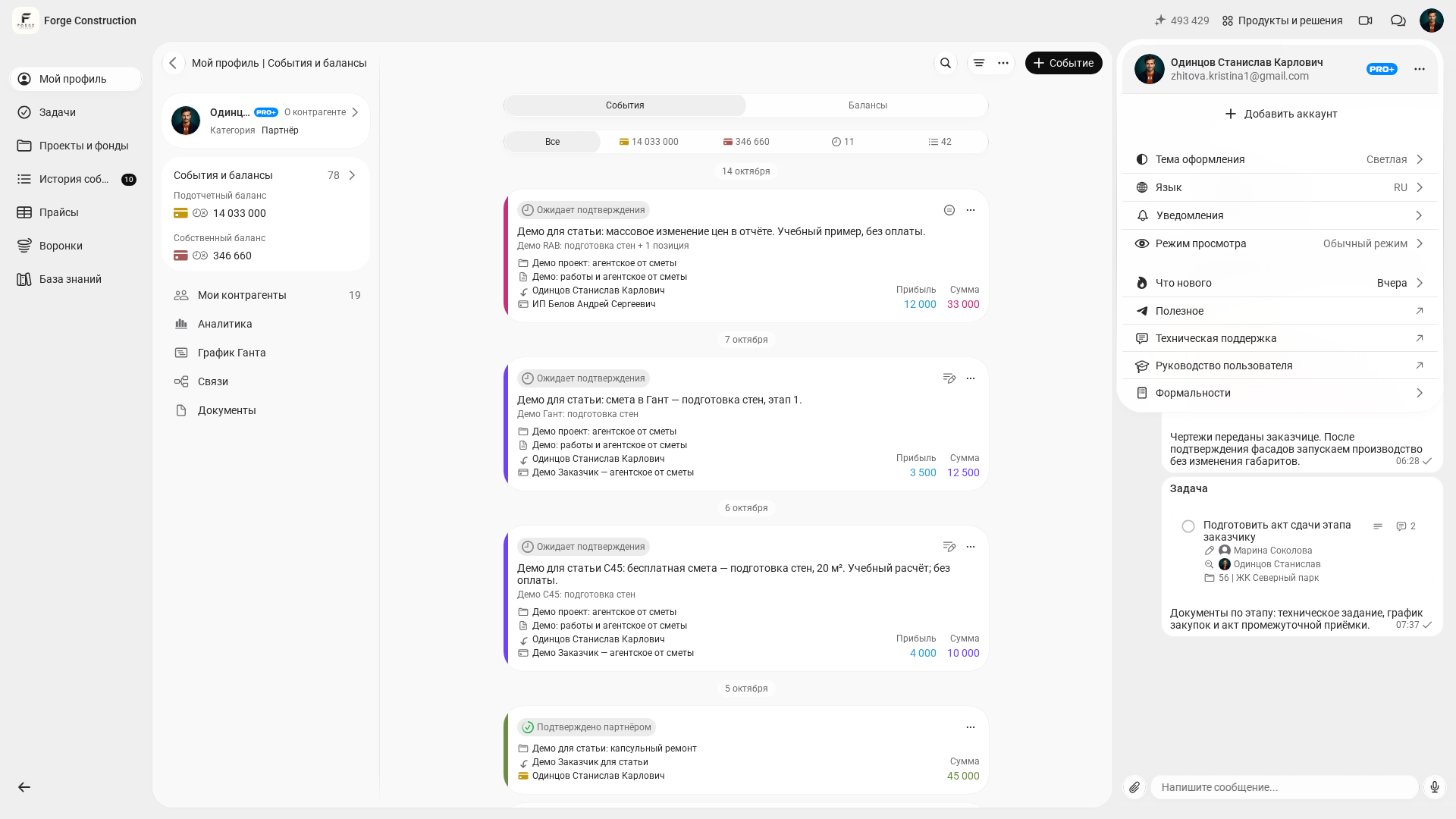
1) Technical support. In the web version of 101, click your avatar in the top-right corner and select “Technical support” (“Техническая поддержка” in the Russian interface): the link opens Telegram. To help support understand your question more quickly, briefly explain what you were trying to do and at which step the problem occurred.
2) 101 community chats. Community and learning are strengths of 101. There are general chats and private spaces for PRO+ where members discuss process setup, procedures and disputes on construction sites. You can start with “Builders’ Club” (in Russian), then browse “Six Russian-language Telegram channels and communities for builders” and “Eight Russian-language Telegram channels for business”.
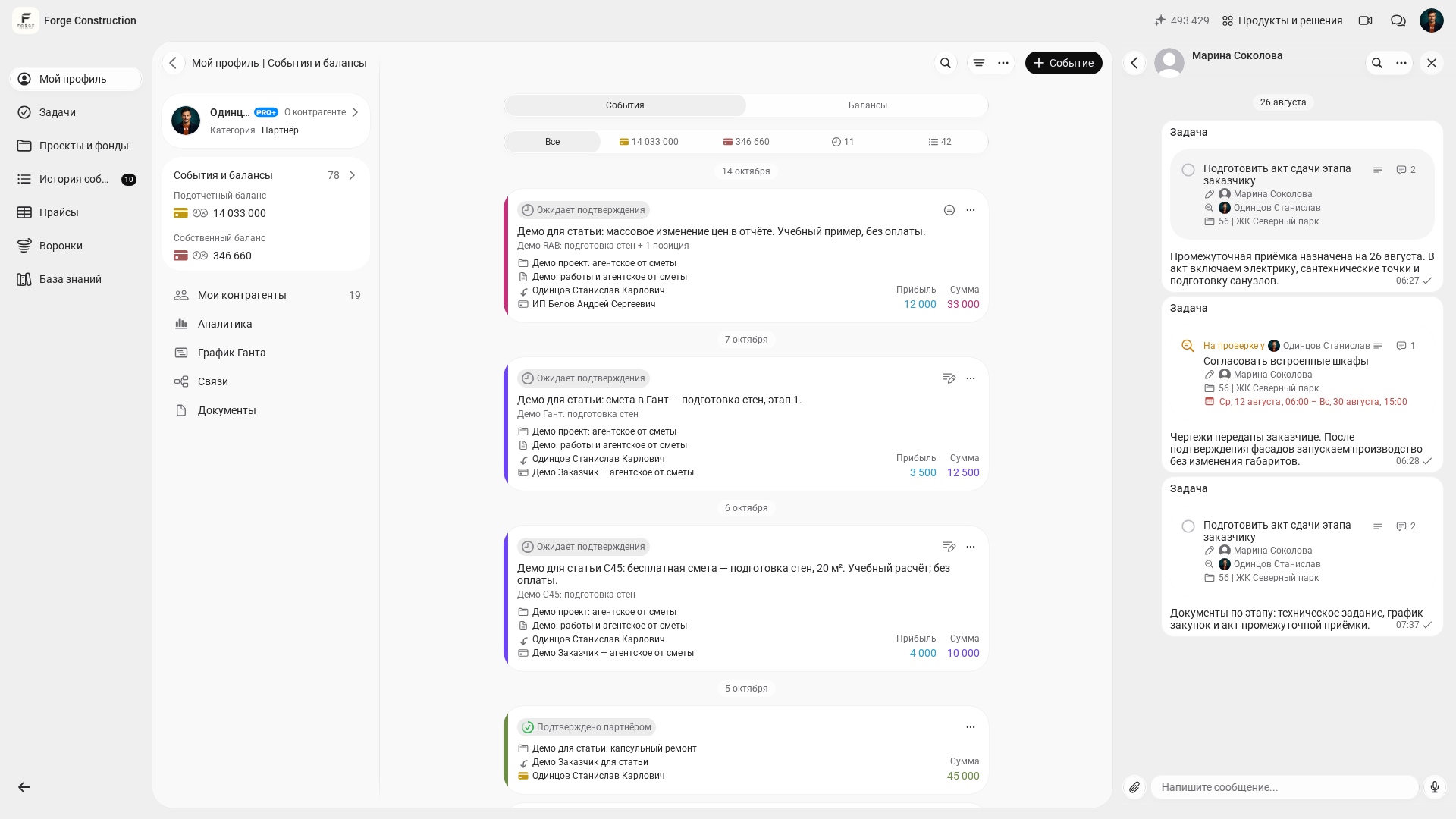
3. Chats for team communication. These are built directly into the web version, making it easy to communicate with employees, contractors, clients and partners. Video meetings are available in the web version for video communication.
The availability of chat and individual commands may vary depending on the version and account.
How can you organize communication in 101 chats?
This part only seems dull at the beginning. Later, the team appreciates it: repeated questions disappear, and the manager stops being a human search engine for every decision.
Below is an implementation approach that you can realistically put in place within a week in an operating company. The main requirement is to put the rules in writing and keep them visible to the team.
- Define roles and responsibilities for each site: who provides work status updates, who confirms purchases, and who discusses additional works with the client.
- List 5–7 common situations that most often cause disagreement: additional works, deadline changes, purchasing, acceptance of a stage, returns and defects.
- For each situation, define the source of truth in the 101 App: an event, report, estimate, document or acceptance record. Keep only day-to-day clarifications in chat.
- Create a one-page communication policy: channels, response times during working hours, the format for status updates, and the escalation rule.
- Hold a short review after a week: what worked, what got in the way, and which message templates need adjusting.
In the 101 App, recording agreements often involves confirming events. This reduces the number of “I thought we had agreed something else” situations, because the fact that the work was done and the comment remain in the project history. For more on this, see “How an app can protect you” (in Russian).
If Telegram remains the team’s main tool for day-to-day coordination, organize it: use topics, separate chats for different roles and clear names. We covered this in “Telegram for business” (in Russian). Another useful guide is “Telegram features you may not know about”.
Would you like to see how this combination would work on your sites and with your team structure? Join a free presentation of the 101 App, where you can ask questions about setup and roles.
Messaging rules that save time
Even a strong system breaks down when the team has no consistent message format. One person writes “Done,” another sends 6 voice messages, and a third disappears until the evening. The manager then has to piece the picture together manually.
You can introduce a useful format without supervising every message. Simply agree on a template for status updates and problems.
- Fact: what happened, without emotion or judgment.
- Action: what has already been done and what you plan to do next.
- Deadline: when the result will be ready or when a response is needed.
- Confirmation: exactly what the person needs to confirm (OK/not OK), and where it will be recorded in the project.
Common mistakes and quick fixes
- Important agreements remain only in the conversation. Fix: record every agreement about price, deadlines or the scope of work in the 101 App project.
- One general chat for everything. Fix: separate chats by function (site, procurement, finances and urgent questions), and give them clear names.
- Calls without a recorded outcome. Fix: turn the outcome of a call into a short list of decisions and record it where the team can find it later.
- New people learn by guessing. Fix: provide one page of communication rules and access to 101 App projects with clearly defined roles.
A team messenger involves more than deciding where to write. It also involves rules, context and a place where decisions remain in the project history. Combining chats for speed with the 101 App for recording information makes communication manageable, and therefore more predictable in terms of money, deadlines and quality.