In 101, the tradesperson prepares an estimate for a stage of a renovation or construction project, and the project manager checks quantities and prices. You can combine the agreed estimates into one consolidated estimate and send it to the client. As work progresses, the team records actual quantities separately in reports.
Contents:
How to divide up the estimating work
Divide the project into stages, such as electrical work, finishing and installation. Ask the tradesperson with the necessary permissions to list the tasks and quantities for their stage. The project manager checks where each stage begins and ends and removes duplicates so the same work is counted only once.
How to use a price list and templates
Check the price list linked to the project (guide in Russian). The tradesperson selects items from the available sources, then checks the units and quantities against the measurements. If the price list contains a suitable template, enter its parameters and check the calculated quantities. Whether you can take items from a price list, a template or another estimate, or add them manually, depends on your permissions and the expense category settings. See the guide to item sources (in Russian) for the steps.
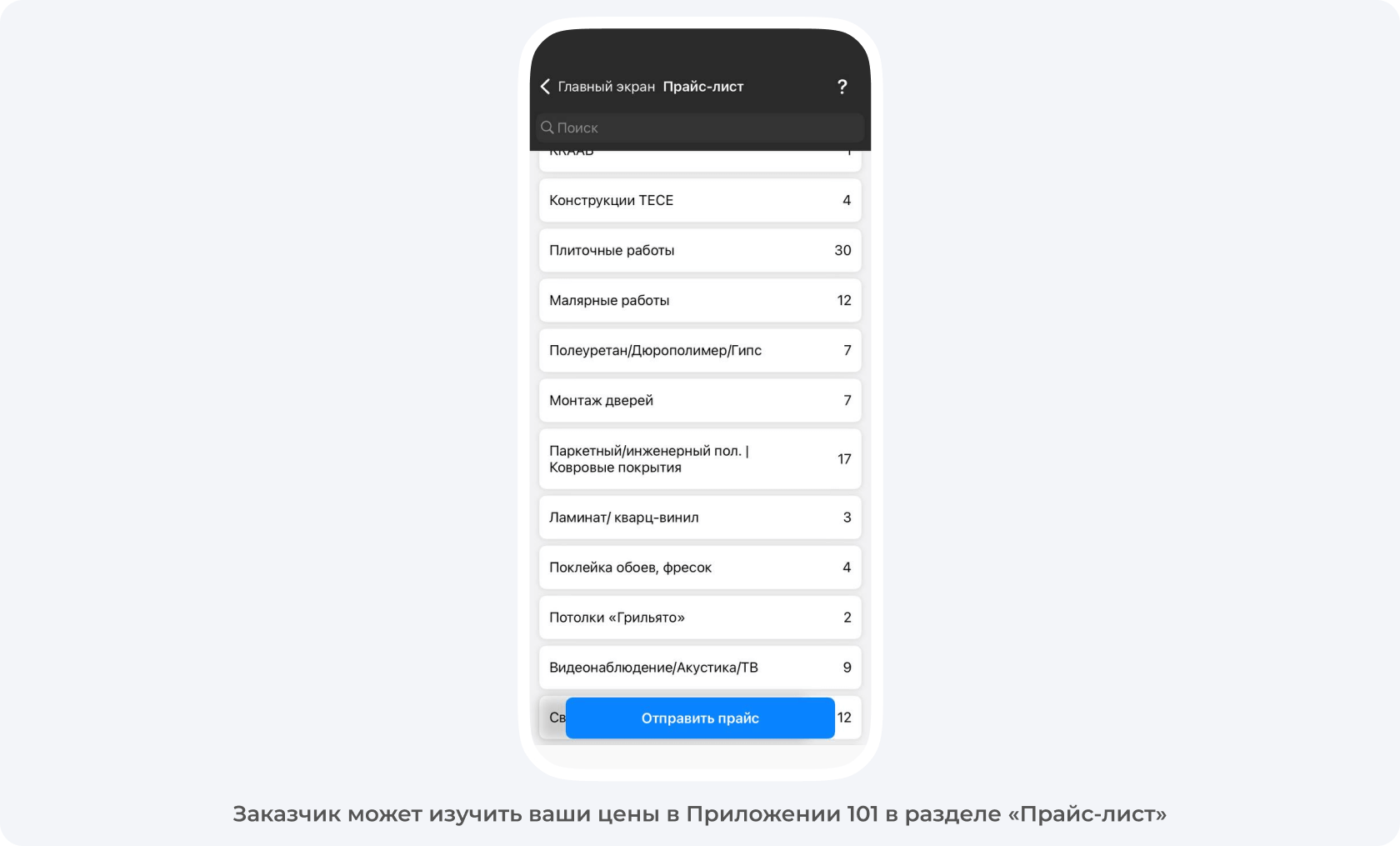
How to prepare, check and send an estimate
Create an estimate event for the stage. Check the project, the expense category and the participant fields available to you. Enter the stage name in the description. The expense category helps group the work and its costs.
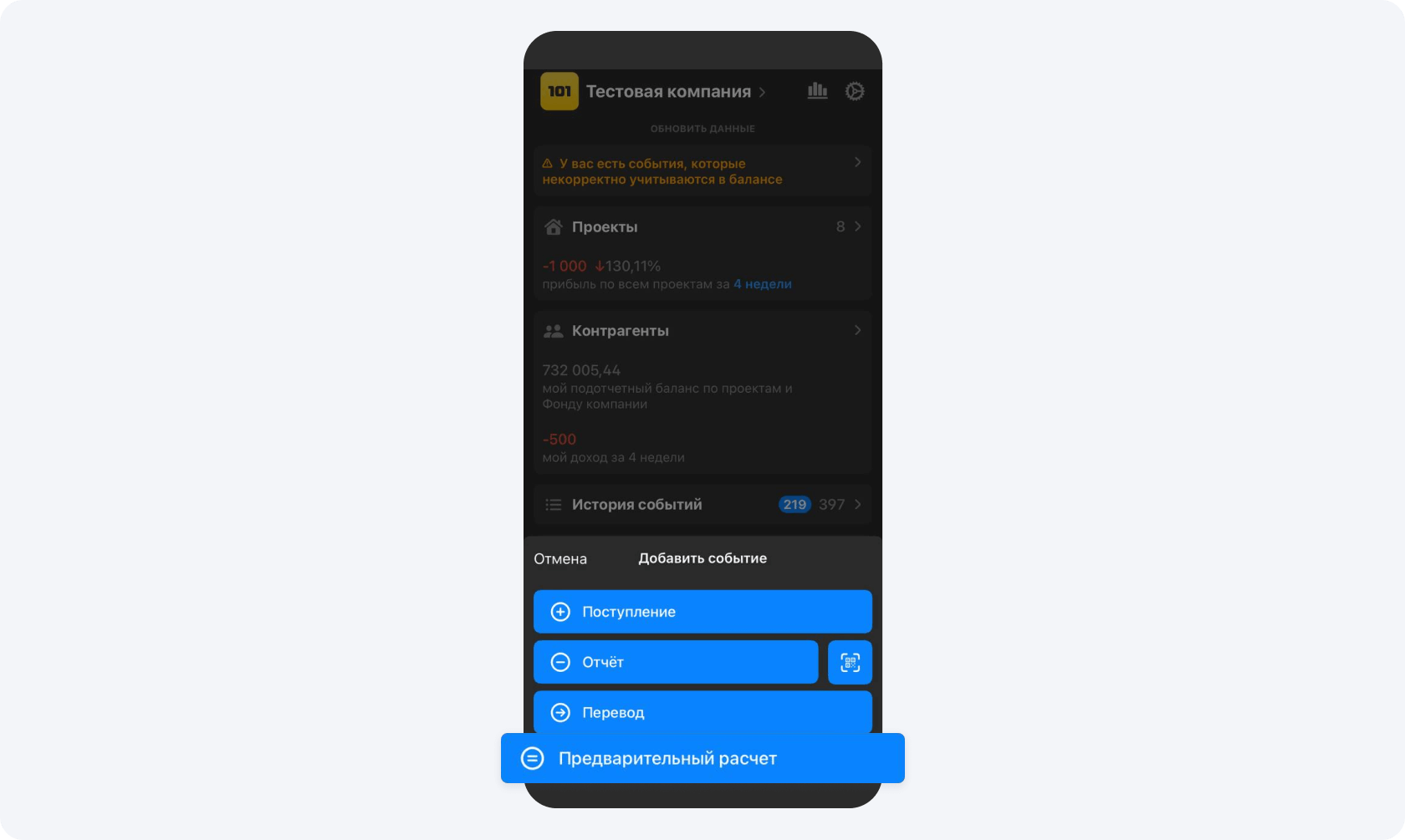
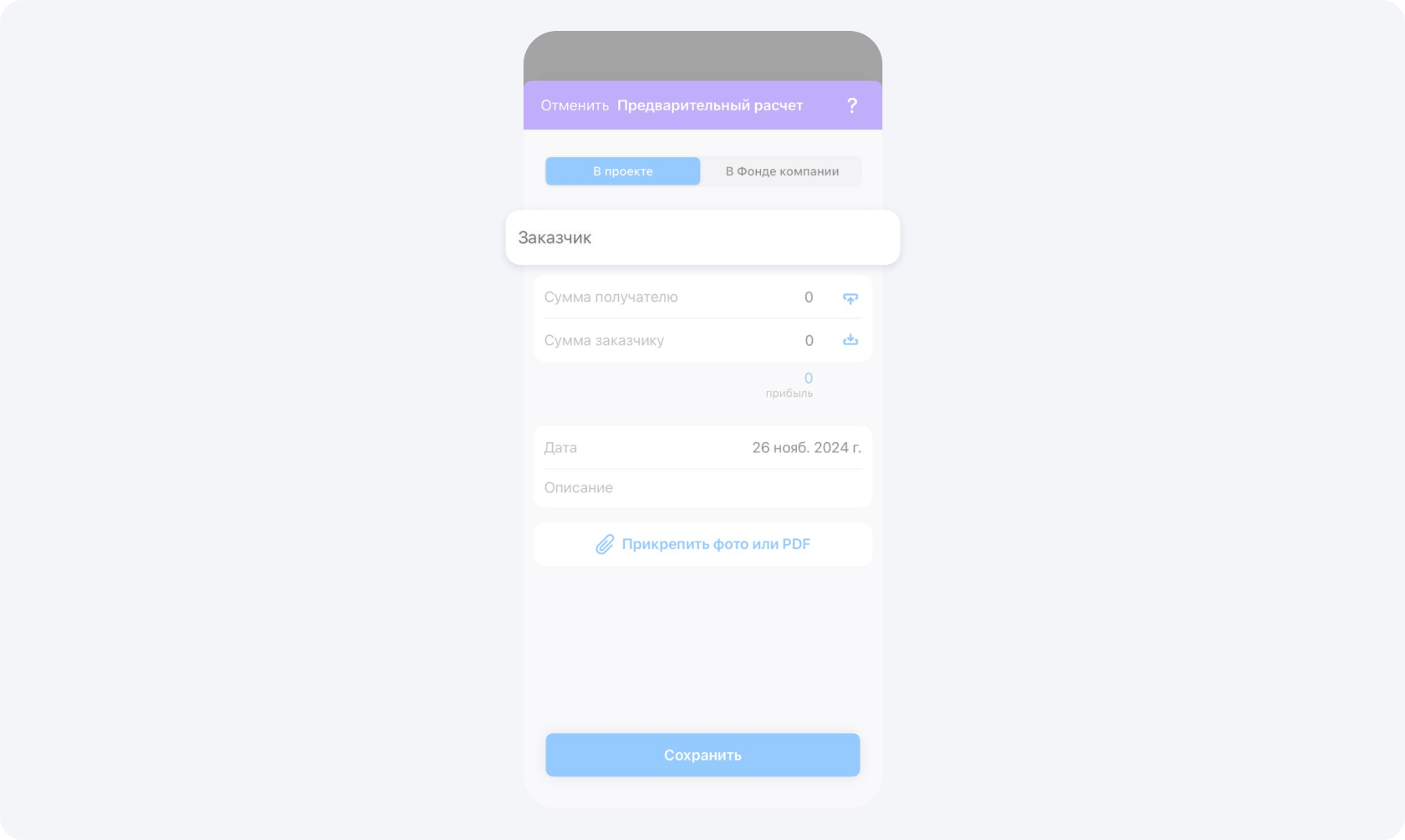
Add the line items and enter the actual measurements for the planned estimate. Check the units and quantities. Check the cost and the price for the client in the fields you can see.
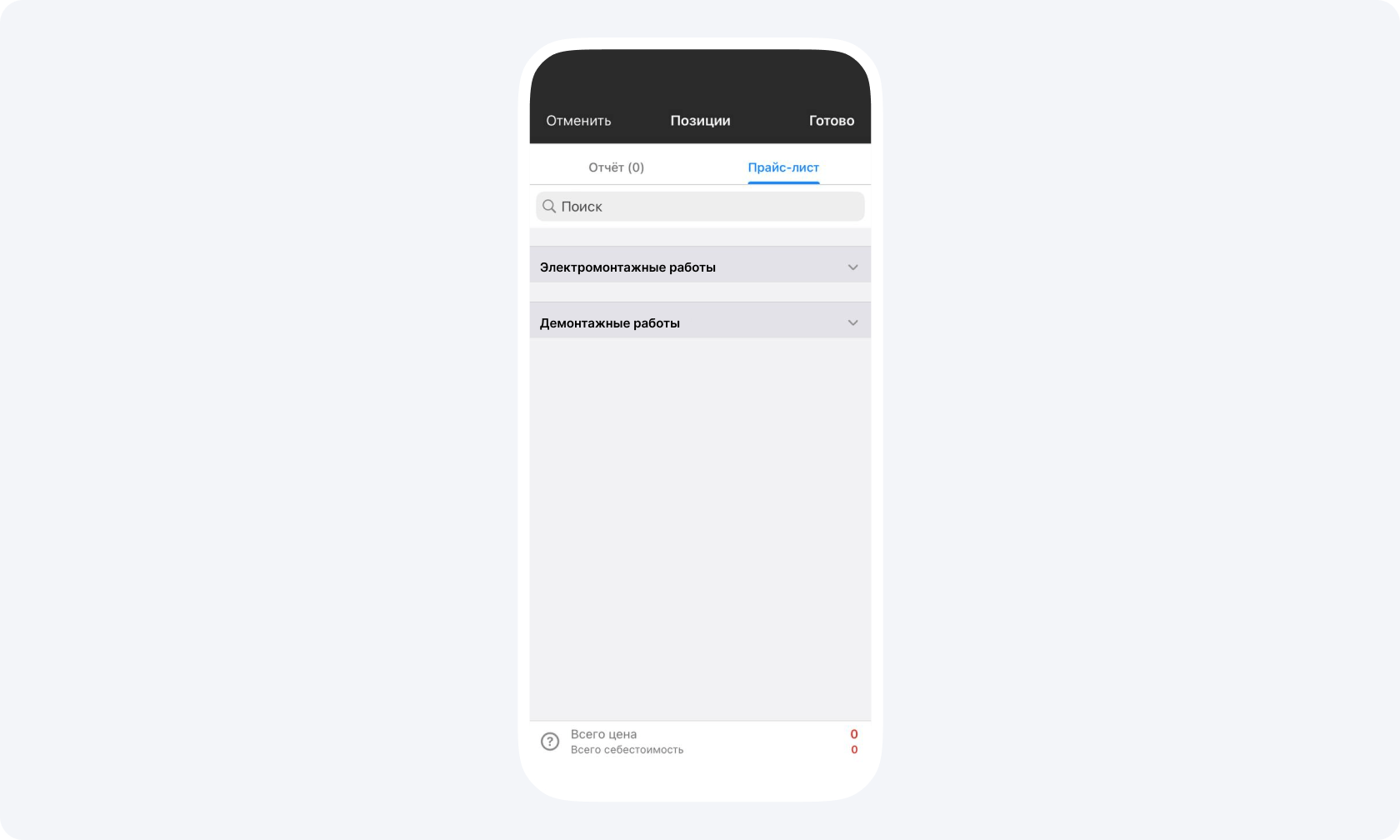
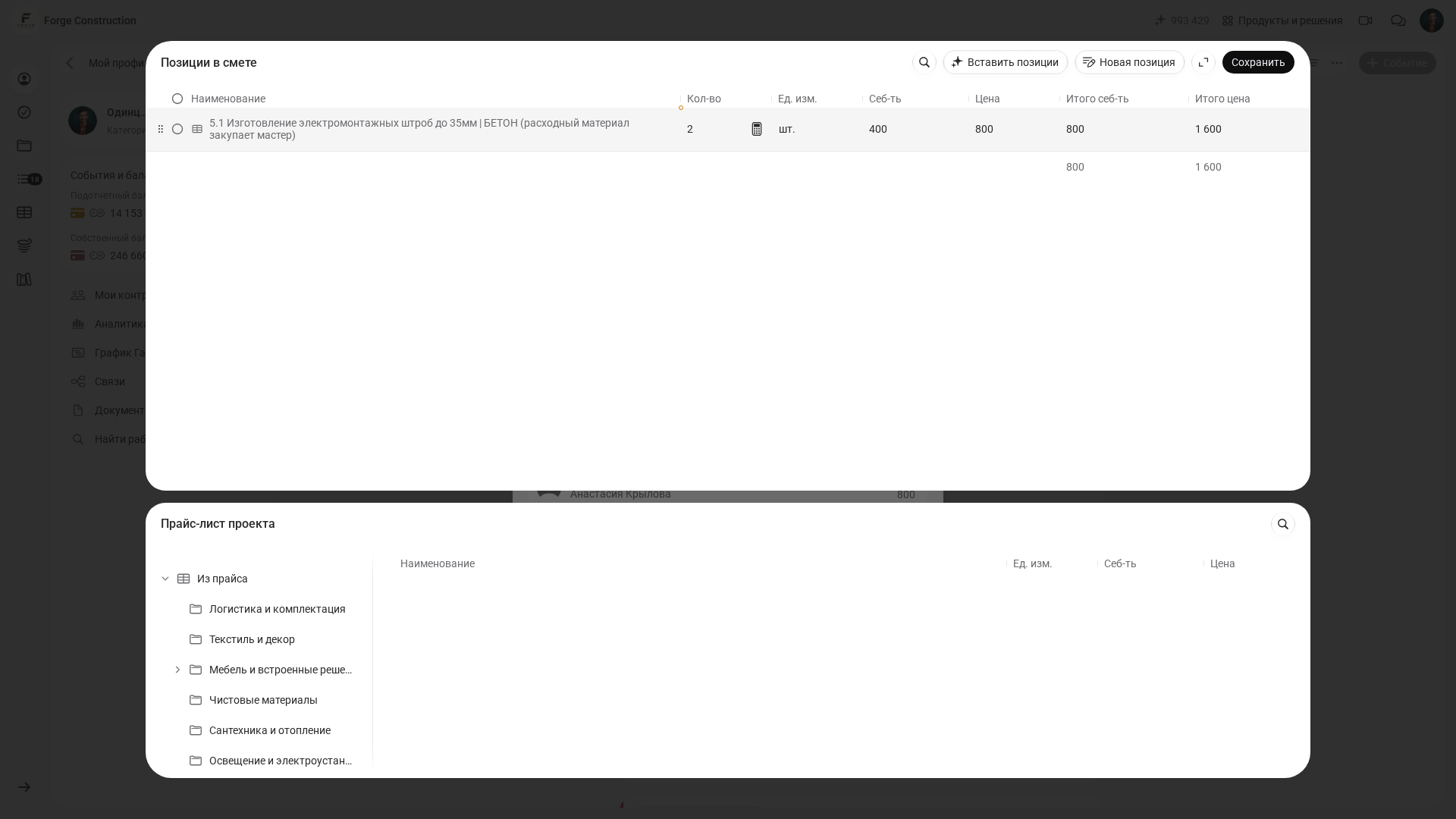
On a computer, in the web version, save the line items first and then save the estimate separately. Reopen the saved estimate and check the amounts you can see and its status. If the estimate is awaiting confirmation, a participant with the required permissions confirms it separately. The guide to creating an estimate (in Russian) gives separate steps for a phone and a computer.
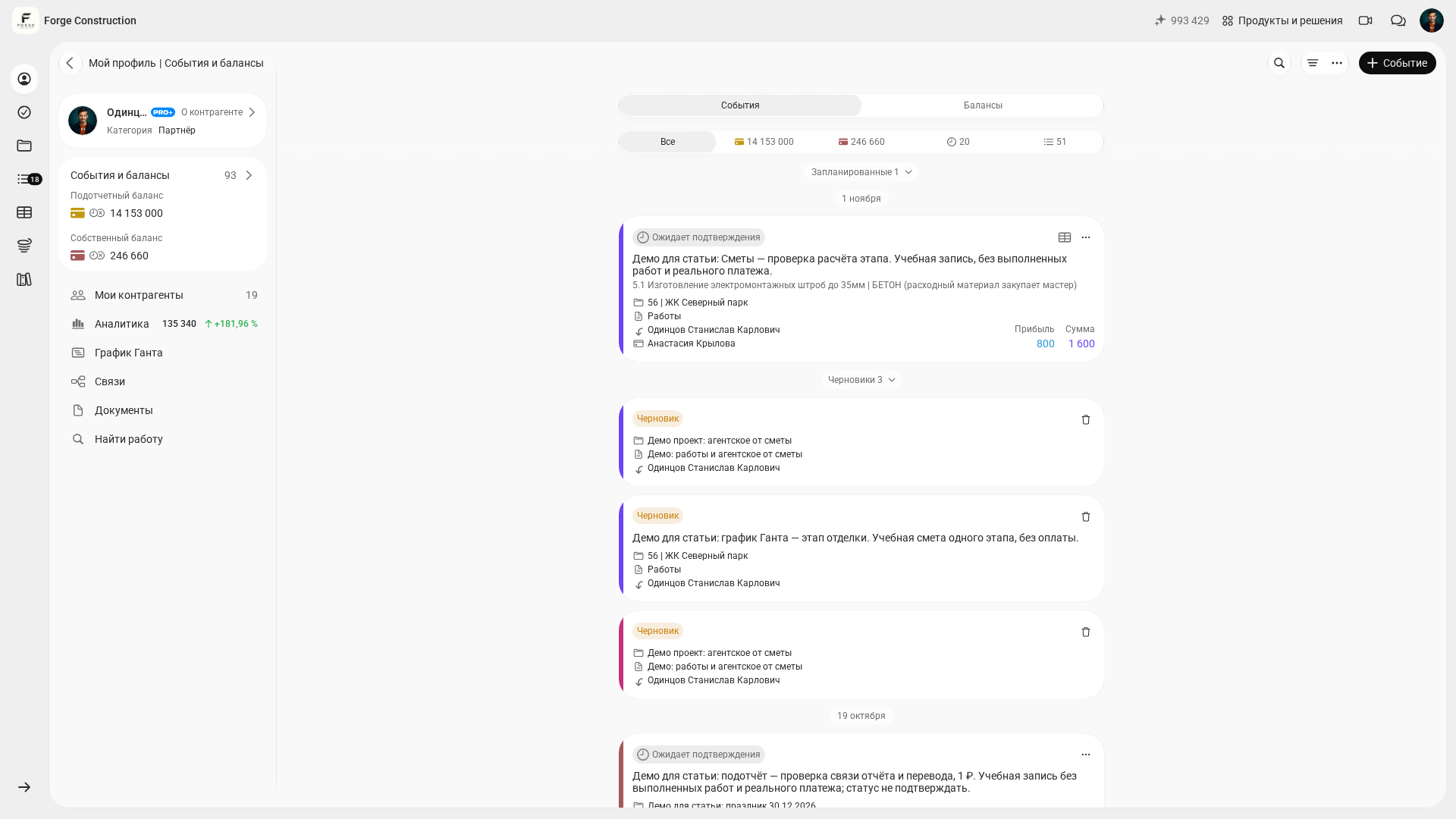
Before sending the document to the client, check that the required estimates have been confirmed and prepare a consolidated estimate (guide in Russian). Open the file to make sure it includes only the estimates you need, and check the sections, amounts and document details. Send the checked document to the client. As work proceeds, record what has been completed in reports on actual work (guide in Russian), selecting items from the corresponding estimate if that source is available to you.
How to agree what the estimate will cover
Before taking measurements, agree what document the client will receive, what work it will cover and how long it will take to prepare. If you charge separately for preparing the estimate, agree the fee and terms in advance. If you provide an indicative figure, state which quantities and prices still need to be confirmed.
Use verified rates and update the estimate if the project changes. If the client changes the scope of work, show which items and amounts change so you can agree on a revised estimate.