The question “Do we need a CRM?” usually comes up when inquiries increase, conversations are scattered across messaging apps, and some inquiries get lost. This is a normal stage of growth.
If your company does not yet have reliable management accounting, getting sales organised may not be enough: you also need to see what happens to money within your projects. Without management accounting in place, you risk accelerating sales while making cash shortfalls worse.
Below, we look at a scenario in which you put accounting in order first and then decide on CRM, and explore how to manage these records with the 101 App.
Contents:
What a CRM does and does not solve
A CRM is for managing sales: storing contacts, recording agreements, moving deals through stages, measuring conversion rates, and monitoring sales staff's work.
A CRM does not generate leads by itself. Marketing and partner channels bring in inquiries; a CRM helps you process them without losing track.
In construction and fit-out work, a familiar problem often emerges: the owner is busy with projects and procurement, inquiries go to a personal phone, some messages receive no reply, and later it is impossible to reconstruct the history. In that situation, a CRM can ease the mental load.
Why a CRM often has limited impact before accounting is in place
Implementing a CRM almost always takes time: setting up stages, roles, procedures and integrations, and teaching people to follow a consistent process. Alongside day-to-day work, this takes time and resources from the owner and the team.
If financial discipline is weak at that point, you start firefighting. The team works “by feel”, and decisions are made without facts: how much the project has already cost, how profitable the work is, who has been given money to account for, and when the next materials payment is due.
A common pattern is to invest in sales, hire people and pay for implementation, then discover at the end of the month that there is not enough money for payroll and project advances. In this scenario, implementing a CRM alone is not enough: questions about money and profit require management accounting data.
What accounting do you need before a CRM?
If management accounting is not yet established, start by defining the data you need to make decisions. Its job is to show where the business stands “today” and give you the tools to manage profit, expenses, cash movements and project performance.
In a project-based business, this almost always centres on jobs (projects) and the actual figures for each: money received, expenses, debts, balances and results. For a useful explanation of how to structure this, see “Management accounting for project-based businesses: how to set it up”.
The minimum to put in place before a CRM:
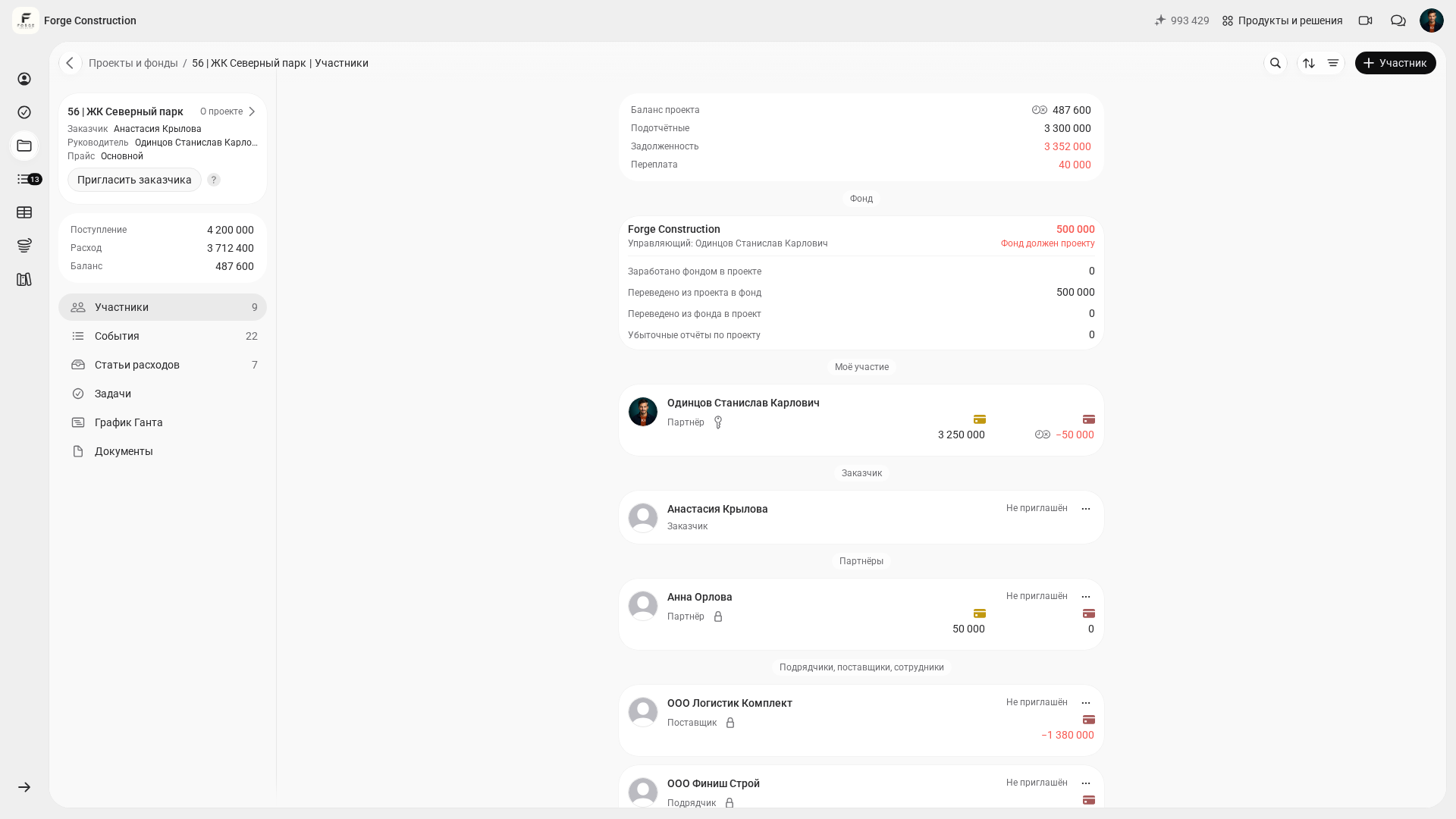
- A balance for each project: money received minus recorded expenses. Assess project profit separately by comparing the customer price with your cost.
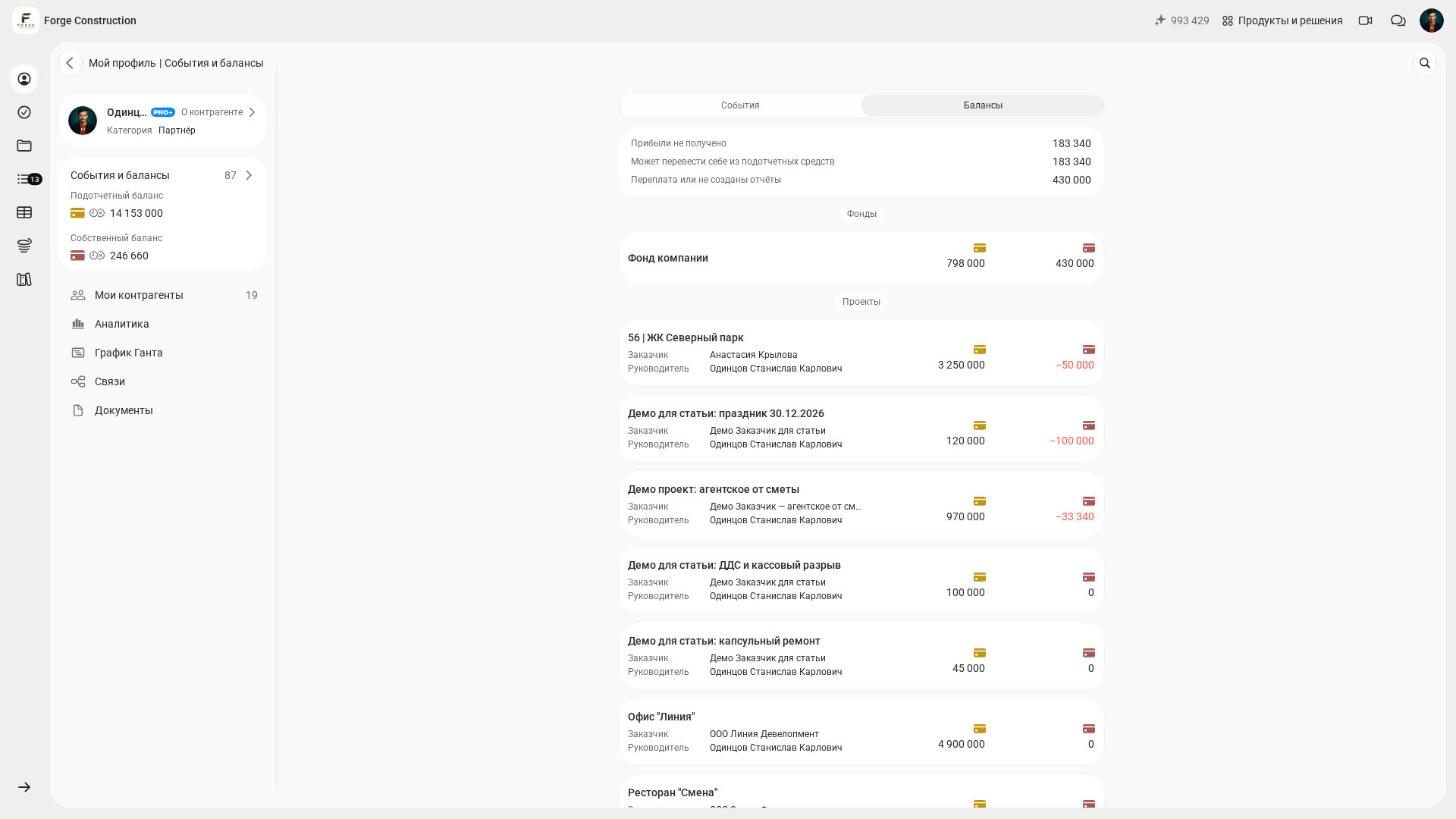
- A record of accountable funds: who received money, how it has been accounted for, and what still needs to be returned or reported.
- Planned and actual amounts for key expense categories: materials, work, delivery, rental and contractors.
- A regular review schedule: a brief check each week and a monthly summary.
- Organised digital source documents: receipts, acceptance certificates, contracts and project reports.
How to set up accounting in the 101 App: a short plan
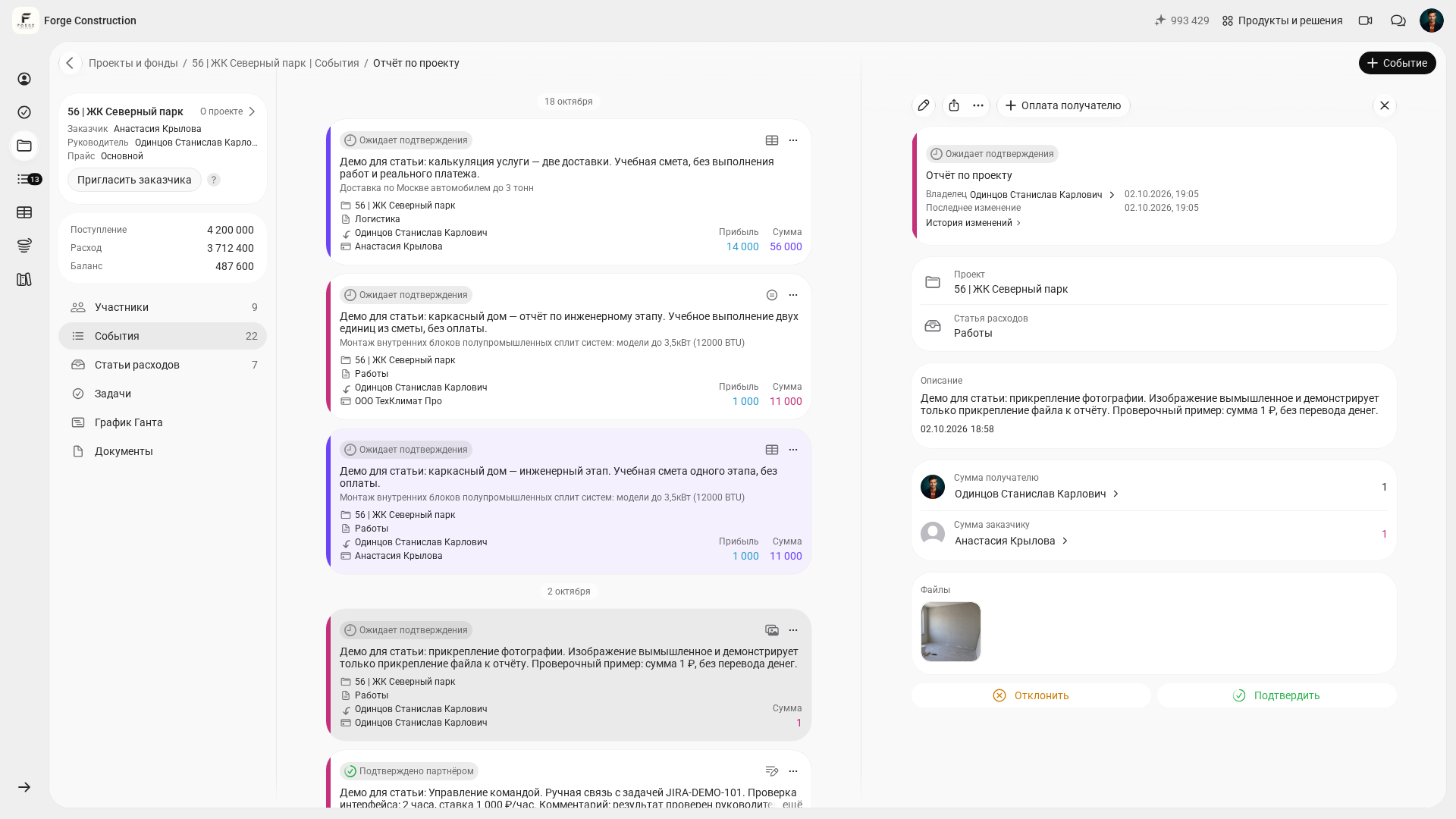
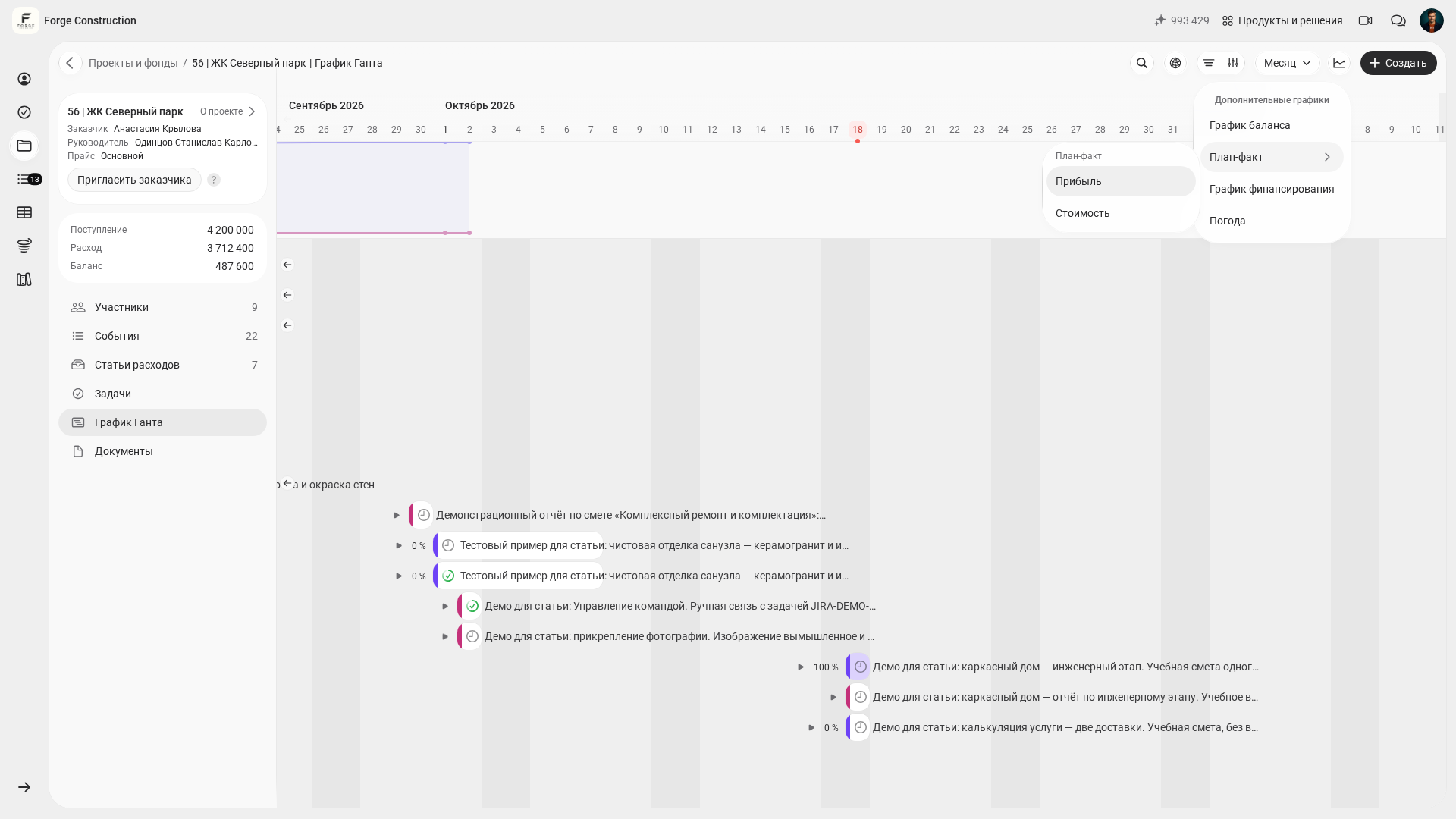
The 101 App helps you gather management accounting data from the field: record project events, scan receipt QR codes, store documents and view project analytics.
The implementation sequence is straightforward: first set up the structure, then make it a rule to record each actual transaction in the system on the day it happens, and finally establish a regular review schedule.
- Step 1. Define what counts as a project (a job, contract or order), and create projects in the system.
- Step 2. Assign people responsible for projects and add the participants who spend money and report on it (a site manager, procurement specialist or foreman).
- Step 3. Define the expense categories you need for management decisions. Start with 10–15 categories, then add detail.
- Step 4. Introduce a rule: record expenses immediately, add the receipt using a QR code or a photo, and link the event to the project.
- Step 5. Set up a process for accountable funds: issue funds, close out advances, and track outstanding amounts for each person.
- Step 6. Once a week, review balances by project and the list of questions for the team. Once a month, record the profit and profitability results.
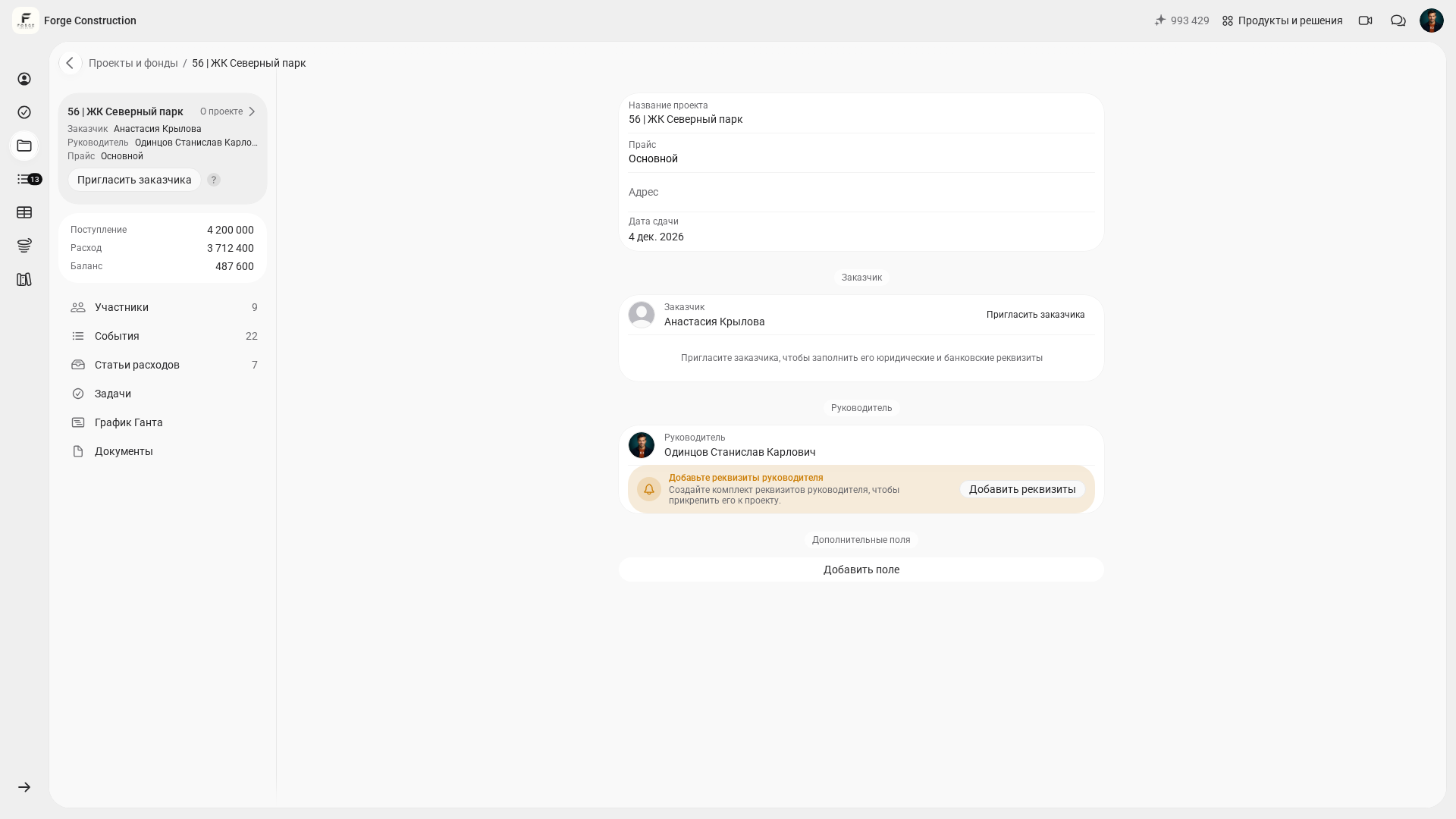
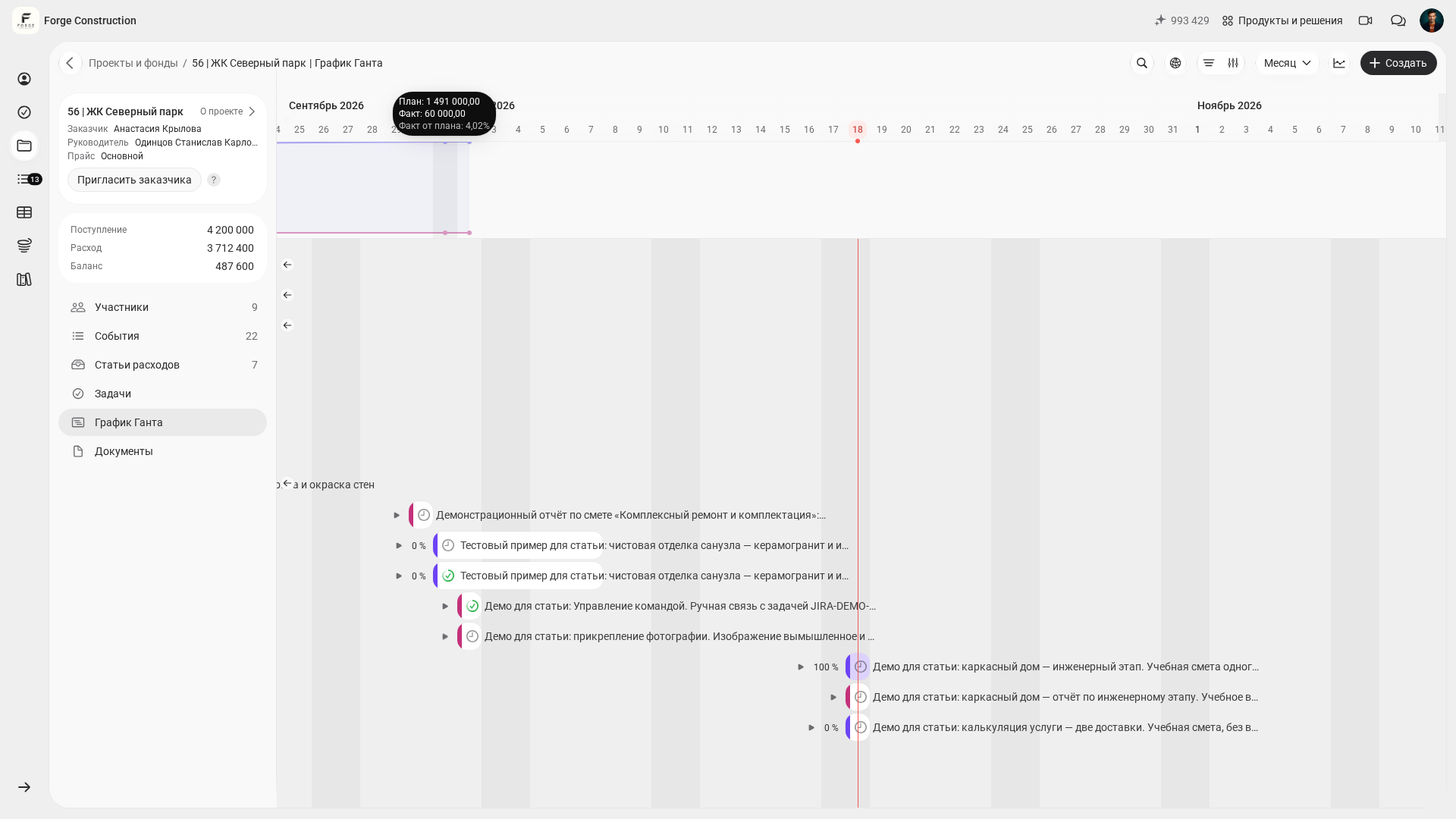
If you want to see quickly how this accounting approach would fit your processes, join a free presentation. We will show you where to find expenses, project profit and reports for business owners in the 101 App.
When to revisit CRM: signs you are ready
It is useful to return to the question “Do we need a CRM?” when accounting works reliably and you can see your projects' finances without manually combining spreadsheets. At that point, a CRM will support your work instead of becoming a separate project just to tick a box.
Check whether these signs apply:
- You can see how profitable each project is and understand what drives that result.
- Accountable funds do not remain outstanding for months, debts are clear, and decisions are based on facts.
- Inquiries have outgrown memory and messaging apps: several channels and several people are involved in handling them.
- There is a dedicated role responsible for sales and the quality of inquiry handling.
- You are ready to introduce consistent rules: what counts as a lead, when a deal is considered lost, and what response time is acceptable.
How to use CRM and accounting without duplicate data entry
One possible workflow is to manage the customer and deal in a CRM up to the contract stage, then manage the project and record its financial activity and work progress in the 101 App after the contract is signed. The 101 App has its own deals and pipelines. This division of work is just one option; consider your systems' capabilities and settings when choosing an approach.
To avoid duplicate data entry, decide in advance which system is the source of truth for each type of data. Keep contacts and communication history in the CRM, and project financial events and documents in the accounting system. These decisions are also the starting point for choosing a CRM against clear criteria; our blog has a detailed guide on how to choose a CRM for a construction or fit-out company (in Russian).
If you are unsure whether to tackle CRM right now, read “Do you need a CRM? Reasons to postpone implementation” (in Russian). It can help dispel the feeling that your business is falling behind without a CRM.