
Management accounting in construction often breaks down at the same point: money records and documents stay in chats, estimates sit in files, receipts remain in the glove compartment, and the profit summary is put together when it is already too late to influence the outcome. The owner ends up seeing the picture in hindsight and making decisions by instinct.
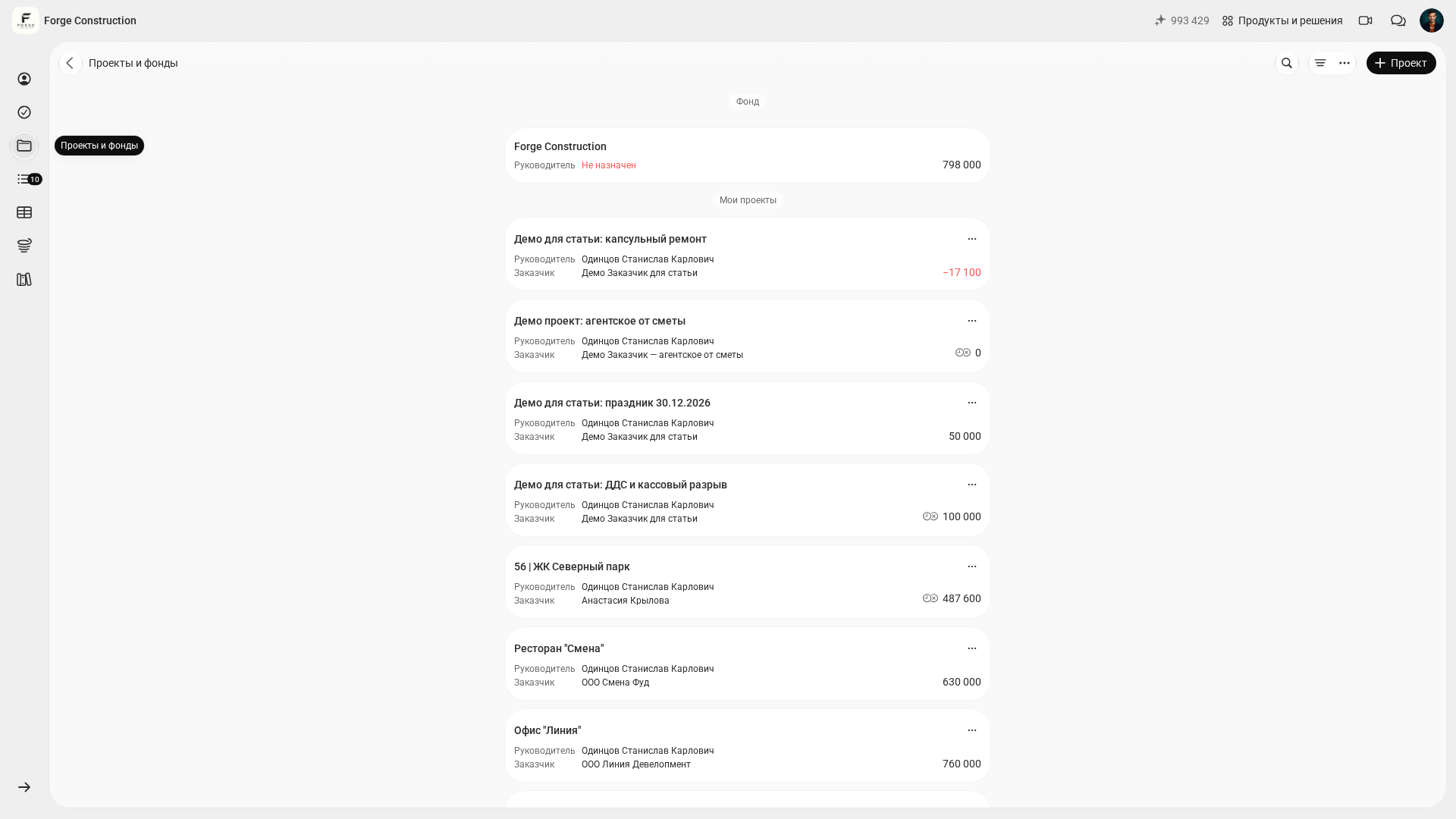
You can use the 101 App as a management accounting hub for construction projects: within a project, compare the financial balance, incoming payments, actual expenses and debts, while checking profit indicators separately. General company transactions can be recorded in the Company Fund without being assigned to a project. This combines project accounting with accounting for the company as a whole.
The web version provides a larger screen for working with projects, expense categories, the estimate-based plan and available reports. Your phone remains the place to record actual transactions on site: receipts, photos, events and accountable funds.
Contents:
- What counts as management accounting, and which figures matter most?
- Preparing to keep management accounts
- An example setup plan for one working day in the web version
- Keeping accounts day to day
- Reports for the business owner
- The Company Fund and checking financial indicators
- Quality control: a quick weekly check of the figures
What counts as management accounting, and which figures matter most?
When the goal is simply to “keep management accounts”, it is easy to get lost in endless detail. It is more useful to ask three questions that the accounts should answer every week: how much money is available for upcoming payments, how much the projects have earned, and who owes whom.
This gives you three reference points: cash flow (actual movements of money), project profit indicators (P&L, or a profit and loss statement for management purposes), and debts (receivables, payables and accountable funds). To assess upcoming payments, compare the actual balance separately with a plan of incoming and outgoing payments. The 101 blog discusses how to think about these reports in its guide to the cash flow statement.
Project accounting rules need to reflect the context of each transaction: assign incoming payments and expenses to the relevant project or to the Company Fund. Choose a suitable expense category and retain supporting information for expenses. Reports can then rely on actual transactions and clear accounting rules.
Preparing to keep management accounts
Before setting up the web version, agree on a few simple definitions. As a starting organisational rule, you can treat a site or an individual contract as a project: an apartment, house, commercial property, design project or designer supervision assignment. Apply your chosen approach consistently so that different projects’ money is kept separate, even when a purchase is shared and paid in one amount.
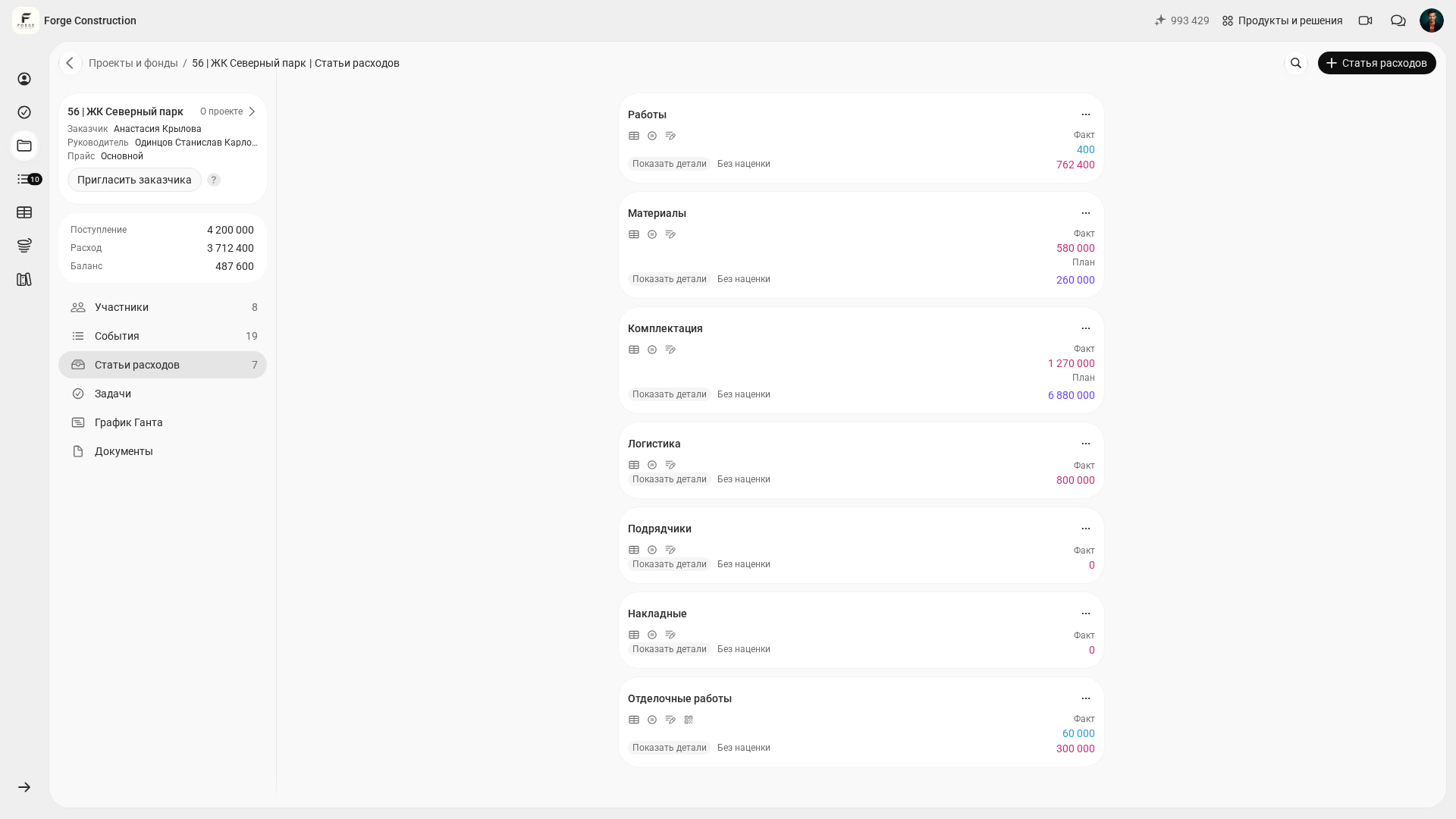
Next, you need expense categories. Avoid trying to build a full accounting chart of accounts straight away. As an initial guide, you can choose 10–15 broad expense categories and define incoming-payment rules to apply consistently across projects. There is a separate guide to allocating expenses by category (in Russian).
The third layer is roles: who creates the project and estimate, who records purchases and receipts, who confirms accountable-fund reports, and who reads reports and makes decisions. Roles matter more than any settings: when responsibility is unclear, accounting drifts back into chats.
Finally, agree on “when something counts as an actual transaction”. Distinguish completed work or incurred expenses from movements of money. An estimate describes a plan; a report and supporting documents describe actual work or expenses; incoming-payment and transfer records describe money movements. An invoice or acceptance certificate does not itself confirm payment. Reconcile the project, stages and payments as different aspects of the accounts. This approach is discussed in financial accounting for a company’s income and expenses.
An example setup plan for one working day in the web version
Below is an example plan for the initial setup of management accounting in the 101 App over one working day. The actual time depends on the number of projects, the readiness of the source data and the team’s agreed rules. In the web version, you can prepare the accounting framework: projects, expense categories, a price list, estimate templates and participant permissions.
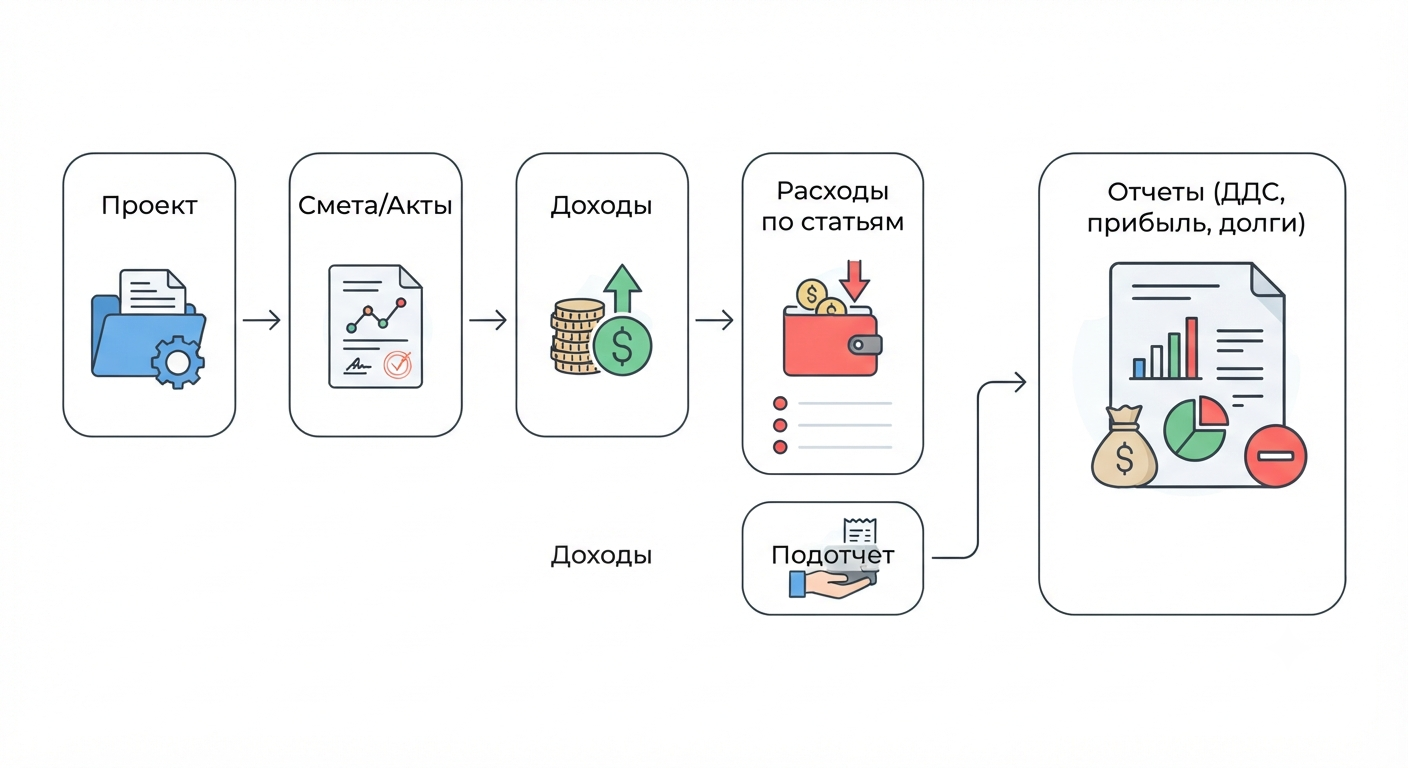
The following sequence covers the basic setup:
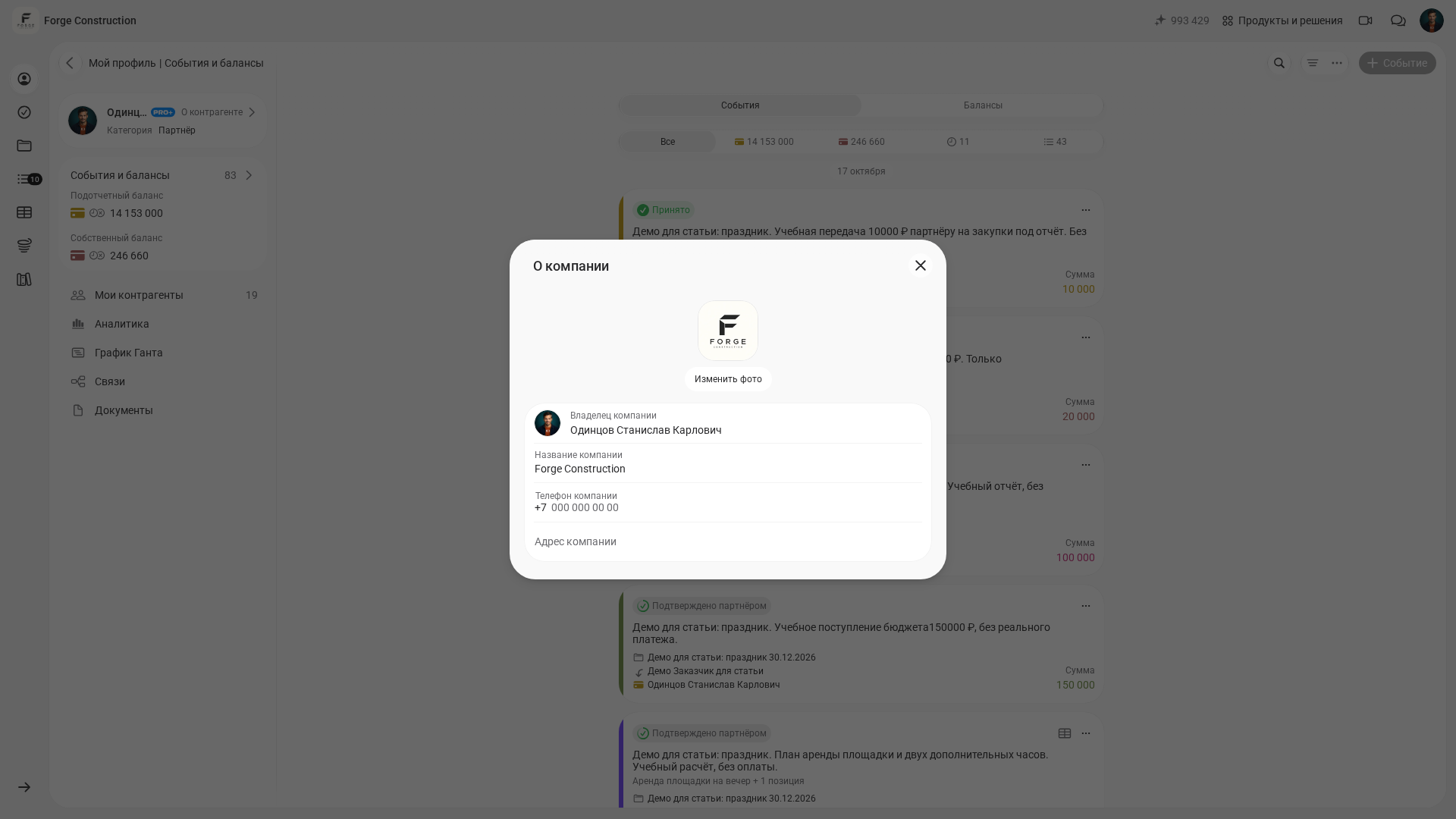
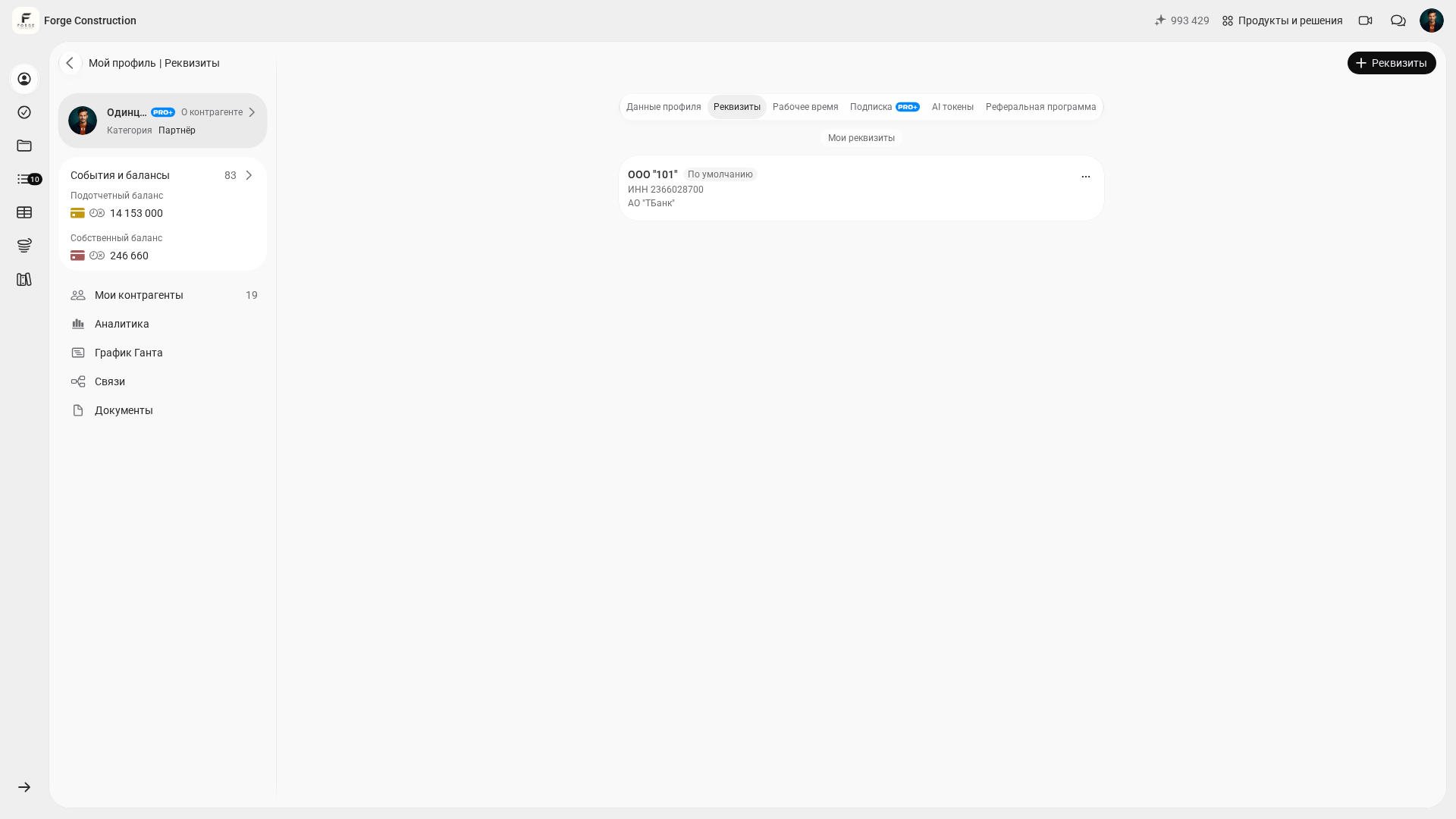
- Create the company and check its name. Prepare up-to-date profile details and the document templates you use.
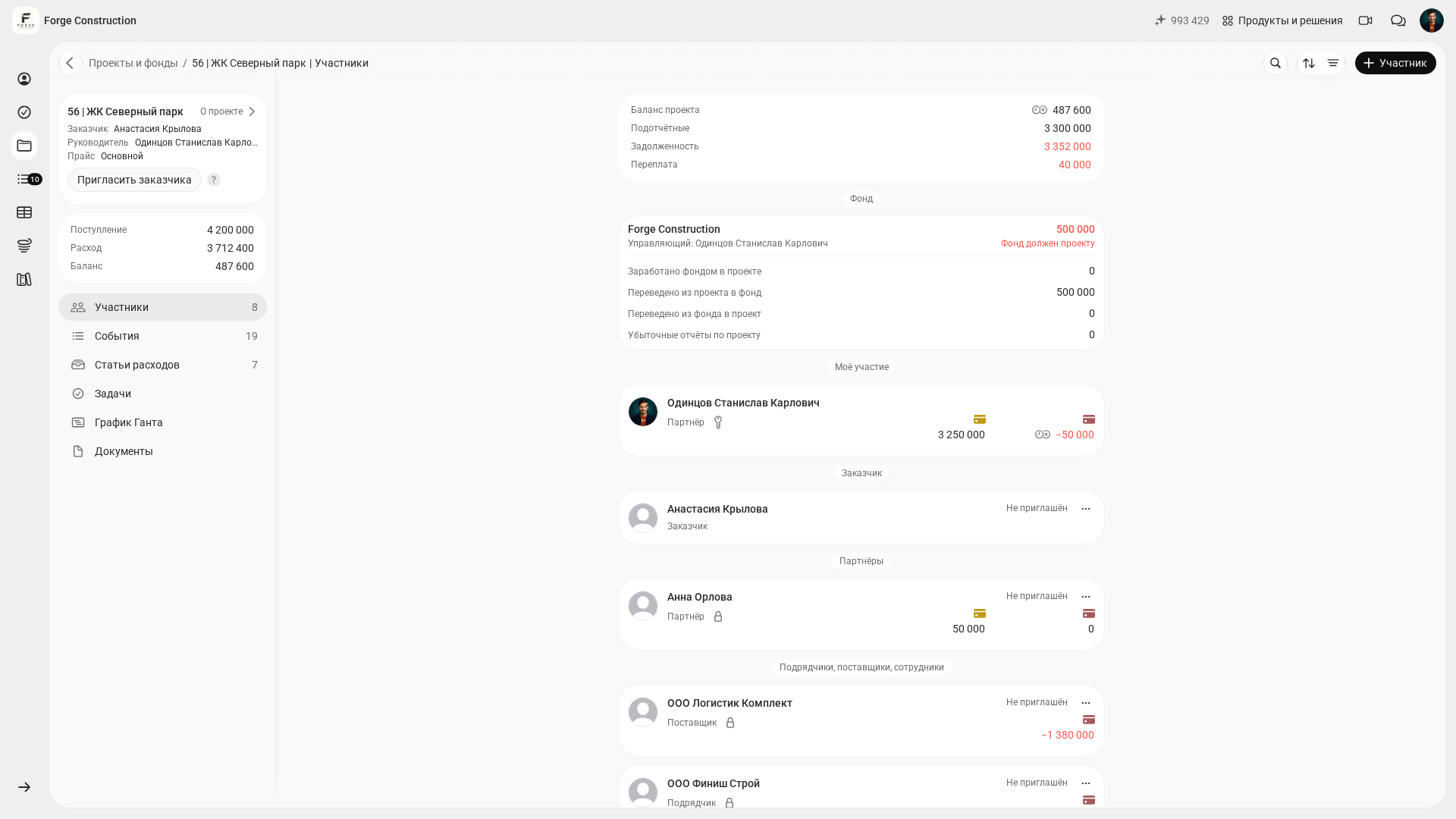
- Set up projects for your current sites. You can start with the rule “one contract — one project” and apply it consistently throughout the company.
- Add customers and contractors, and check the counterparty in payments and documents.
- Set up broad, clear expense categories and define the rules for recording incoming payments. These rules make analysis comparable.
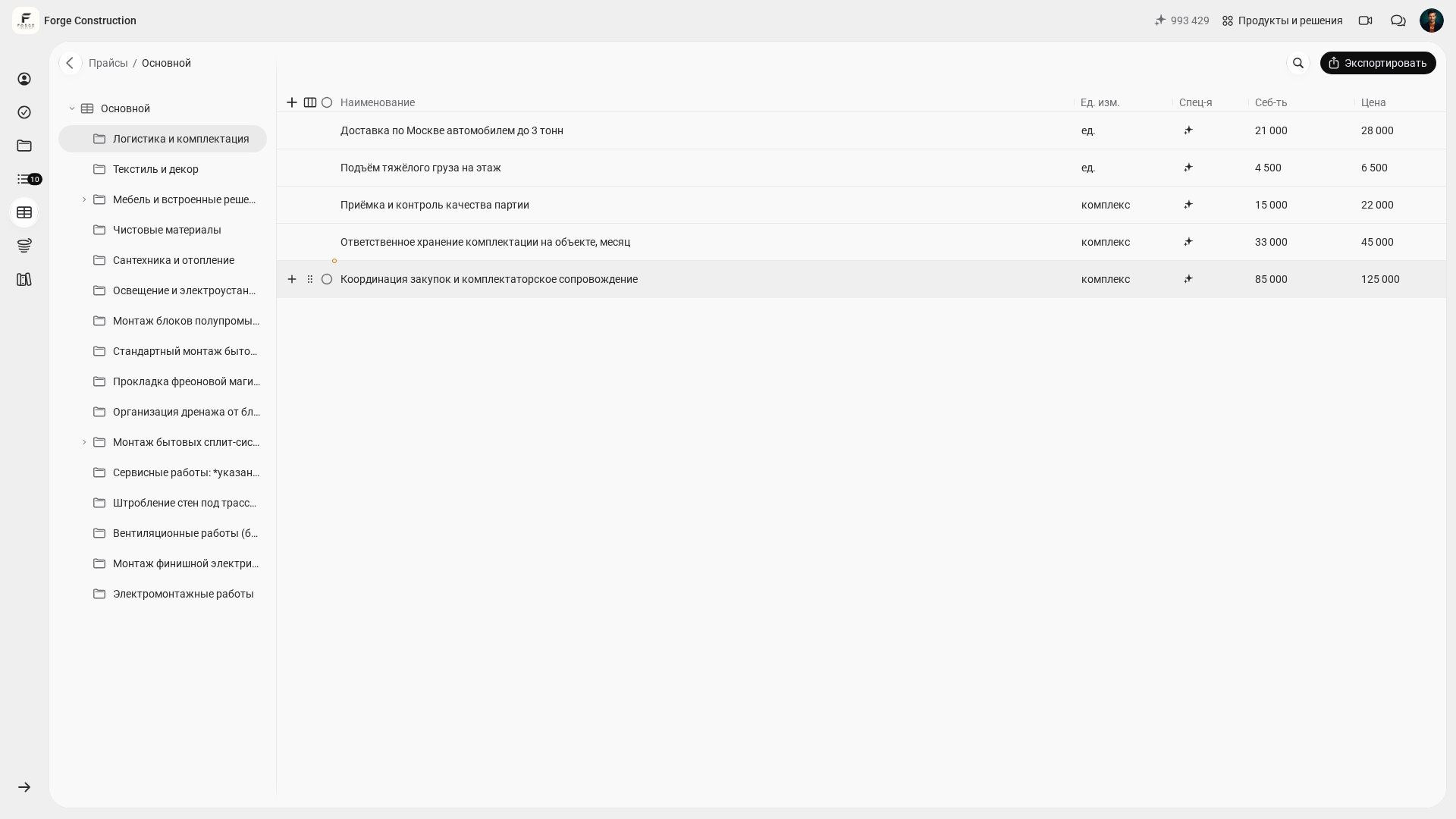
- Prepare a price list or estimate templates so that estimates follow a consistent calculation approach.
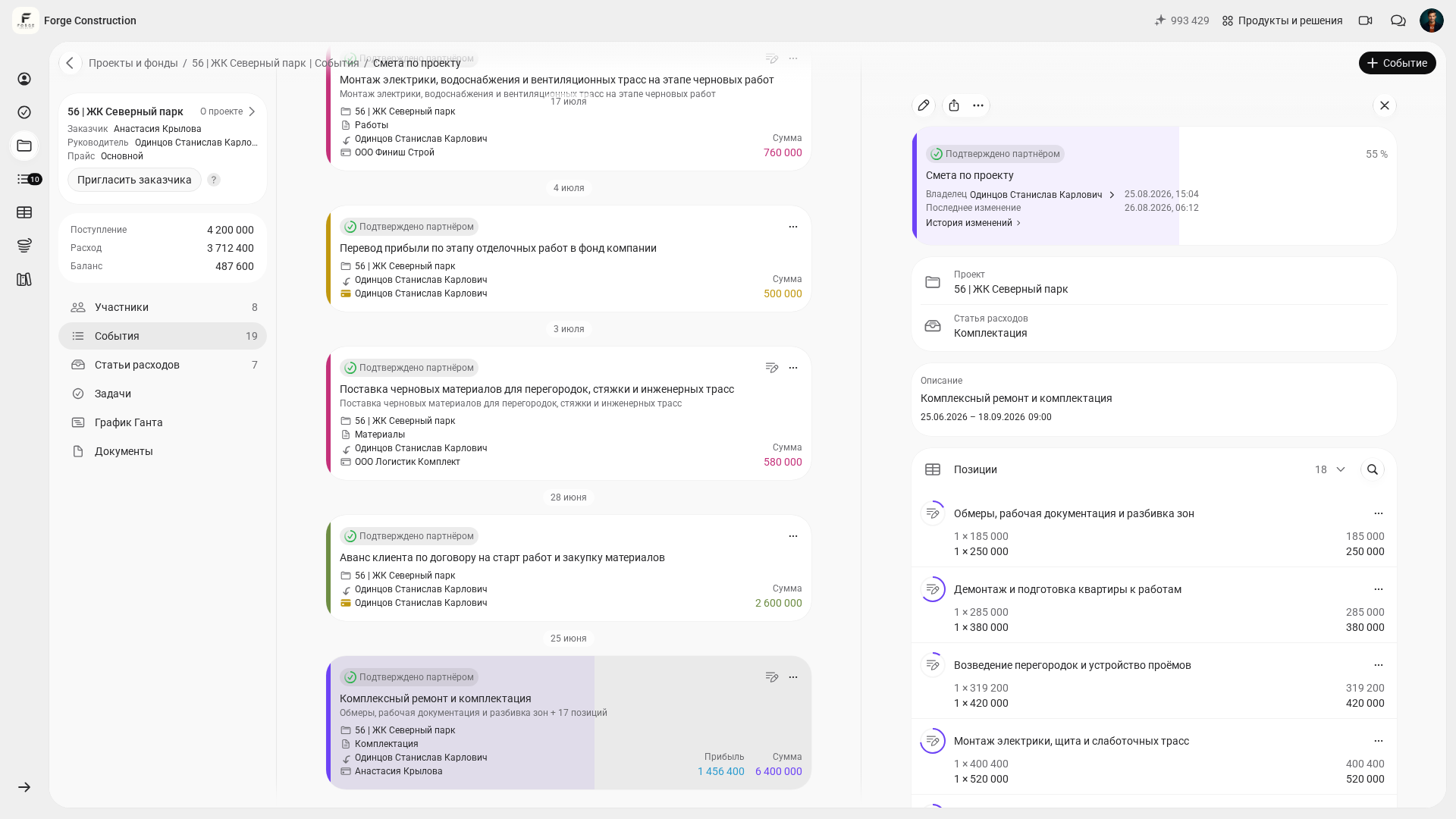
- Build the project plan through an estimate to provide a basis for comparing plan and actual results.
- Define team roles and the rules for recording actual transactions: purchases and receipts are entered on the day of the transaction, accountable funds are reconciled against documents, and incoming payments are checked against the agreements for each stage.
- Set aside around 30 minutes for an initial check: open one project and check the plan, actual transactions, balance, people responsible for the data and supporting documents.
Keeping accounts day to day
Once the framework is ready, accounting becomes routine. In the 101 App, two approaches simplify that routine: actual transactions are recorded where they happen, and documents are stored alongside the transaction. Each project can then be opened like a case file, without maintaining a separate archive in messaging apps.
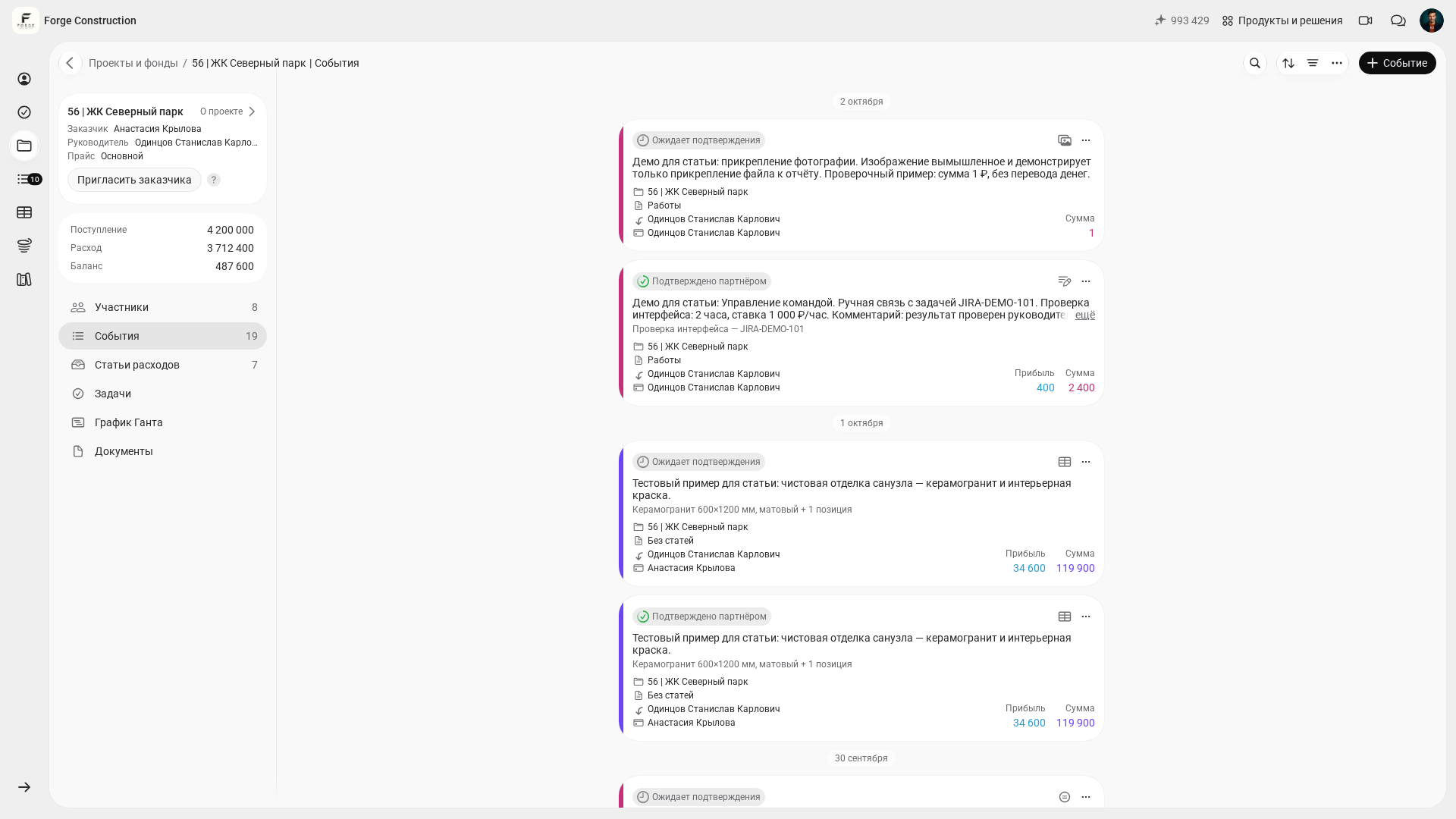
Expenses are conveniently recorded on site with a category, a project or the Company Fund, a comment and supporting documents. Keep the receipt or photo alongside the report. Before using the data in the accounts, check the amount, recipient, project or Company Fund, and expense category. An attachment alone does not replace checking the document and confirming the report.
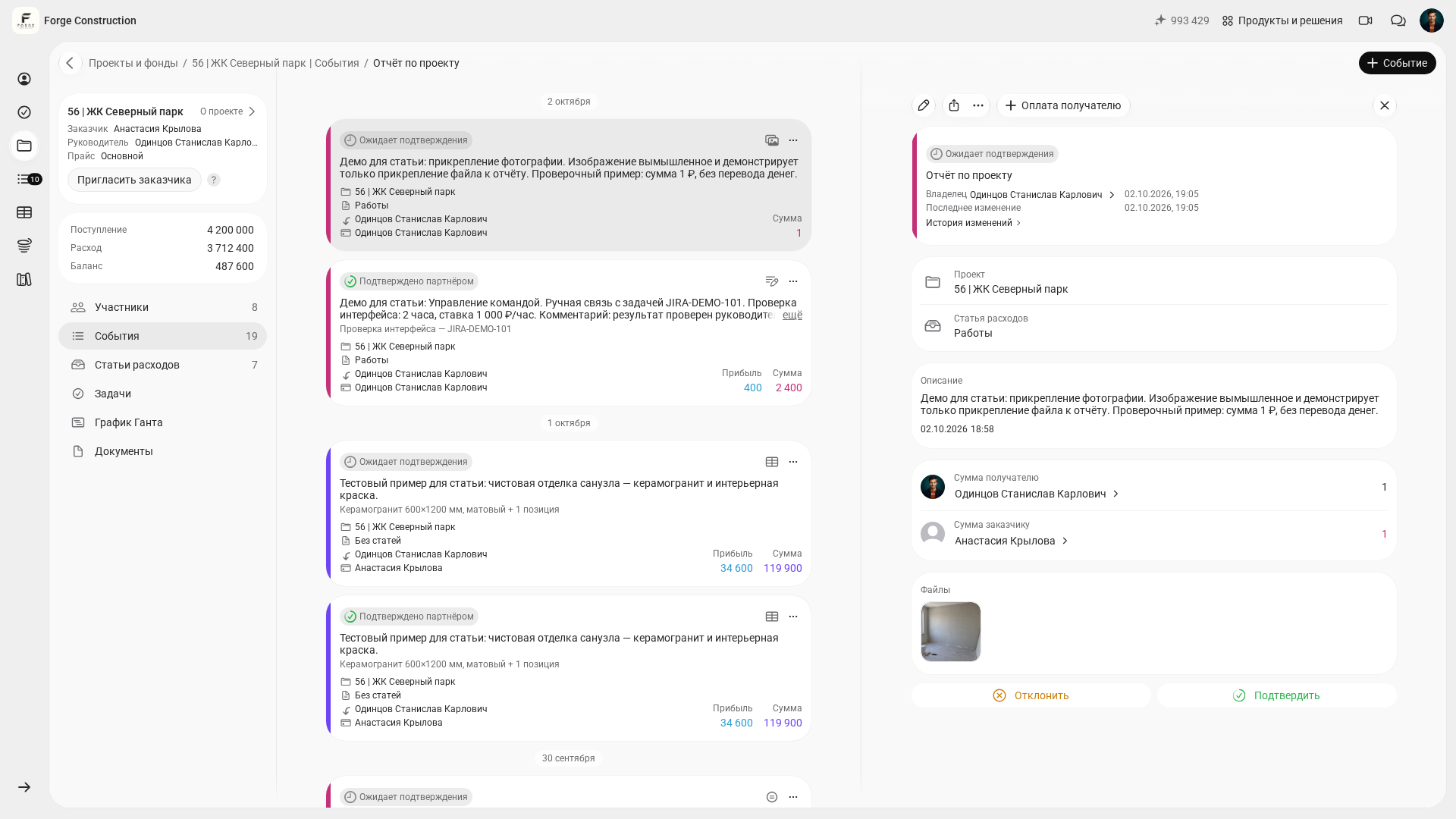
Accountable funds undermine the accounts when they are tracked only “in your head”. To check them, reconcile how much was advanced, what it was spent on, what is supported by documents and what needs to be returned. The completeness of the picture depends on the transactions entered and the documents checked. The approach is explained in how to account for accountable funds (in Russian).
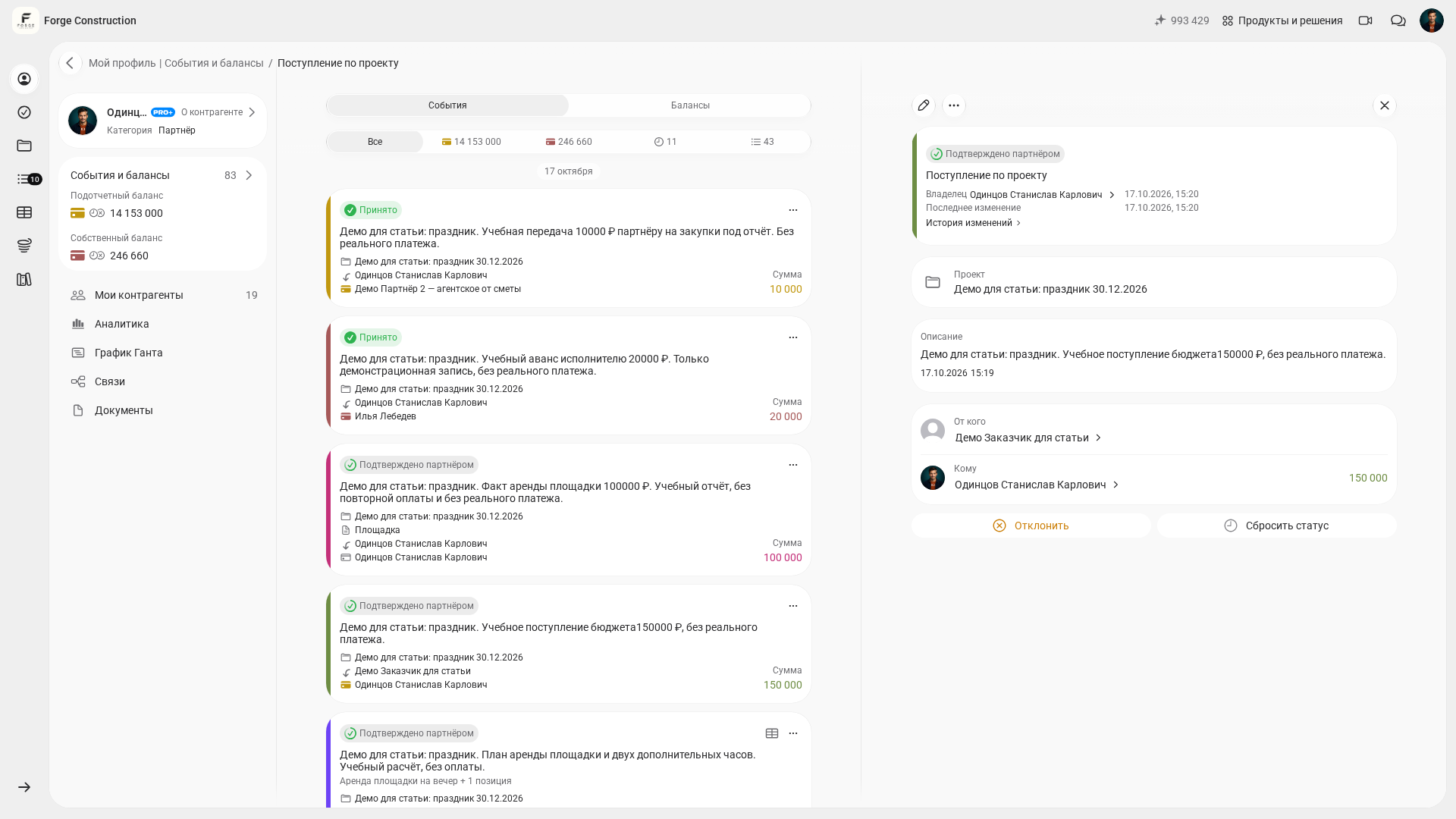
Income also requires discipline. Assign the customer’s incoming payment to the correct project, and specify in the description and documents which contract or stage the payment concerns. Reconcile the estimate, report and incoming payment as separate records. This makes it easier to match an overall payment to the work actually completed.
Reports for the business owner
In the web version, you can study reports on a larger screen and compare the available project indicators. A practical guide for a short check is to answer one management question in 10–15 minutes when the data is prepared. The actual time depends on the completeness of the accounts and any discrepancies found.
A cash flow statement of actual transactions shows receipts and payments that have already occurred during the selected period. To assess whether there is enough money for upcoming payments, compare the current balance separately with a plan of future receipts and payments. A money-movement chart alone does not establish future payment dates. To refresh the basics, keep the guide to how a cash flow statement works at hand.
Checking profit indicators answers the question “how much have we earned?” for each project. For your assessment, compare the price of work for the customer, its cost, the markup and the allocation of shares based on confirmed transactions. Check incoming money and available balances separately: an estimate, an expense report and a money-movement record reflect different aspects of accounting. Complete documents and correct categorisation help produce a reliable result.
Debts bring together things a business can quietly lose track of: unpaid stages, outstanding advances, payables and accountable funds. If you read reports once a month, debts become “surprises”. If you read them weekly, they become a task list.
The Company Fund and checking financial indicators
Once you have several projects, a layer of costs appears “outside the sites”: rent, administration, advertising, office salaries and shared services. Without separate accounting for these expenses, project profits look more favourable than the company’s actual position.
The Company Fund lets you record general expenses separately from projects. In the Fund’s Analytics section, you can view operating expenses for a period; the Fund’s Profit and Loss section is available for profit from projects. Compare indicators for the same period and take your access rights into account. These features help you check the company-wide picture; your own analysis starts with a clear question and verification of the source data. The Help guide explains how to analyse company expenses and profit and export data (in Russian).
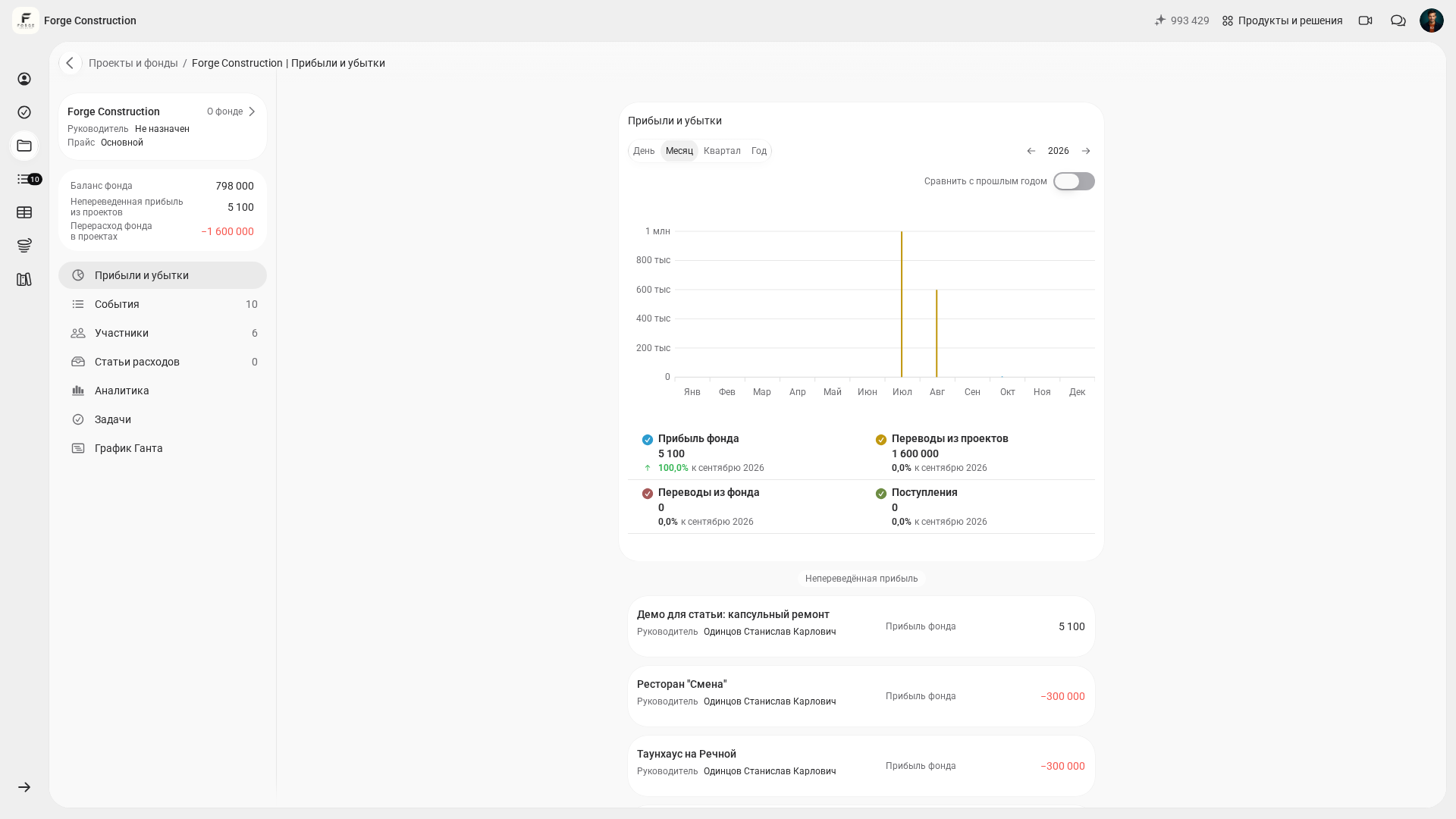
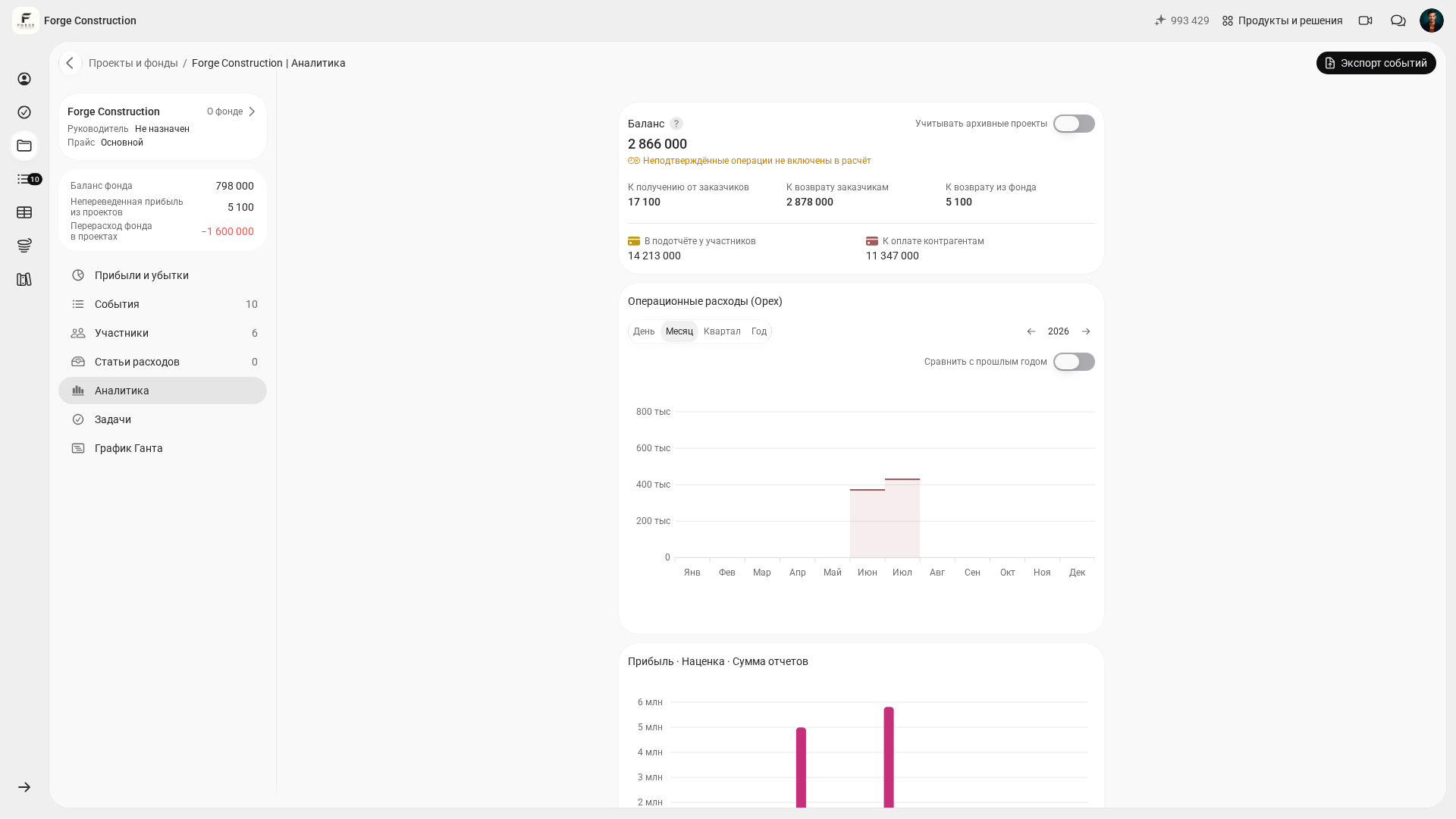
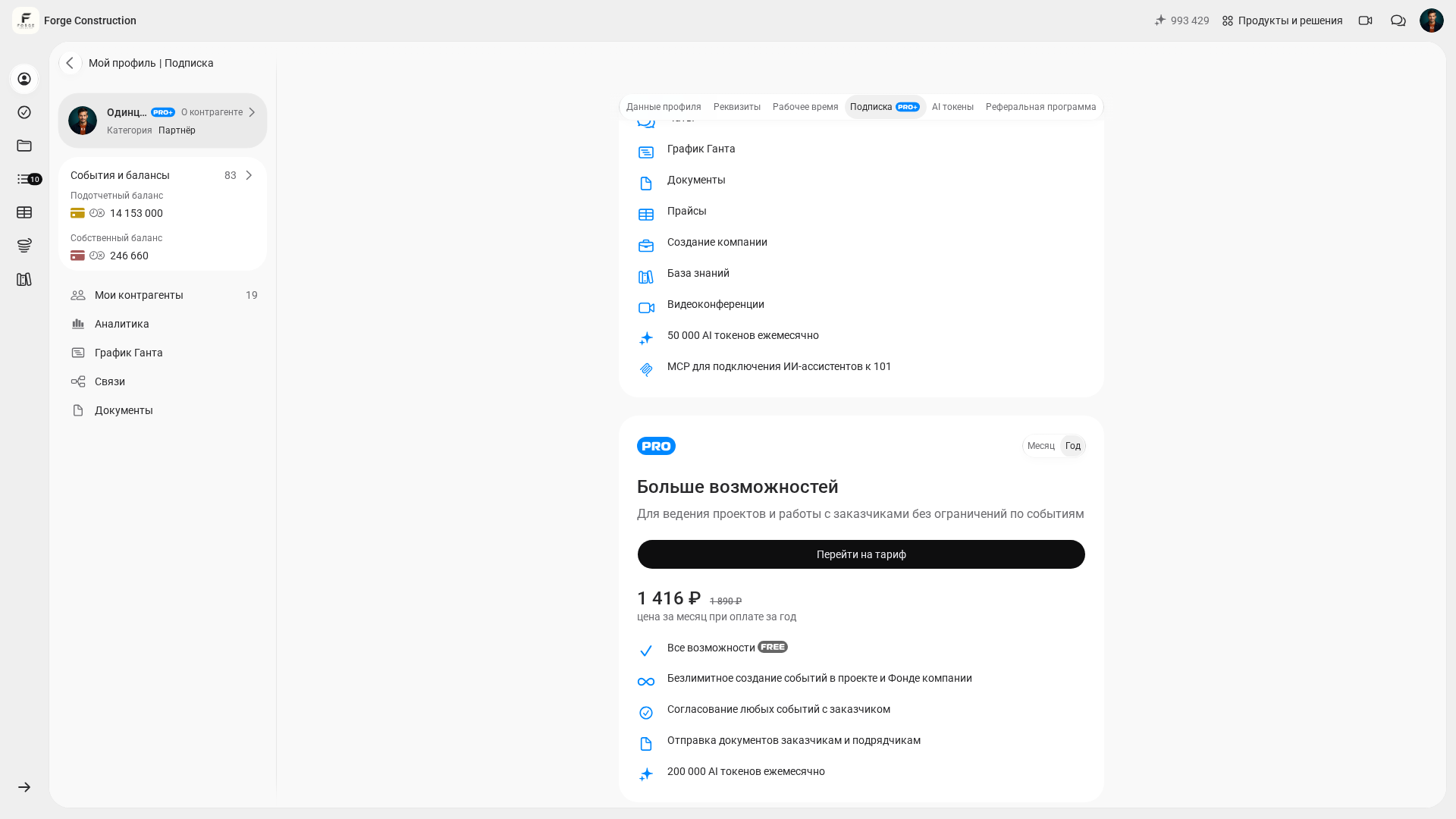
Checking company finances is particularly useful when the team regularly enters actual transactions and the owner needs a view of the whole company, including general expenses. Check the features and limits of Pro and Pro+ in the Subscription section of your account. Subscription terms and company access rights are checked separately. For the business logic behind analysis, see how to set up a business analytics system (in Russian).
Another sign of maturity is working capital management. If money is tied up between paying for materials and receiving payment from the customer, compare the current balance with the plan of near-term receipts and payments to assess the risk of a cash flow gap in advance. Useful reading includes cash flow gaps in construction and a company’s working capital.
Quality control: a quick weekly check of the figures
The accounts can look complete while still containing errors. A short weekly check is therefore useful: for an initial pass, you can choose 3–5 projects and compare the figures with the source records.
For the first check, you can use 10–15 minutes per project as a guide; the actual time depends on the volume of transactions and the discrepancies found. Check how much the customer has paid, which expenses have been recorded by category, how profit indicators were calculated and who has not yet accounted for advanced funds. This approach is described in a management accounting audit.
If you find discrepancies, improve the accounting process: clarify the expense category, make the information required for an expense record part of the team’s rules, restrict who is allowed to spend money where necessary, set a receipt-submission deadline and agree on the format of expense comments. Check the result against source documents.
To see the management accounting approaches companies choose and how the tools differ, the top five management accounting apps (in Russian) comparison is useful. If your accounts still live in Excel, bookmark how to keep expense records properly (in Russian) and tracking expenses in Excel to compare the discipline and effort involved.